nfc · qr · 3d-printable · any phone reads it · android writes it
~ Tilde
Tilde makes everyday things you can tap or scan.
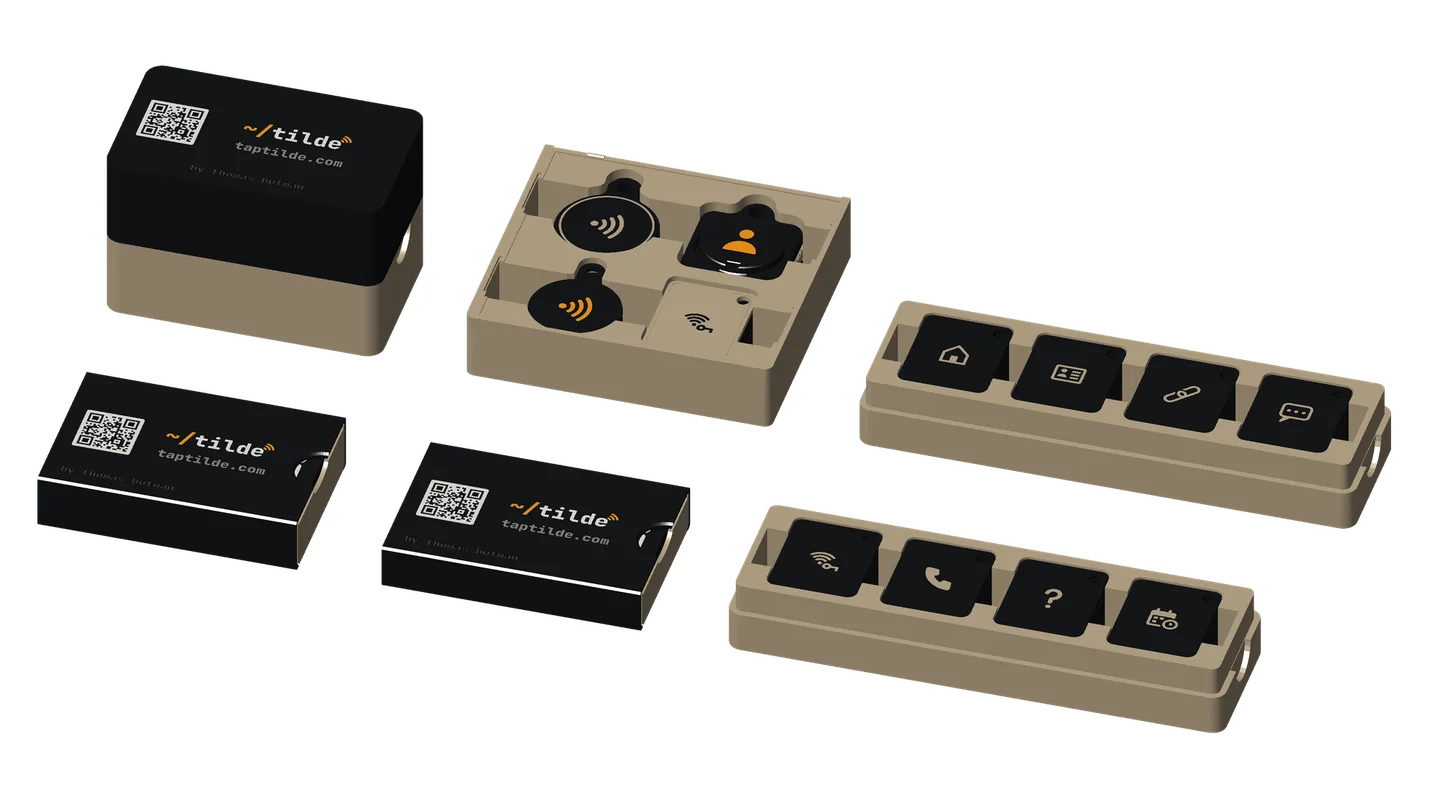
Hold your phone to one, or point its camera at the code, and your phone does something useful: it saves a contact, joins the Wi-Fi, opens a link, books a meeting. You print them yourself, then choose what each one opens with the Tilde app.
what it’s for
the family
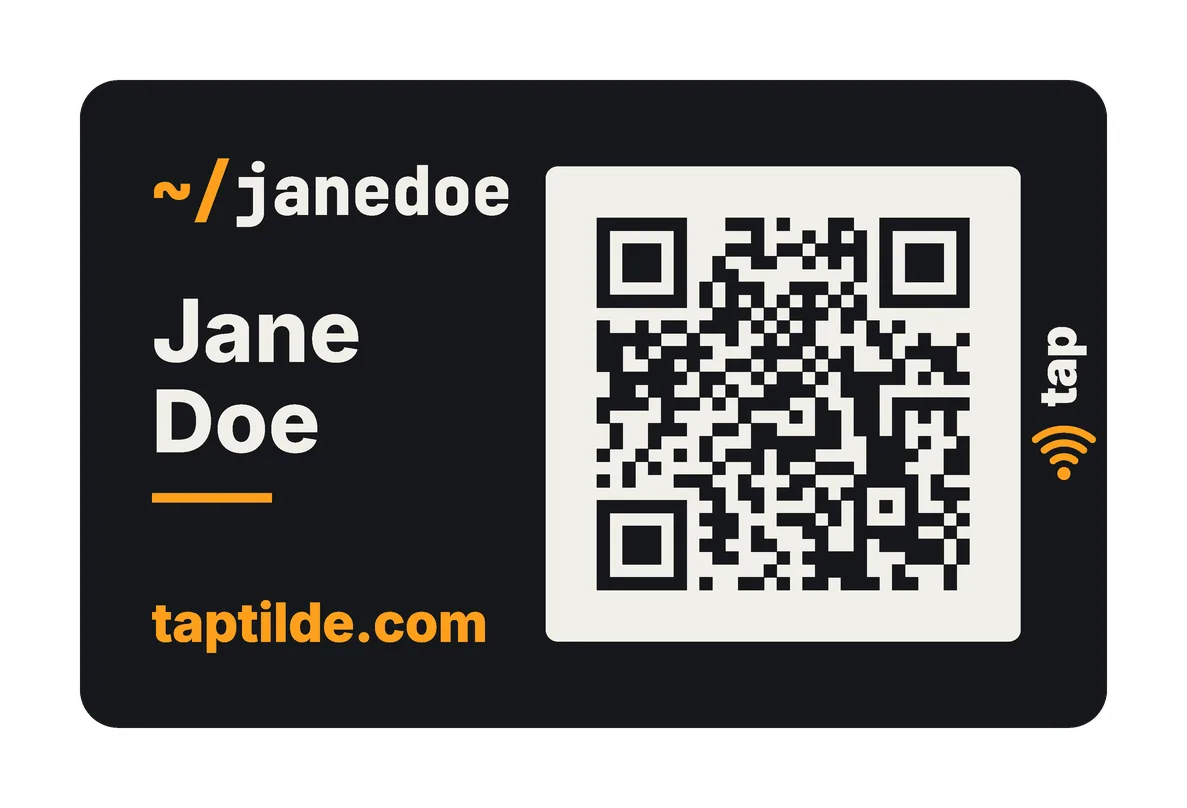
- Cards →The Tilde Card, a business card with a QR code on the front and an NFC sticker inside.
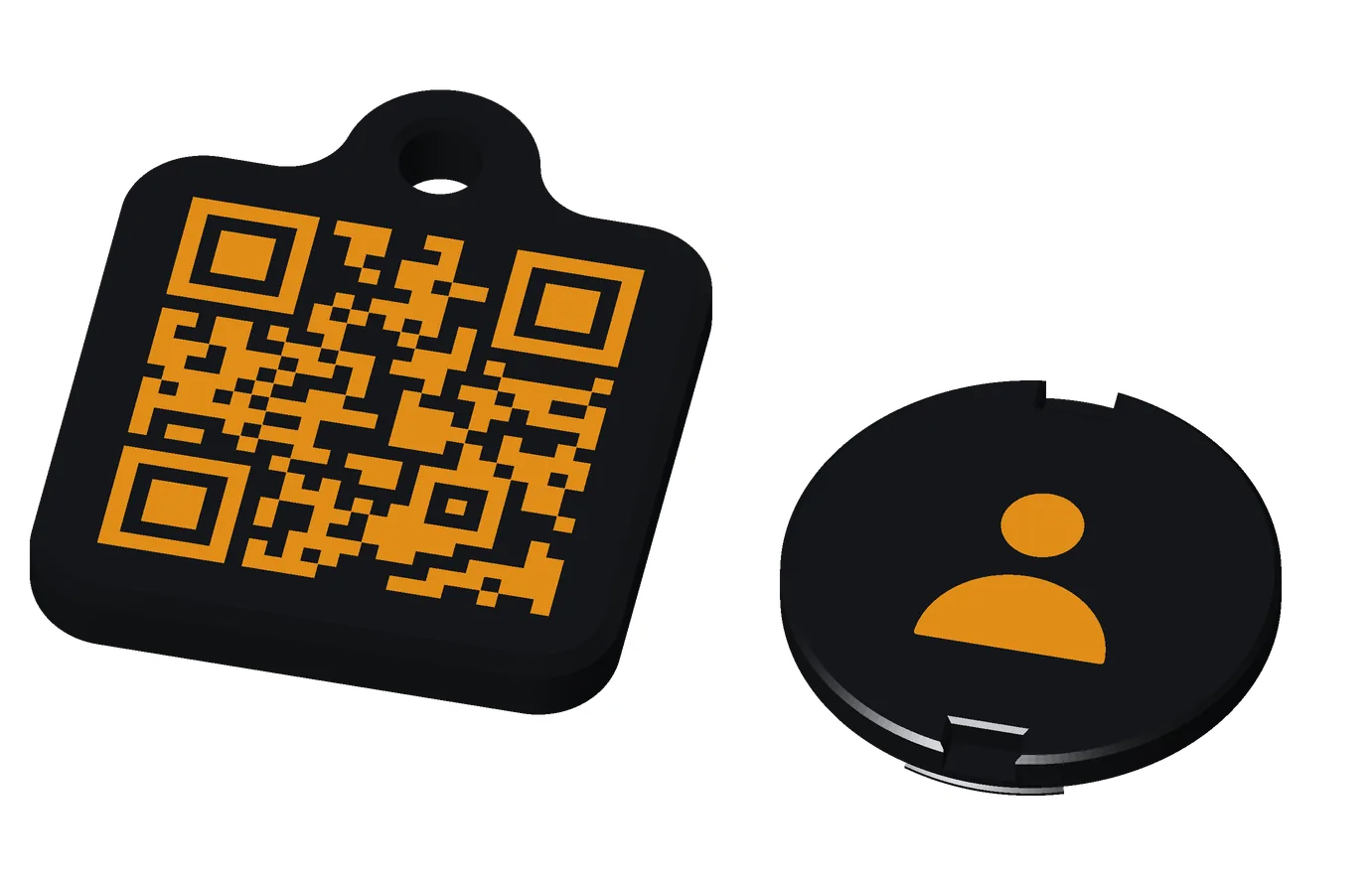
- Fobs →Coins and tags for your keys, in Base and Premium, and the Special Edition: Retro handheld.
- Home & desk →The sticky note and the grocery list for the fridge, the Wi-Fi coaster, the calendar, the Tilde Stand and the Stand Mini.
- The app →Tilde for Android, which writes what each one opens, and puts your card on your phone.
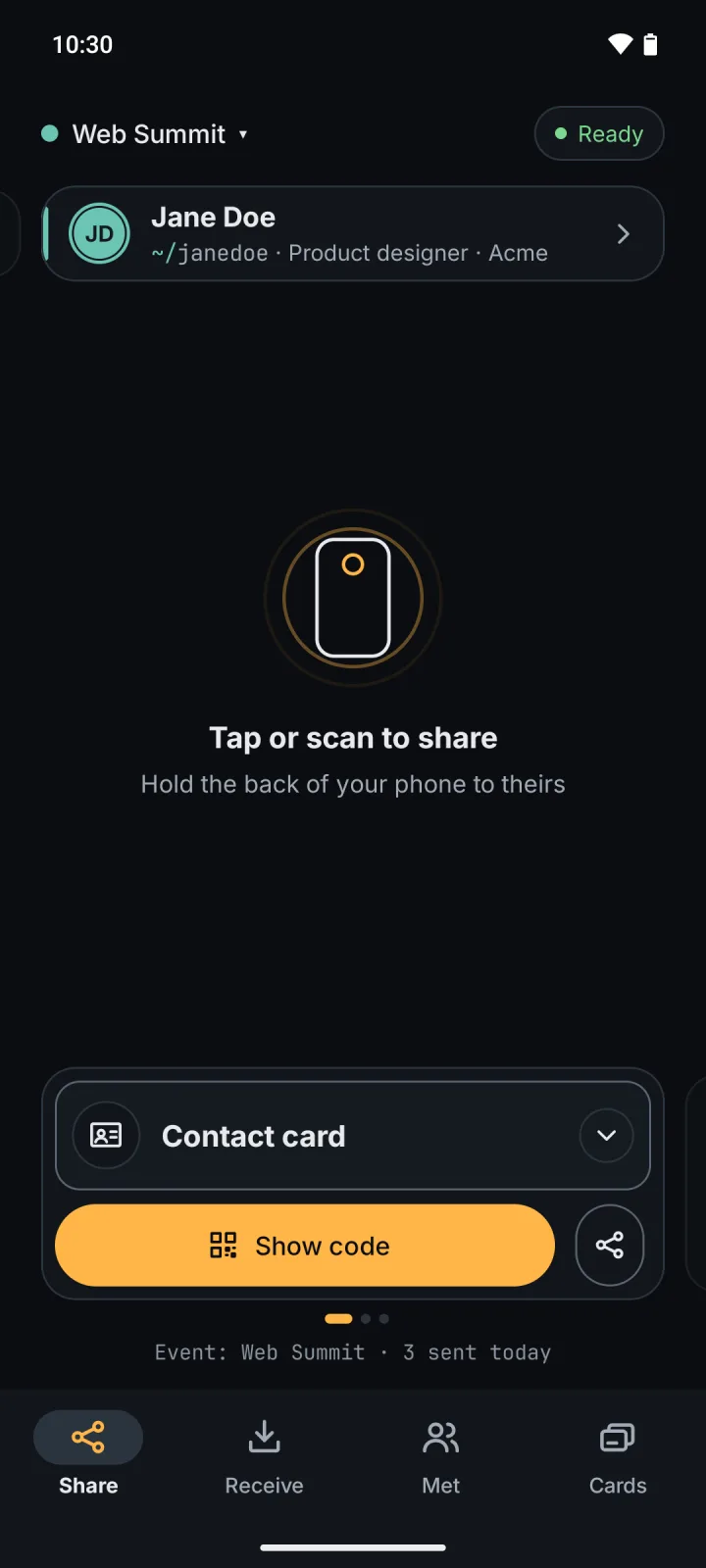
Print a few, tag everything. Any phone reads them; the app writes them. Tilde is Android only for now, and your iPhone reads every tag.
how every tilde works
- Scan: any phone’s camera reads a printed code. No app needed.
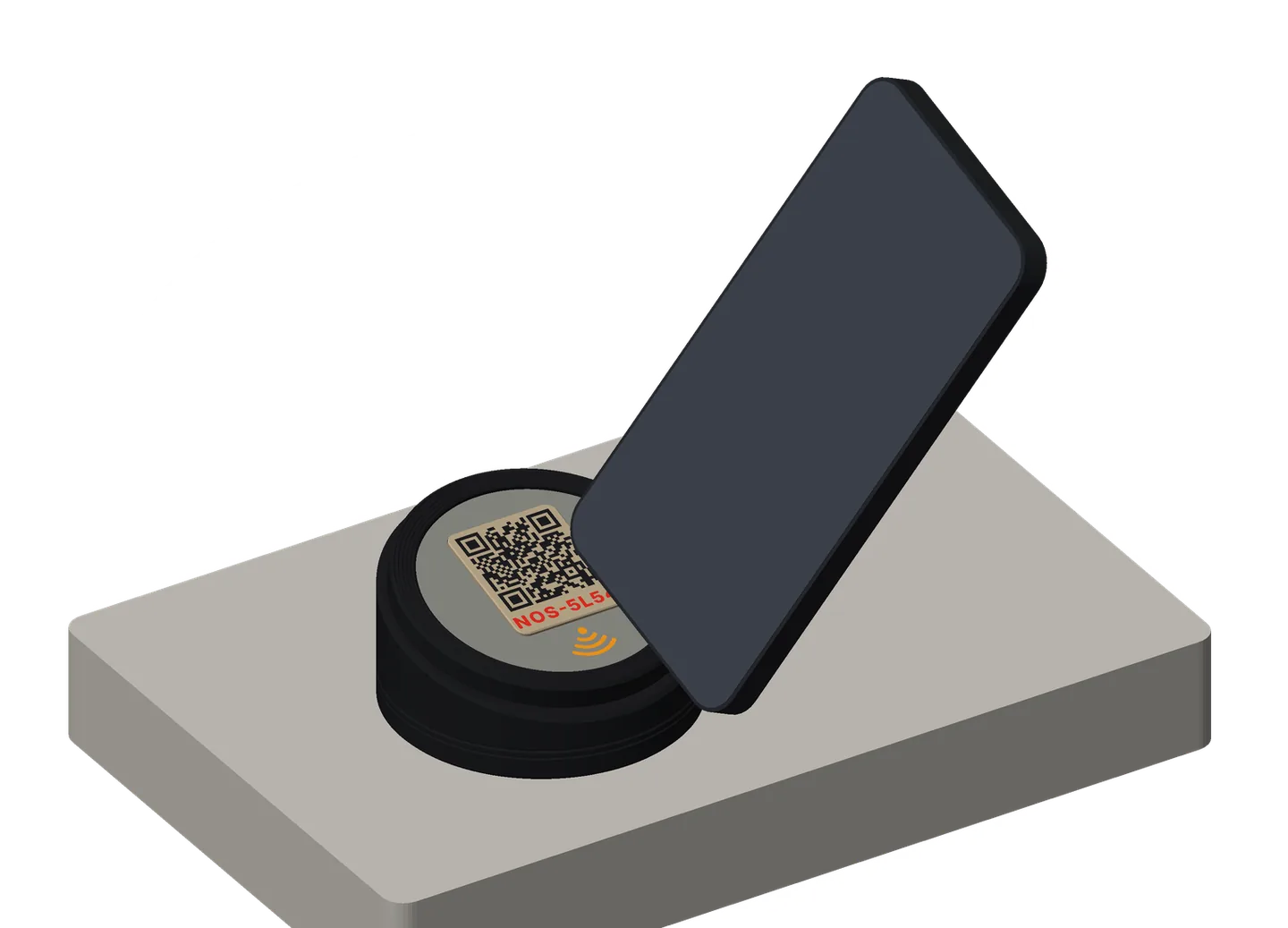
- Tap: an NFC sticker sits inside, under the tap icon. Hold the back of the phone flat on the icon, within 1–2 cm.
- iPhone XS or newer: reads a tap with the screen on, with no app and no setting. A link comes up as a notification. Not while Camera or Wallet is open.
- iPhone 7 to X: open the NFC reader in Control Center first.
- Android: NFC must be on, and the phone unlocked. A link opens. A contact card offers to save it. Guest Wi-Fi offers Connect.
- Write: the sticker can be rewritten any time, through the plastic.
- Android: Tilde for Android’s Write a sticker. It writes a link, your contact card, or your guest Wi-Fi. Notes and lists, and a package tag, are coming in the next app update.
- iPhone: Tilde is Android only for now. To write a link from an iPhone, use the free NFC Tools app.
- What an iPhone does with a tap:
- A link: opens it.
- A contact card: if iPhone users will tap it, write a link instead (your website or a contact page): iPhones open links from a tap. To save your contact, an iPhone scans your phone’s code.
- Guest Wi-Fi: an iPhone joins by scanning the Wi-Fi code.
- A note or a list (coming in the next app update): a tap opens the note page, with no app.
- A package tag (coming in the next app update): a page says what the tag is. Only its owner’s phone opens the package list.
- Which sticker: a round NFC sticker, 25 mm. An NTAG216 holds a full contact card; an NTAG215 is fine for a link or your guest Wi-Fi. Search “NTAG216 25mm round NFC sticker”.
- Anything on a sticker or a printed code is public: anyone who taps or scans it can read it. Write only what you’d put on a poster.
make your own
- Get the files: every model is free on GitHub, at github.com/tbutman/tilde-card: MIT in the repo, CC BY 4.0 on MakerWorld. Open a model in OpenSCAD’s Customizer, type your settings (your link, your colors, your icon), export it, and print it with the steps in PRINTING.md.
- In color: export a 3MF, not an STL: the colors are flush inlays, and an STL merges them into one plain piece. A recent OpenSCAD development snapshot keeps the colors in the 3MF; open it in Bambu Studio and choose the process again.
- MakerWorld’s Model Maker is the same customizer in your browser: you change the settings and download a 3MF that’s ready to print. The Tilde listings on MakerWorld aren’t public yet; when they are, each product links its listing here.
- You’ll need a 3D printer (a multi-color one, such as a Bambu Lab printer with an AMS, for anything in more than one color), PLA, and round NFC stickers. Each product’s What you need lists the rest.
- Printable now: the Tilde Card, the fobs, the Retro handheld (Base), the sticky note, the grocery list, the calendar, the Wi-Fi coaster and the Tilde Stand. Coming soon: the Stand Mini’s files, and the Premium handheld. Writing notes and lists from the app comes in the next app update.
No 3D printer? Ask a friend or a makerspace (most have one), or pick one up at the Tilde booth at Web Summit, Lisbon, November 9–12.
the tilde booth
Web Summit, Lisbon, November 9–12.
Four short tours of everything Tilde makes.