free · open source · 3d-printable
~ Tilde Card
Countless designs. Make your own.
This is the Tilde Card: a business card you print yourself, in a design you put together. Scan its code and your website opens. Tap it and the phone gets whatever you wrote to the NFC sticker inside: your link, or your whole contact card if it fits. Pick a front, a back and your colors: the combinations are countless, and the cards here are a few examples.
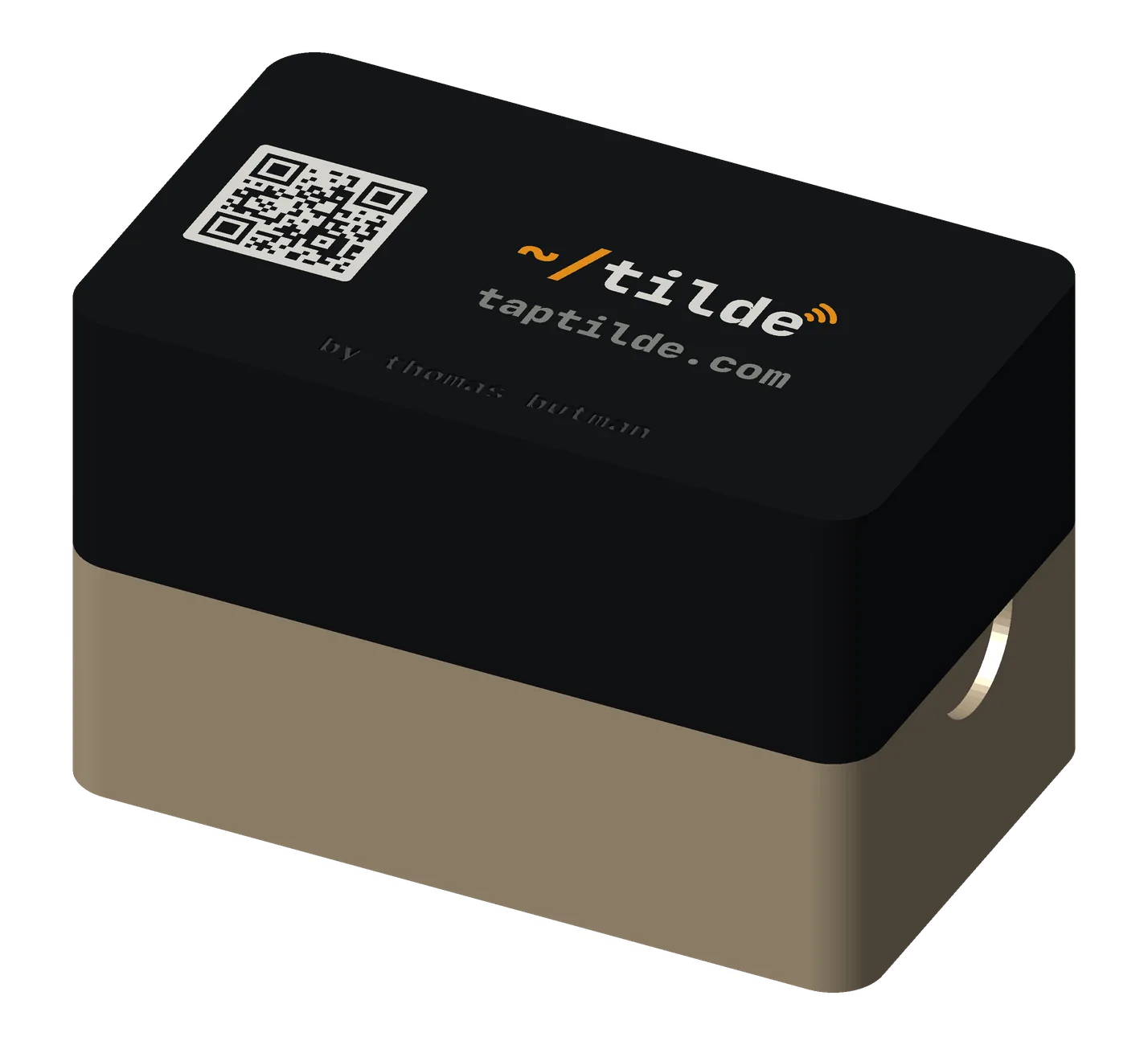
cards
No 3D printer? Ask a friend or a makerspace (most have one), or pick one up at the Tilde booth at Web Summit, Lisbon, November 9–12.
Tilde Card, Solid
Printable now
A business card you print yourself, with your QR code on the front and an NFC sticker sealed inside.
get the files: the Tilde Card on GitHub: card.scad in OpenSCAD’s Customizer, exported as a 3MF, and PRINTING.md (the pause). MakerWorld’s Model Maker once its listing is public.
Paper cards get lost and go stale. This one opens your link from a scan or a tap, and the sticker can be rewritten when your link changes.
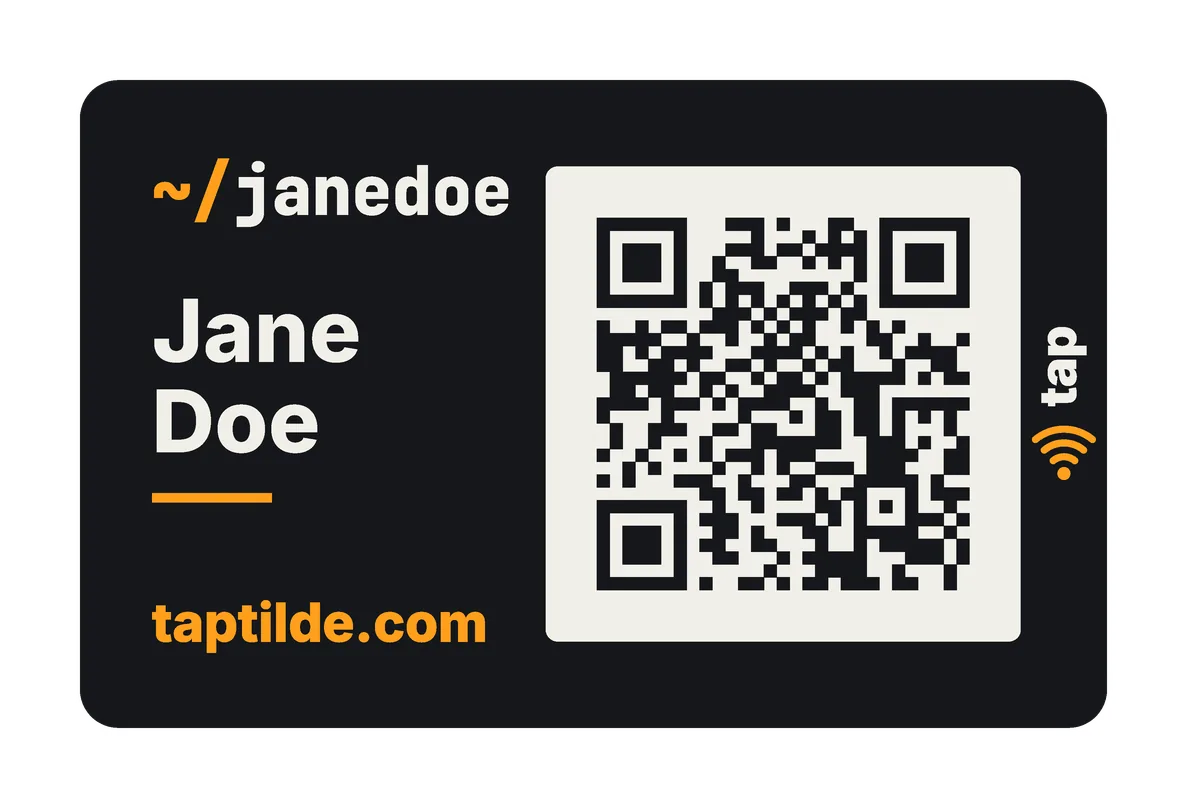
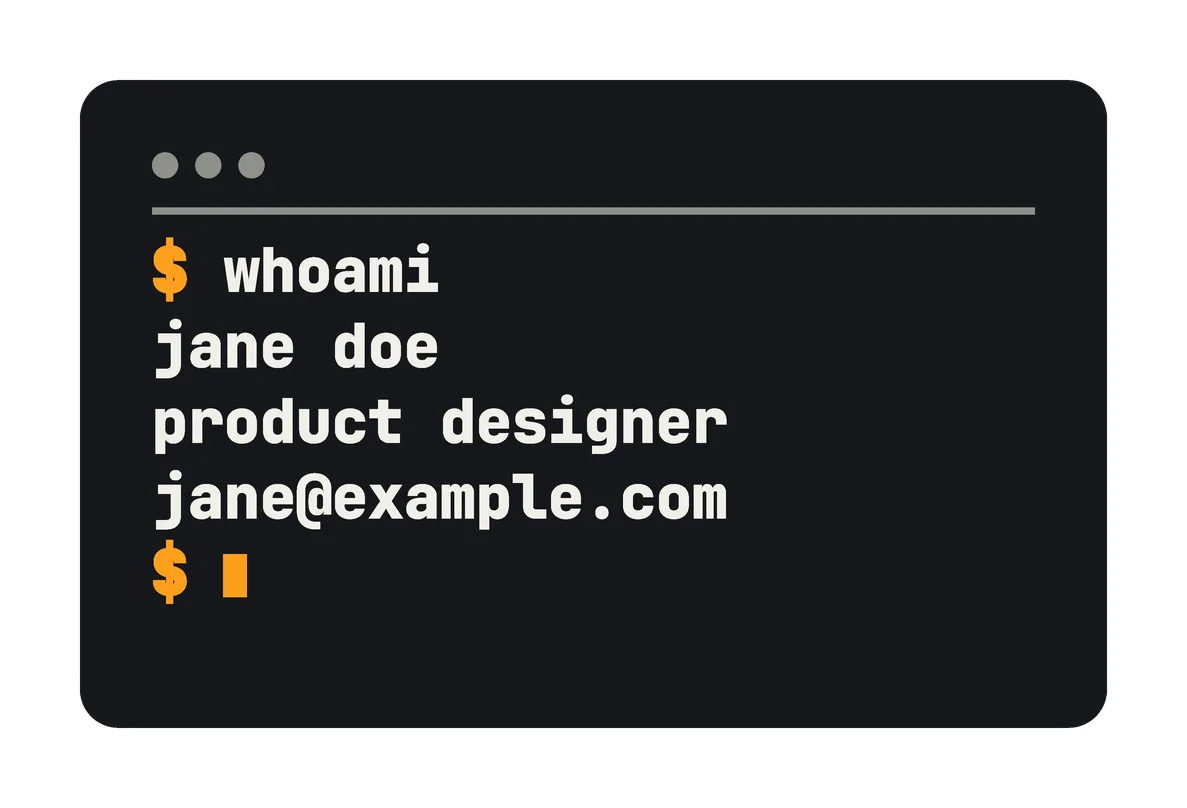
- how it works
- Scan: the code on the front opens your link.
- Tap: the NFC sticker sits behind the tap waves, in the strip beside the code. Hold the phone there, within 1–3 cm. It reads from either side.
- One solid piece: the printer pauses so you can drop the sticker in, then prints over it, in a single print.
- use cases
- Save my contact: hand it over; they scan or tap.
- A link: your portfolio, LinkedIn or booking page.
- WhatsApp: a tap opens a chat with you.
- pairs well with
- The fobs: the same uses on your keys: a Base tag or a Premium coin in the card’s colors.
- Tilde Card, Two-Piece: the same designs, with a back you can swap.
for makerswhat you need, sizes, options
- NFC sticker: 1 round sticker, 22–25 mm, thin: an NTAG216 holds a full contact card; an NTAG215 is fine for a link. Search “NTAG216 25mm round NFC sticker”.
- Printer: multi-color (AMS or similar) for the card’s colors; a 0.4 mm nozzle (0.2 for finer text).
- The pause: add one pause in Bambu Studio at the sticker’s layer (PRINTING.md says which).
- Print time: about 1 h on a 0.4 mm nozzle, at the default settings; about 17.5 g of PLA.
- Difficulty: medium (one pause to time).
- options
- 7 fronts: Classic, Minimal, Mystery, Handle, Badge, Tap only, Blank.
- Code and text: QR size (Small, Medium, Full), your name, handle, link (up to 53 characters), website, role.
- 5 backs: a terminal window, Plain, Contact, Code, or none.
- Marks: a mark over the sticker (a ring, the tap waves, or both), and the tap mark on the back.
- Colors: 7 themes (Dark, Light, Signal, Portugal, Brasil, USA, Retro), or your own palette.
- Your own logo: there’s no logo setting. Choose the plain back (Back: None) and add your text or logo in Bambu Studio, on the back’s top face (PRINTING.md, “Make it yours”).
- size and materials
Credit-card size, 85.60 × 53.98 mm; 1.8 mm thick with a thin sticker, 2.0 with a thick one. PLA, up to 4 colors.
Tilde Card, Two-Piece
Printable now
The Tilde Card in two pieces: a front and a back that press together over the NFC sticker.
get the files: the Tilde Card on GitHub: card-2piece.scad in OpenSCAD’s Customizer, exported as a 3MF of both pieces, and TWO-PIECE.md (its script, make_2piece.py, builds and checks them). MakerWorld’s Model Maker once its listing is public.
No pause to time on the printer, and you can swap the back or the sticker later.
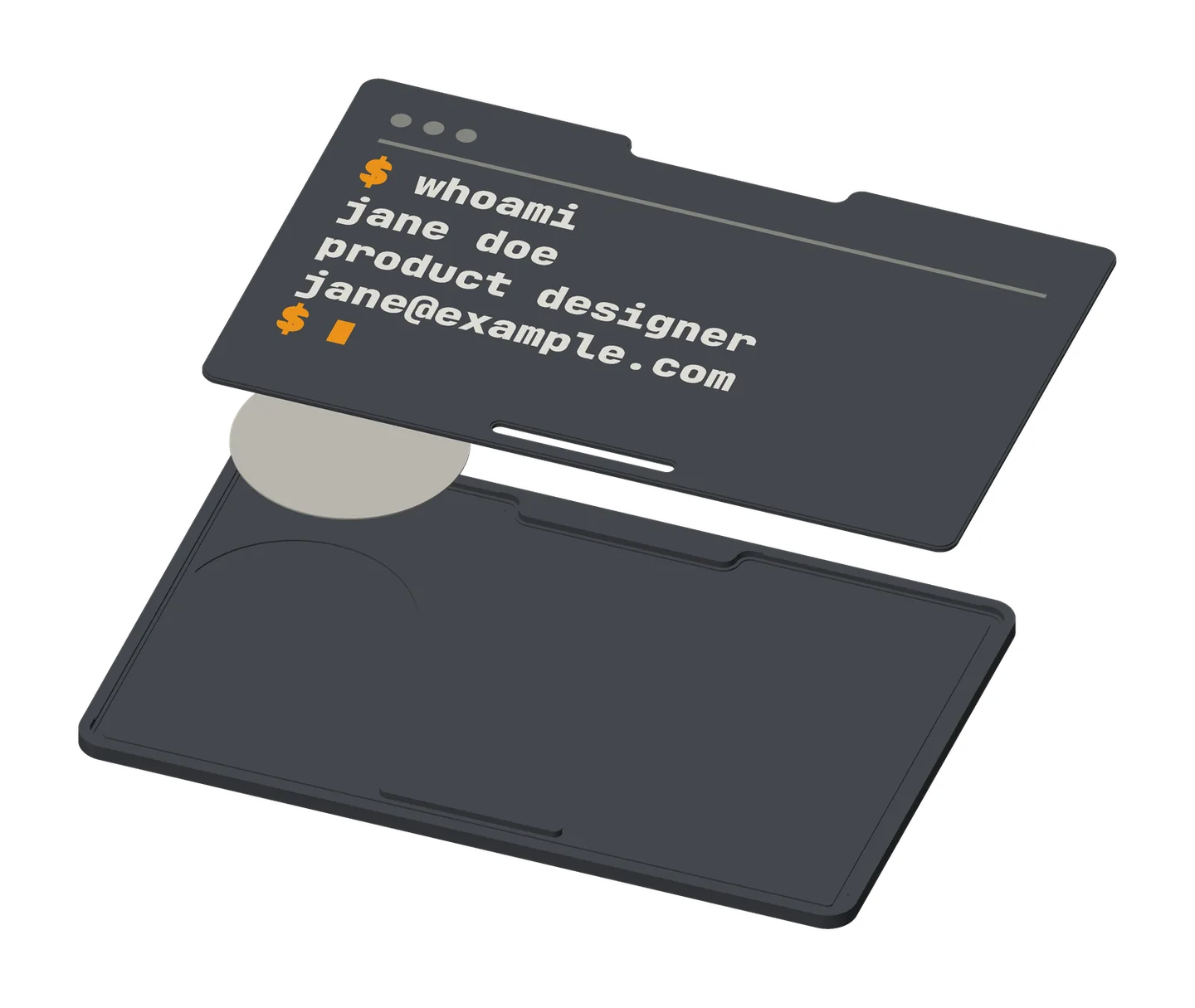
- how it works
- Scan and tap: as the Solid card.
- Put it together: stick the sticker into the front piece, sticky side down, then press the back in past its lip. Leave it unglued to swap backs, or glue it for good.
- use cases
- Save my contact.
- A link.
- One card, many looks: swap the back for an event.
- A tap card for your wallet: a blank front and no back print, in a wallet’s outside pocket.
- pairs well with
- The fobs: the same uses on your keys: a Base tag or a Premium coin in the card’s colors.
- Tilde Card, Solid: for a card that’s sealed for good.
for makerswhat you need, sizes, options
- NFC sticker: 1 round sticker, 22–25 mm, thin: an NTAG216 holds a full contact card; an NTAG215 is fine for a link. Search “NTAG216 25mm round NFC sticker”.
- Printer: multi-color (AMS or similar); a 0.4 mm nozzle.
- Glue (optional): superglue gel, for a card that stays shut for good.
- Print time: about 55 min on a 0.4 mm nozzle, at the default settings; about 14.8 g of PLA.
- Difficulty: easy (no pause).
- options
Everything on the Solid card, plus:
- Edge marks: a notch or a pill on the top or bottom edge.
- Window: none, a color window or a cutaway (20 mm, over the sticker).
- Fit gap: 0–0.2 mm.
- Pieces: both, the front only or the back only.
- Back colors: the theme’s or its alternate.
- size and materials
85.60 × 53.98 mm; 1.8 mm thick with a thin sticker, 2.0 with a thick one; the back piece is 0.8 mm. PLA, up to 4 colors, all in the first 3 layers.
how it works
- Scan it. The QR code on the front opens your link, up to 53 characters, in any phone’s camera.
- Tap it. With an NFC sticker inside, iPhones and Android phones with NFC open your link from a tap, and they don’t need an app. (Older iPhones need the NFC reader in Control Center.)
- Free and open source. The model is free to download, print and change. Its source is MIT-licensed, and the printable files on MakerWorld are CC BY 4.0.
- You print it yourself, on a multi-color printer such as a Bambu Lab printer with an AMS or AMS lite. Solid or Two-Piece: each has its own section on this page.
Scanned or tapped
| What the other phone gets | |
|---|---|
| Scan the code | Your link, from the code printed on the front. It’s printed for good, so it can’t change. |
| Tap the card | Whatever you wrote to the sticker: a link, or your whole contact card if it fits. A phone rewrites the sticker, so you can change it later without a reprint. |
| The tap card | It has no code. A tap is all it does. |
A contact card on the sticker: Android offers to save it if your card fits. An NTAG216 sticker (25 mm) holds a full contact card; an NTAG215 is fine for a link. iPhones open links from a tap, so if iPhone users will tap your card, put your link on the sticker: they save your contact by scanning a code.
make your own
Countless designs. In the Model Maker (MakerWorld’s customizer in your browser, or the same settings in OpenSCAD’s Customizer), you put your own card together:
- a front style, and the code’s size;
- a back, with your own lines;
- a theme, or your own colors: four colors you pick, and which part of the card takes each;
- tap waves on the front or the back, and a mark over the sticker;
- on a two-piece card, a window over the sticker and a notch or pill on its edges.
It’s your text, your code and the model’s own marks, in the colors you choose. There’s no setting for a picture or a logo: to add your own, choose the plain back (Back: None) and add it in Bambu Studio, on the back’s top face, as the printing guide shows.
Fronts
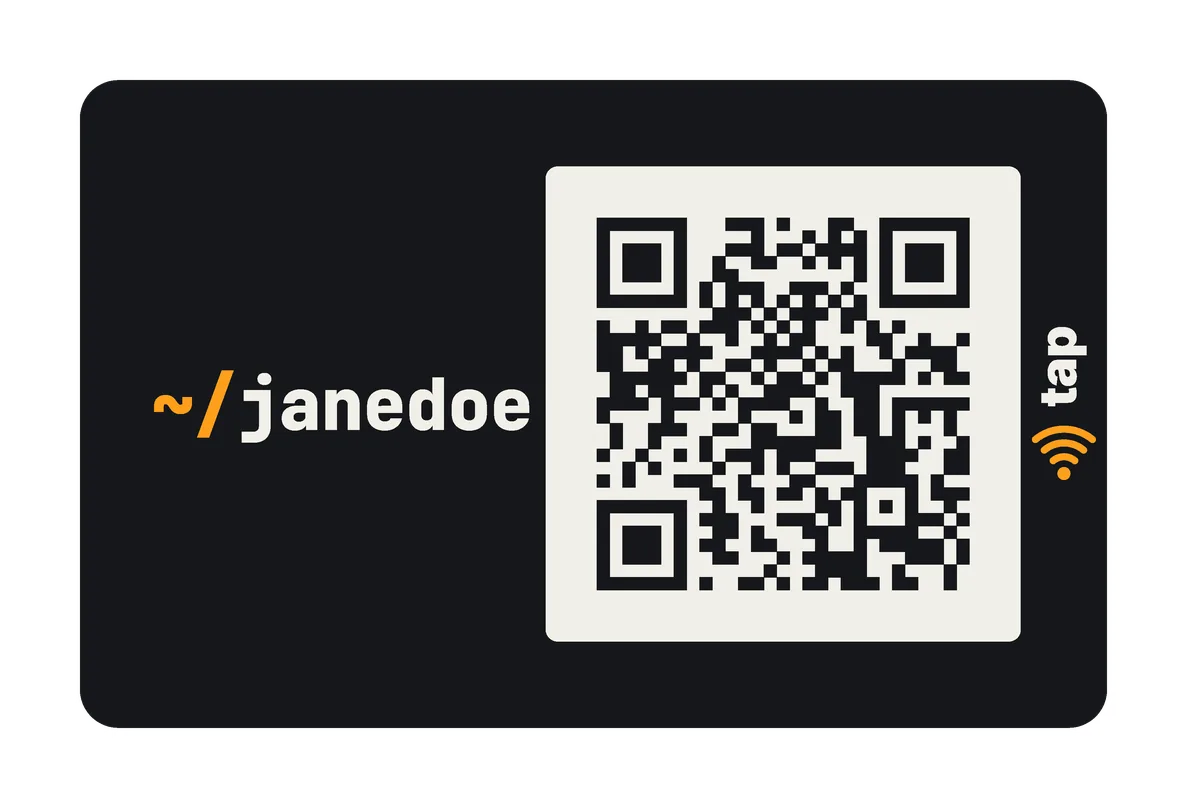
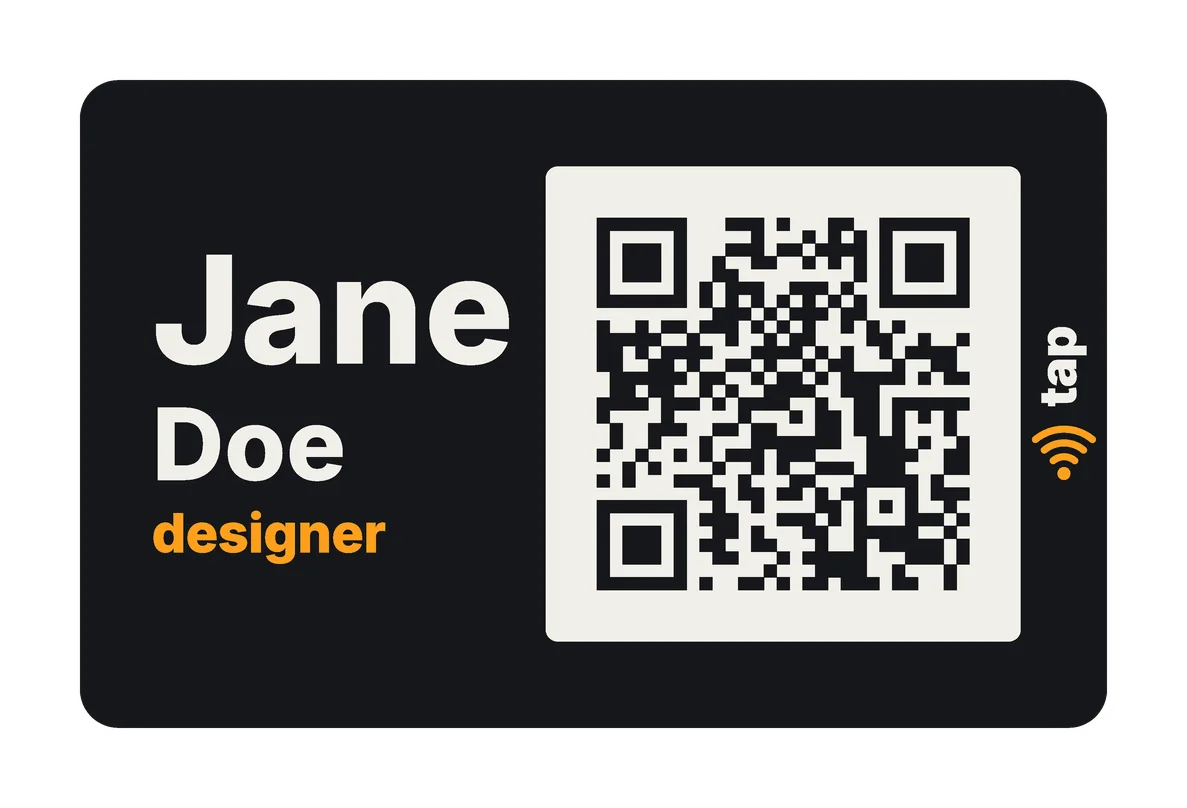
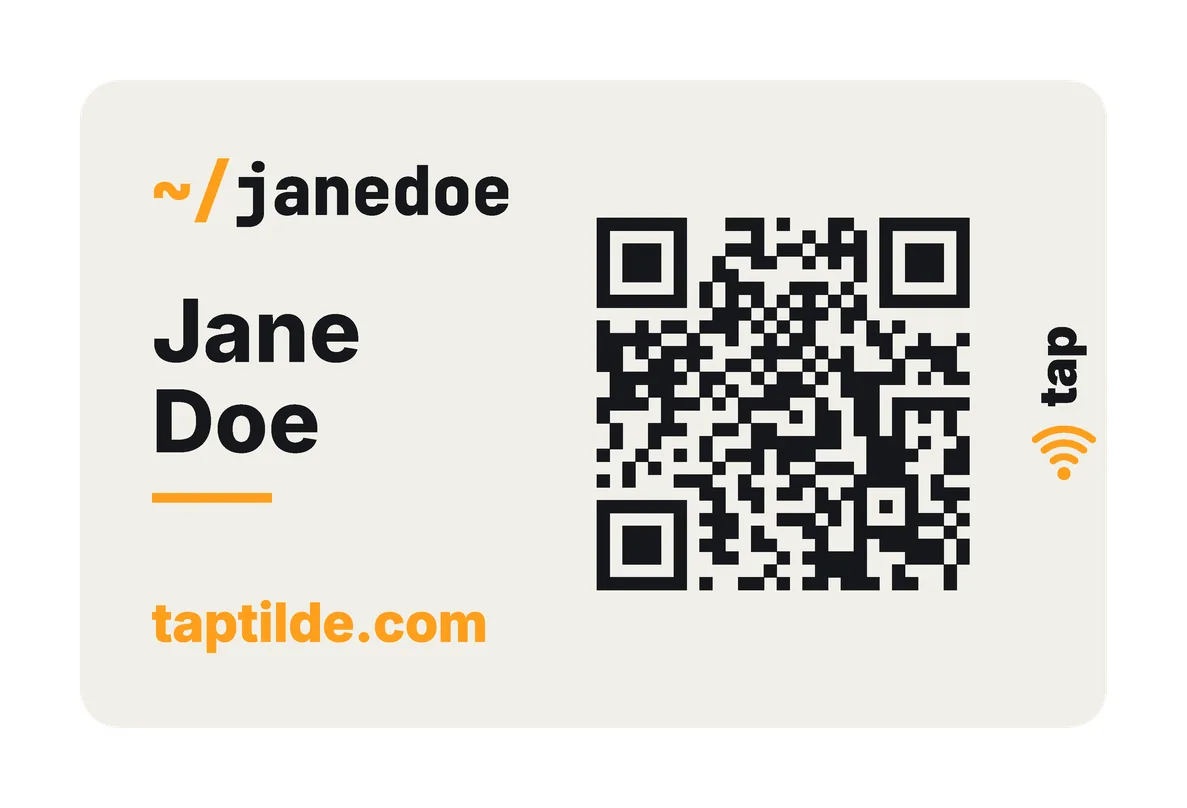
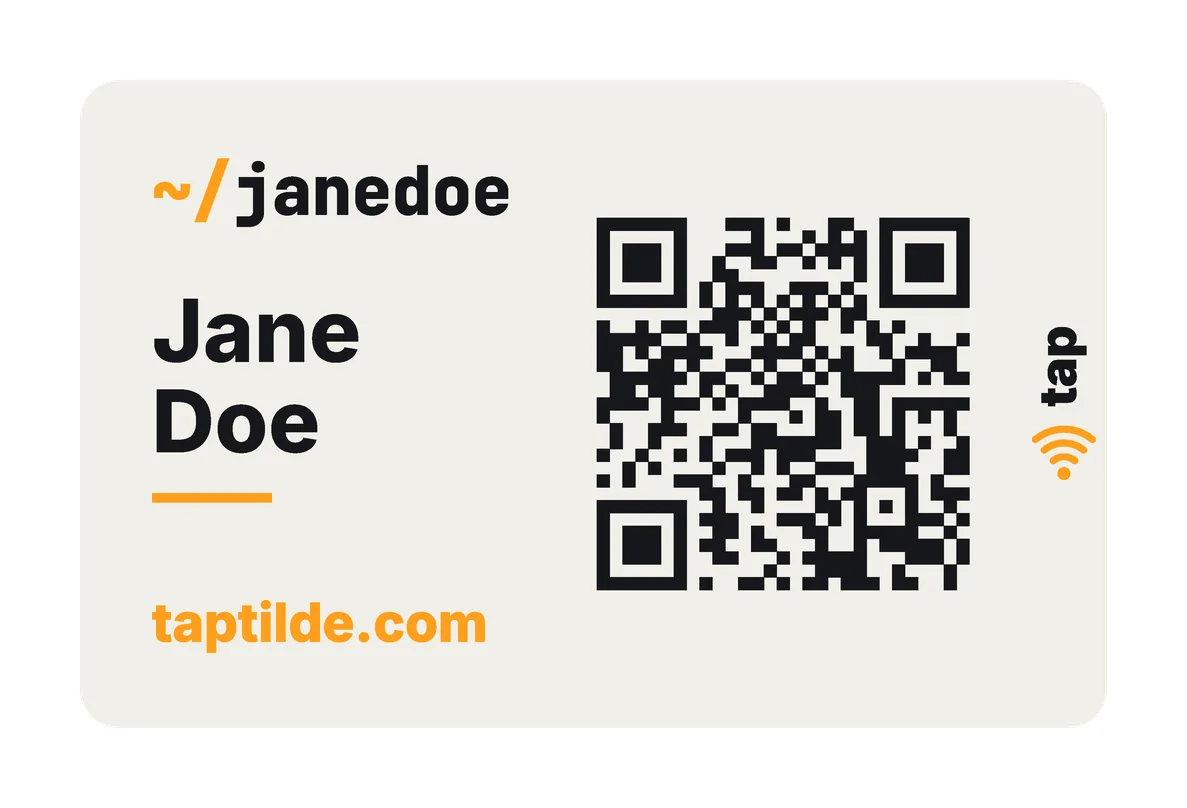
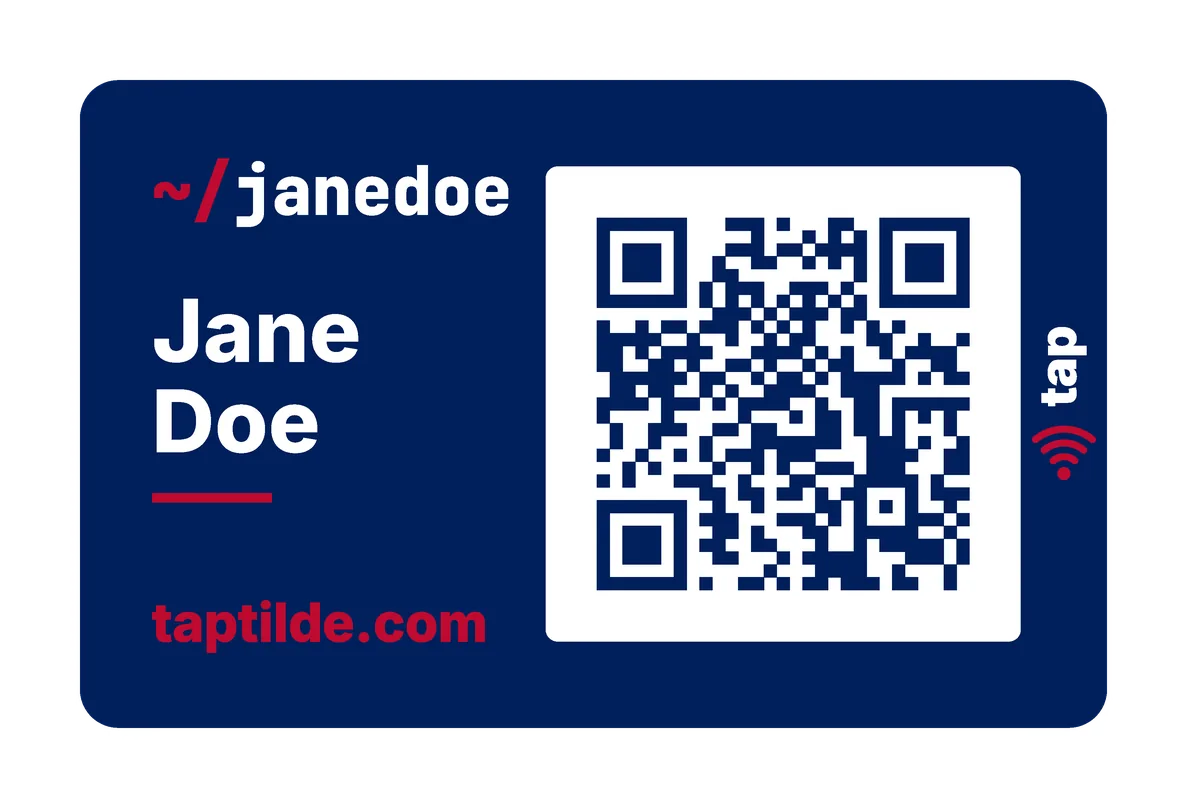
Seven front styles. The examples below are mostly Classic: your handle, your name, your website and the code.
- Minimal: your name, larger, and the code.
- Mystery: only the code, in the middle. With a smaller code, your handle sits at the top left.
- Handle: your
~/handle, large, and the code. - Badge: your first name, large, with your last name, your role and the code.
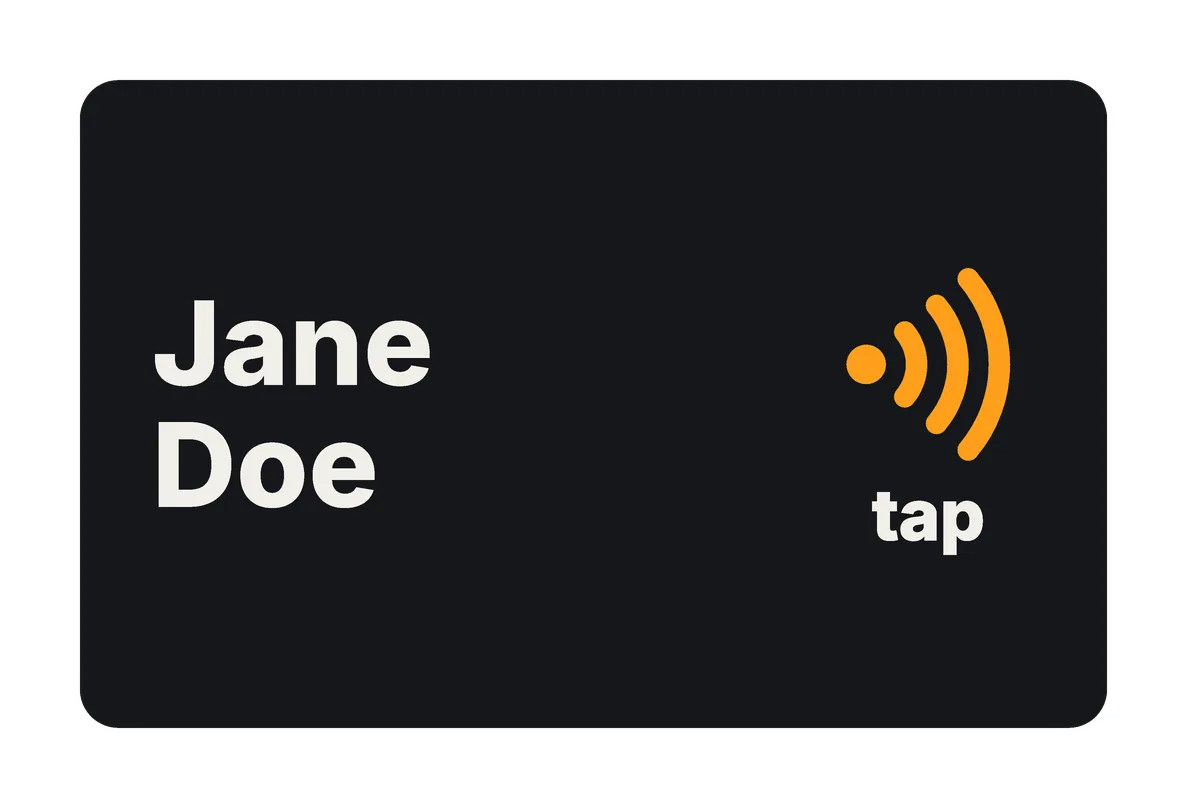
- Tap only: your name and large tap waves, with no code.
- Blank: nothing printed at all.
The code comes in three sizes: Full, Medium and Small.
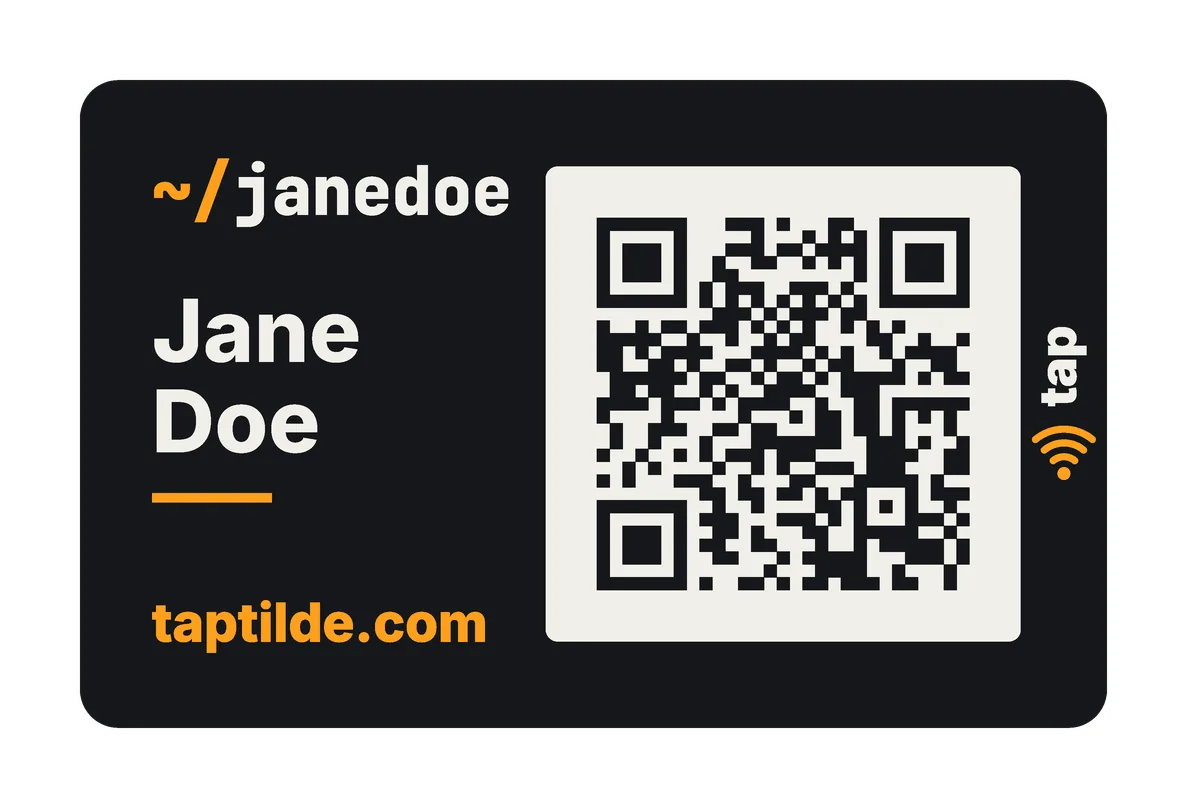
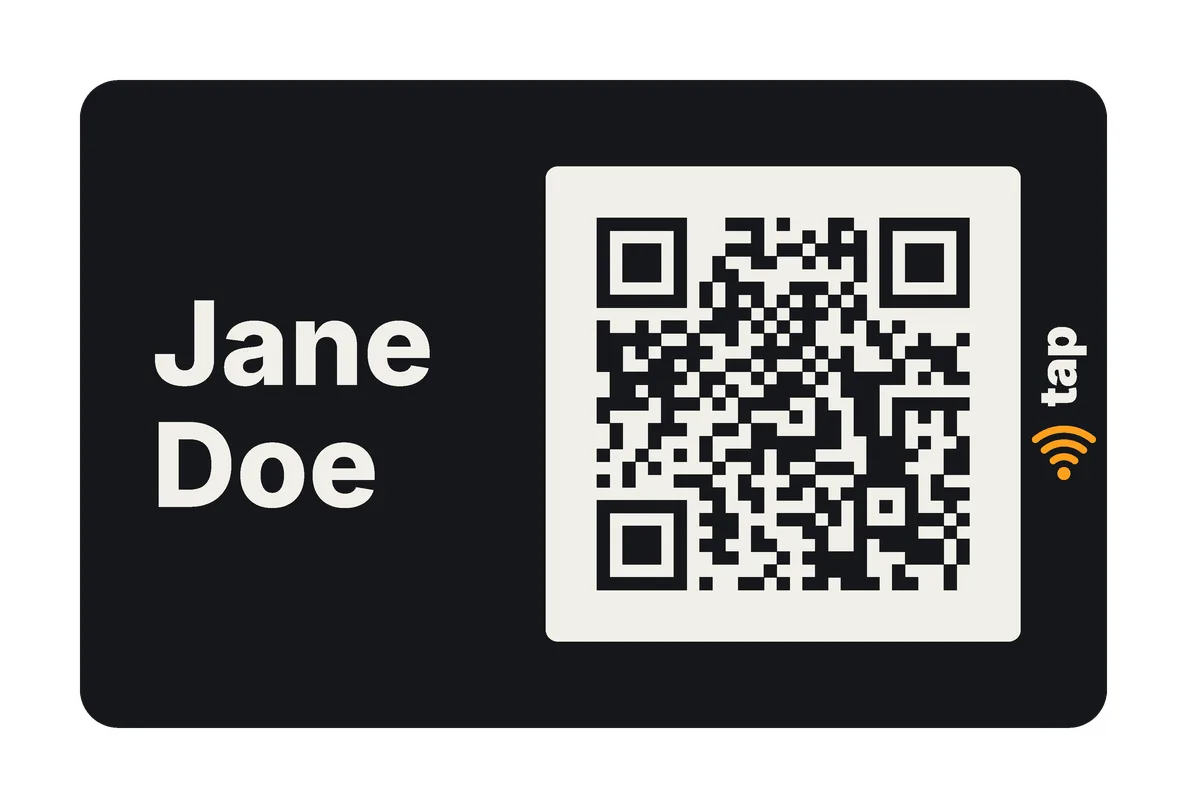
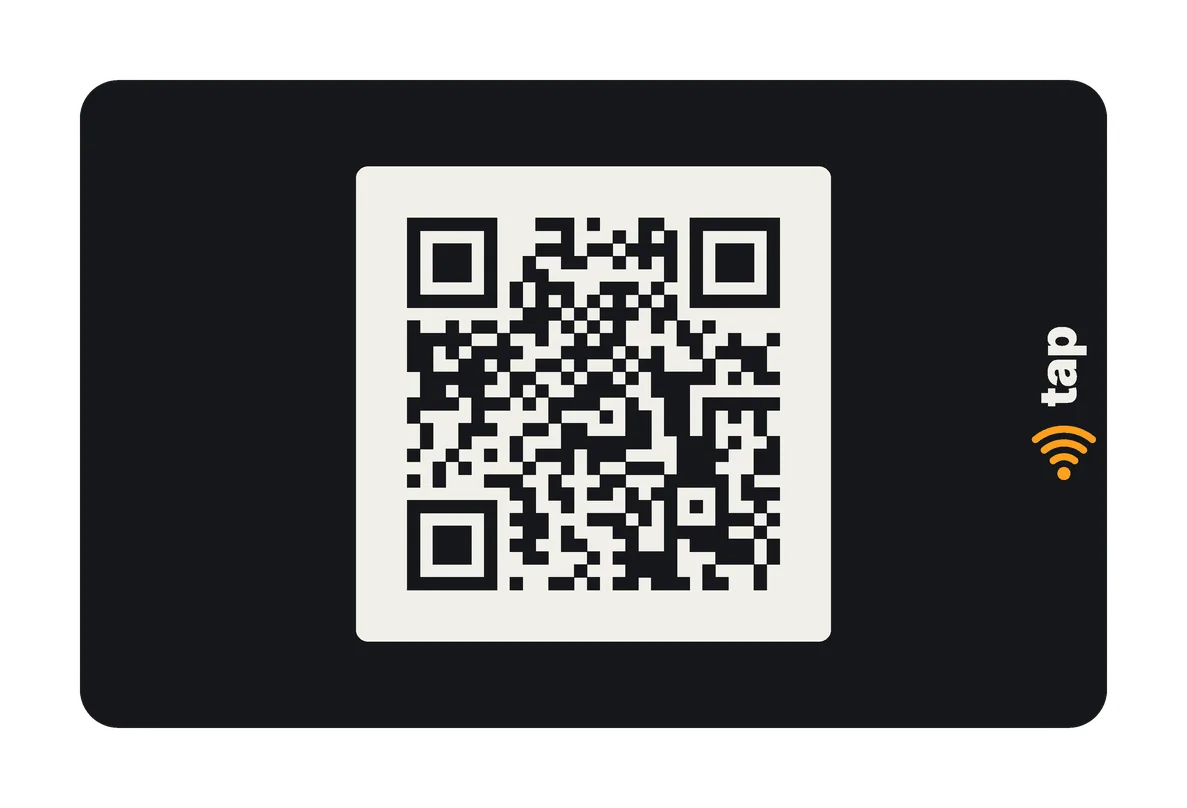
Backs
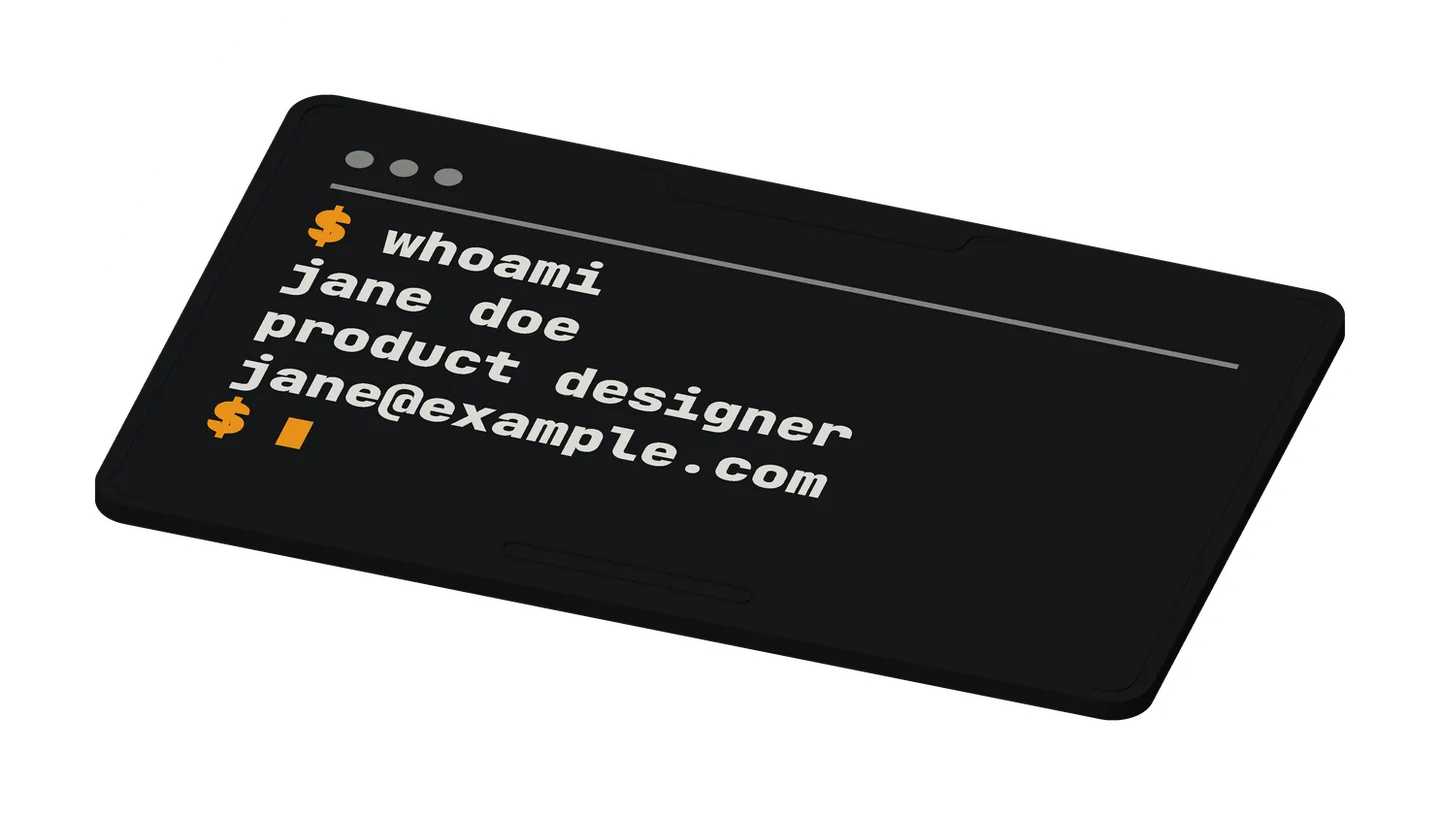
- Terminal window: a
$command, such as$ whoami, and your three lines. - Plain: your lines.
- Contact: your lines, with icons (phone, email, web and more).
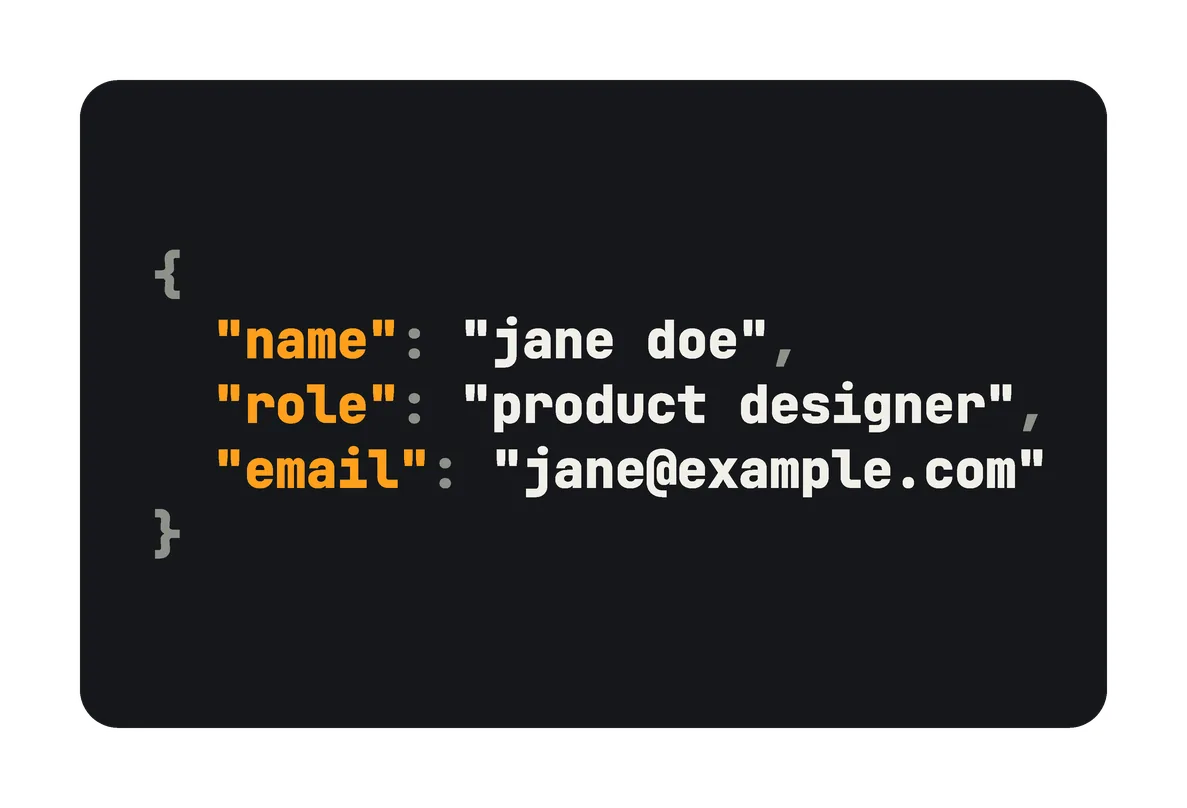
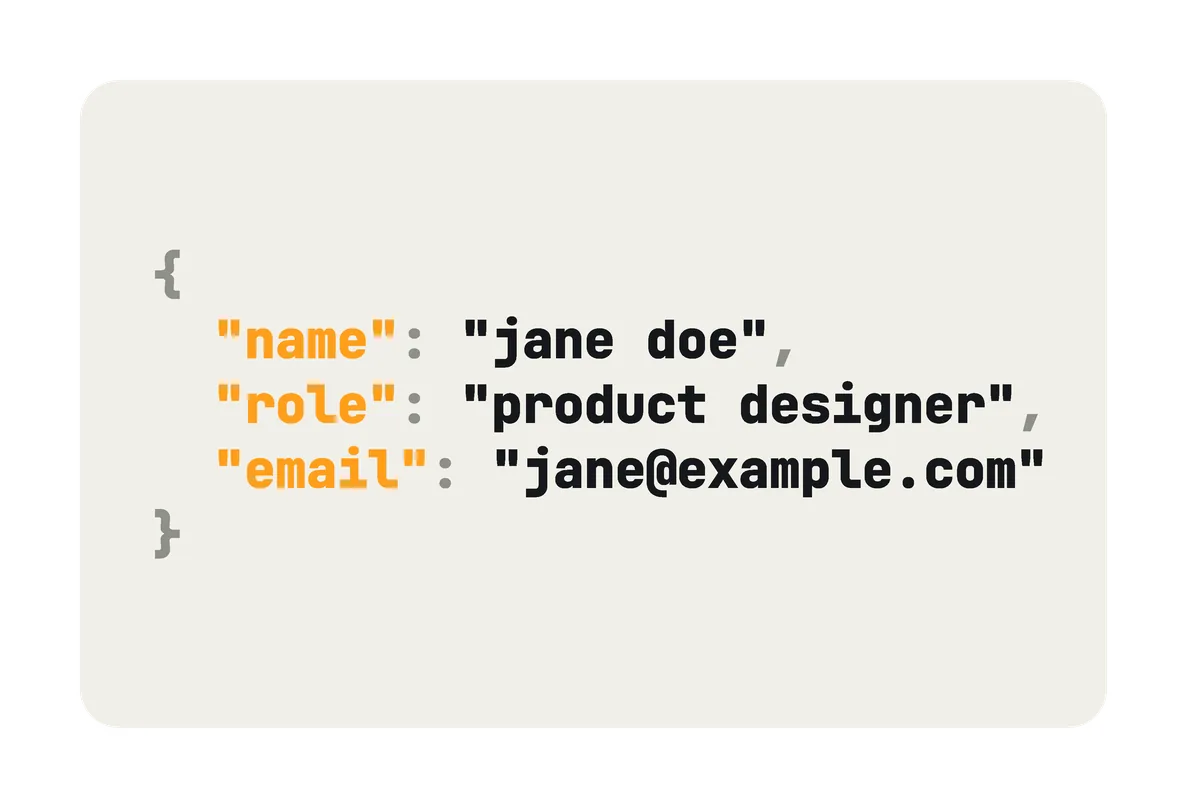
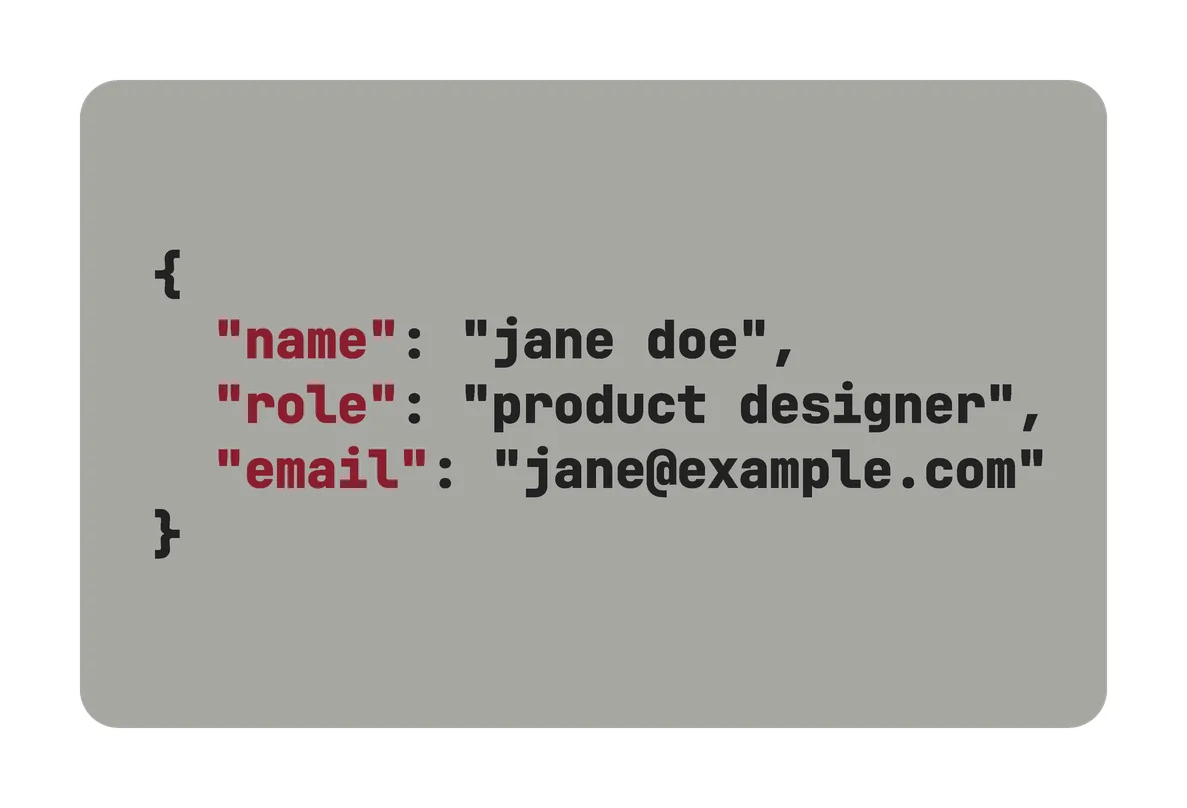
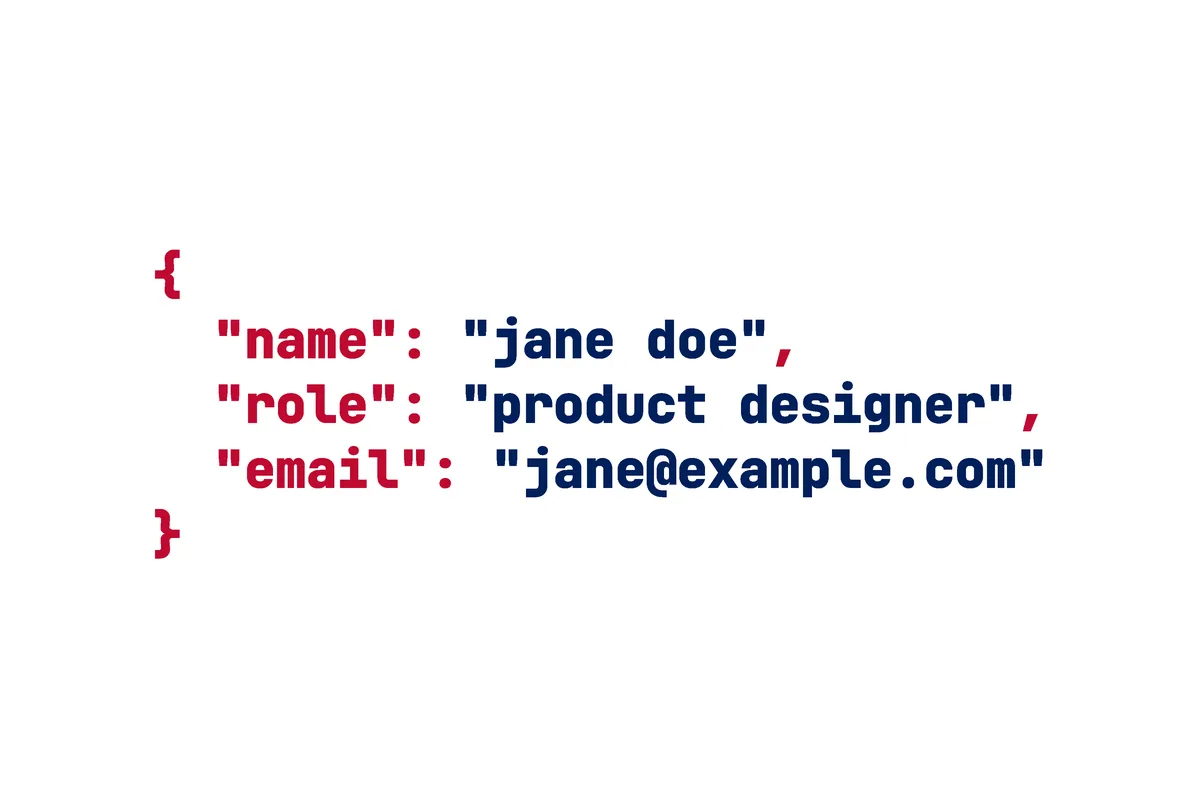
- Code: your lines as a short JSON-style block.
- None: plain, and the quickest to print.
Alternate backs swap a design’s colors, or swap its text for a tap mark. The examples below have 23, each in its design’s row. They include:
- tap backs: no text, a window over the sticker, and the tap waves in a ring;
- code backs, for Classic Dark and Light, Signal, USA, Portugal and Retro;
- Retro in wine or khaki.
some designs to start from
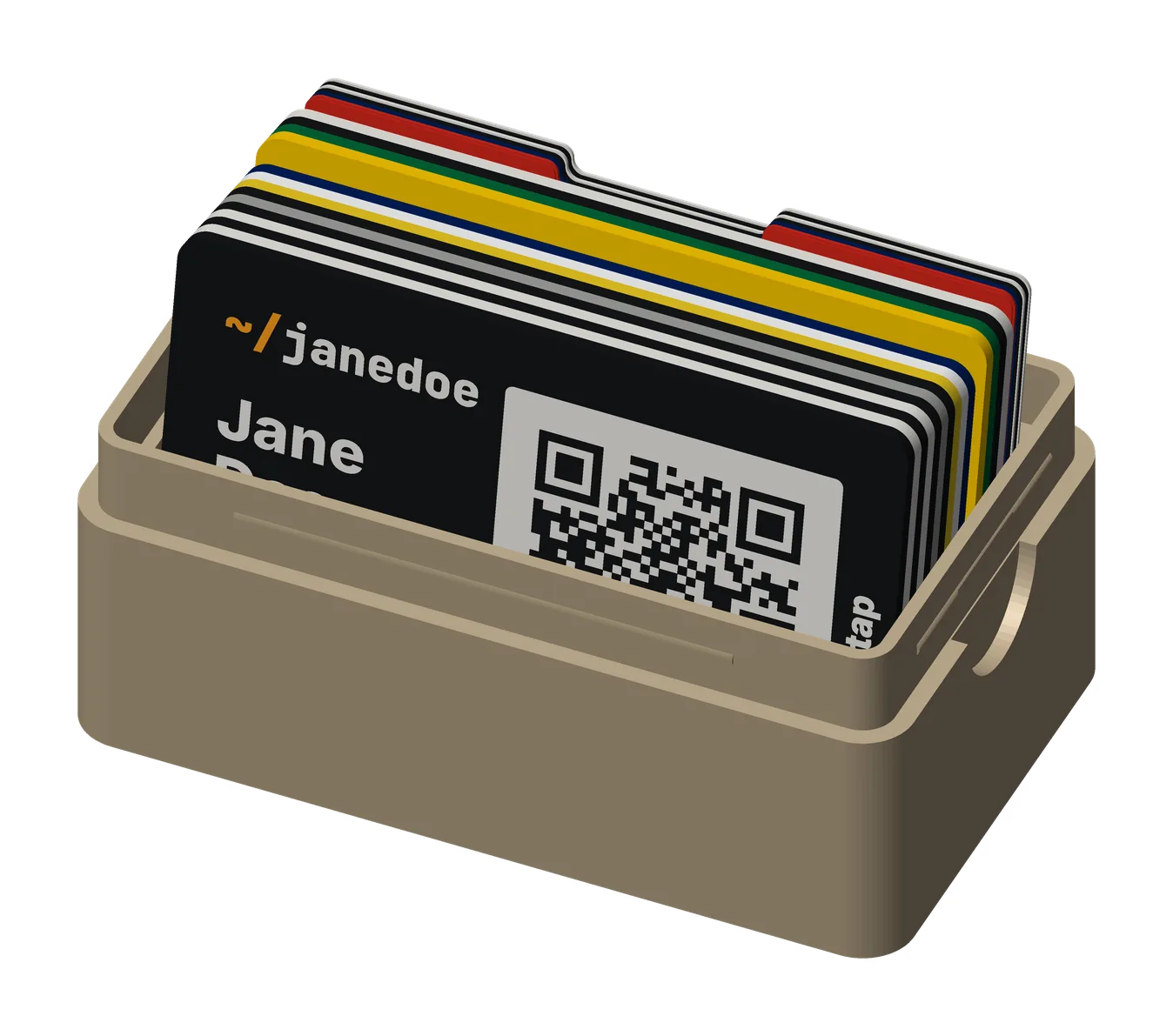
These twelve are examples of what you can make, not a set to choose from. Each design is a front and its default back, with its alternate backs beside it. To start, try Classic Dark or Classic Light, then change what you like. Every one is rendered from the model with the sample person, Jane Doe.
| Design | Front | Back |
|---|---|---|
| Classic Dark | Black, with white text and orange accents | A terminal window: $ whoami and three lines |
| Classic Light | White, with black text and orange | The same terminal window, in white |
| The tap card | Plain black, with no code and no text | Black, with the tap waves in an orange ring over the sticker |
| Solid black | Classic Dark’s front, printed as one piece | Its terminal window |
| Solid white | Classic Light’s front, printed as one piece | Its terminal window |
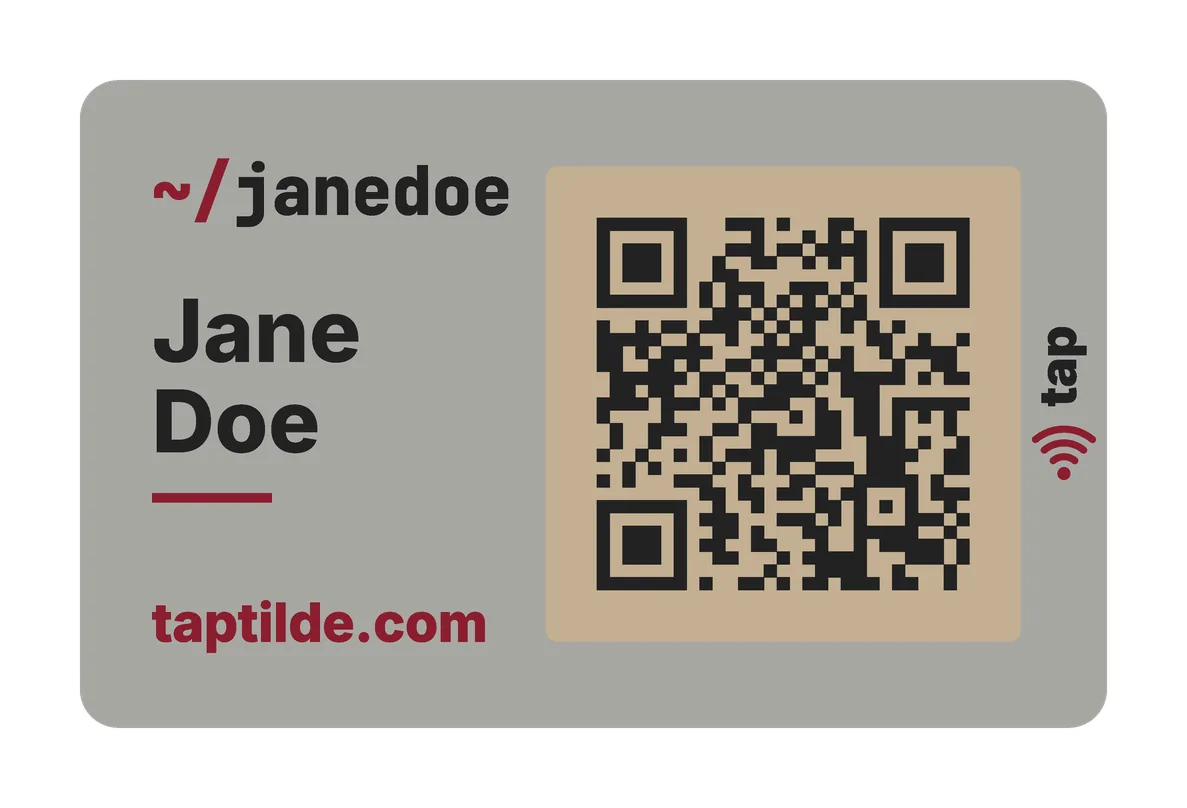
| Retro | Gray and wine red, with the code on khaki: an old console’s colors | The same gray, with a terminal window |
| Mystery | Only the code, centered, with the tap mark | Plain black |
| Signal | Black on yellow | Black on yellow, with a terminal window |
| USA Light | White, with navy and red | White, navy and red |
| USA Dark | Navy, with white and red | Navy, white and red |
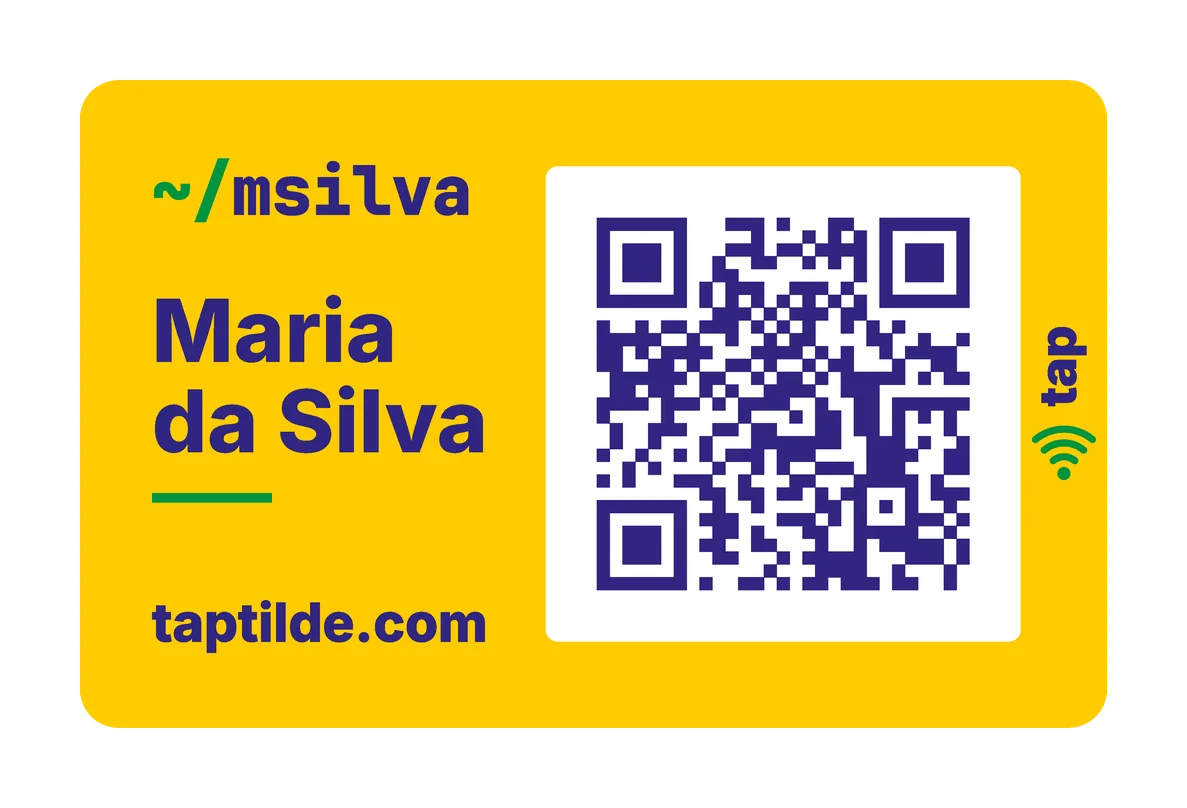
| Brasil | Yellow, green and navy | Yellow |
| Portugal | Green, red and yellow | Red |
Retro with khaki and USA Dark use custom colors. The Theme menu’s Retro is cream, and its USA is the white one (USA Light).
- Classic Dark
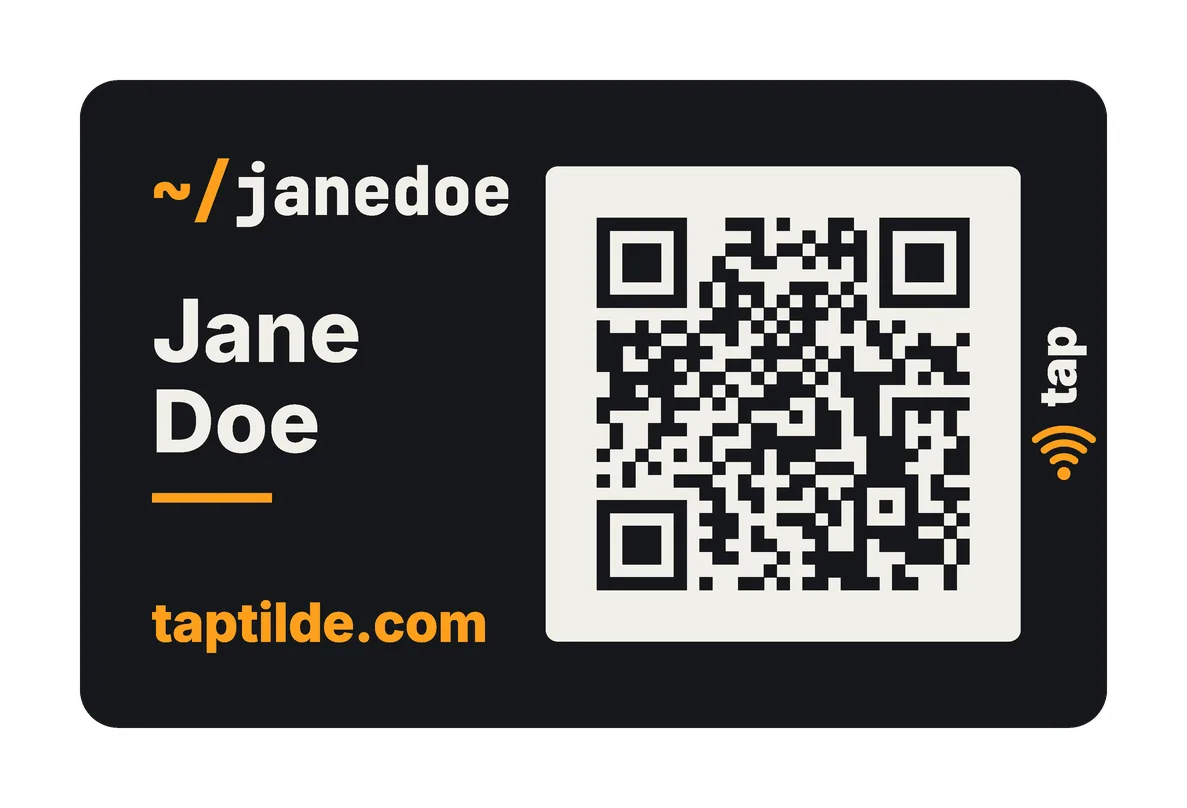 front
front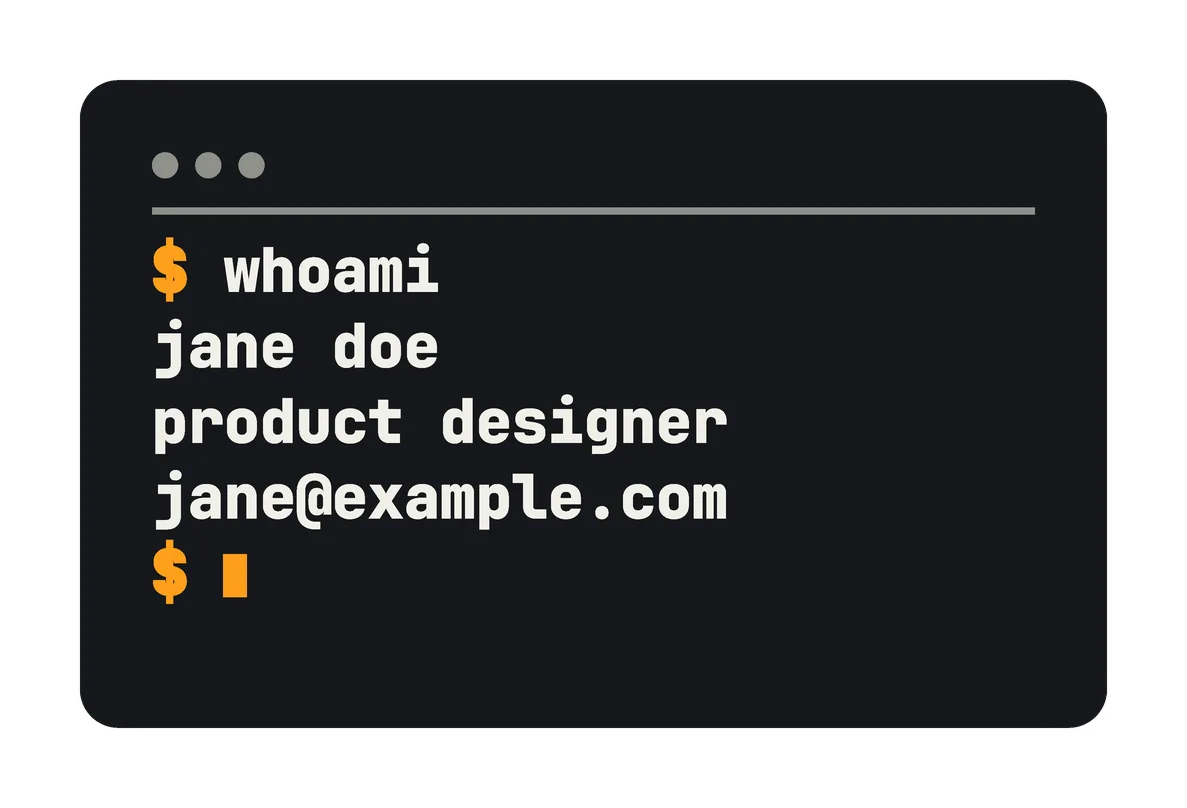 back
back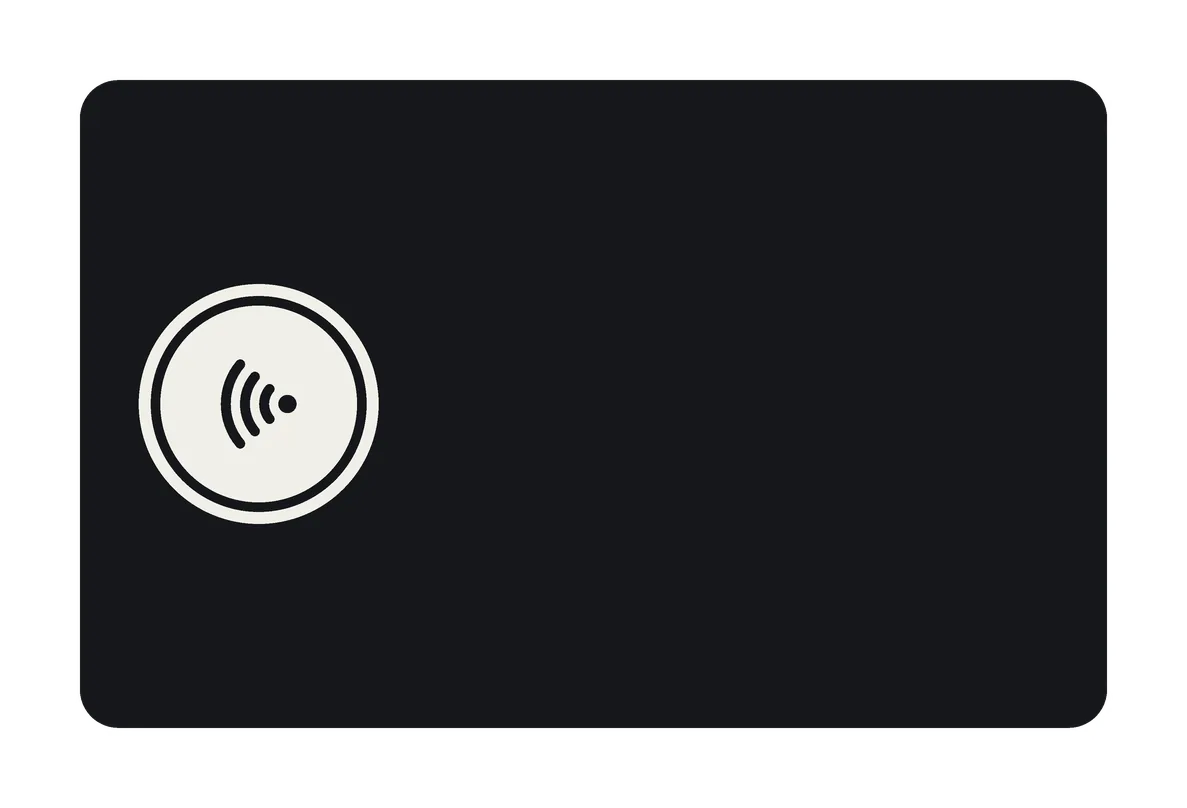 tap back, white window
 code back
- Classic Light
 front
front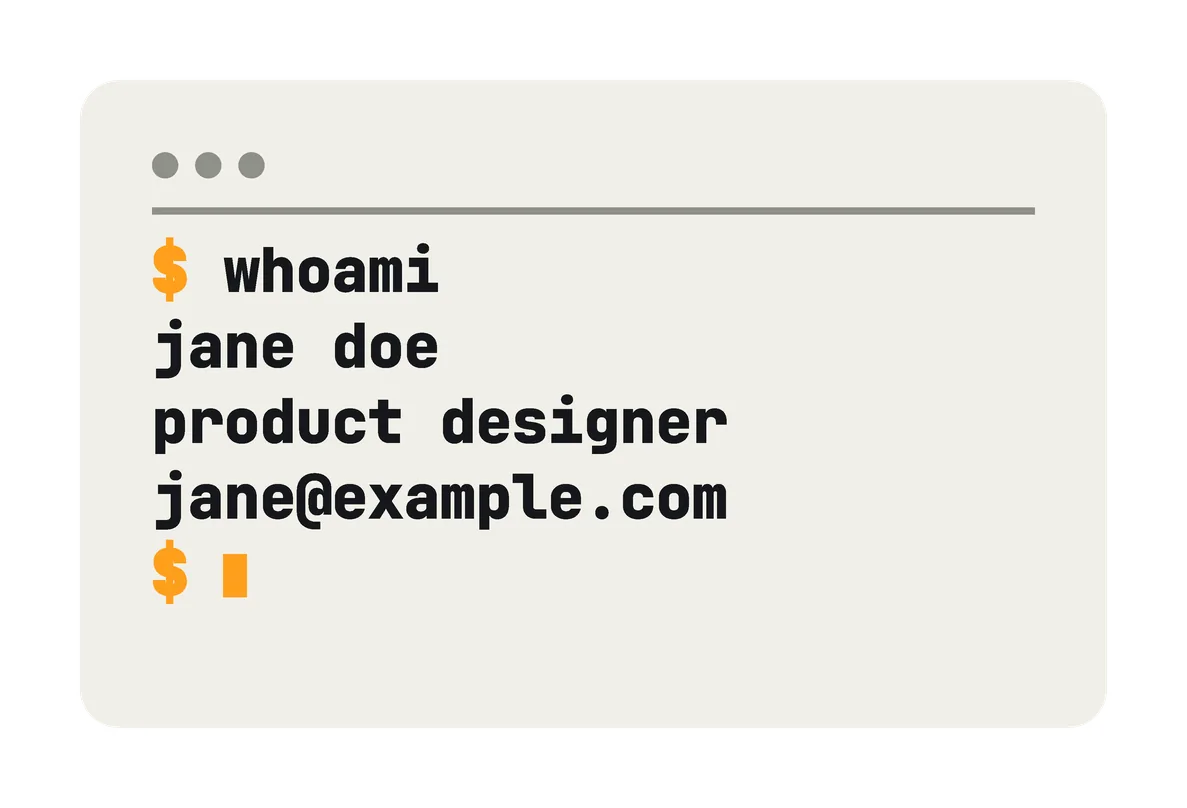 back
back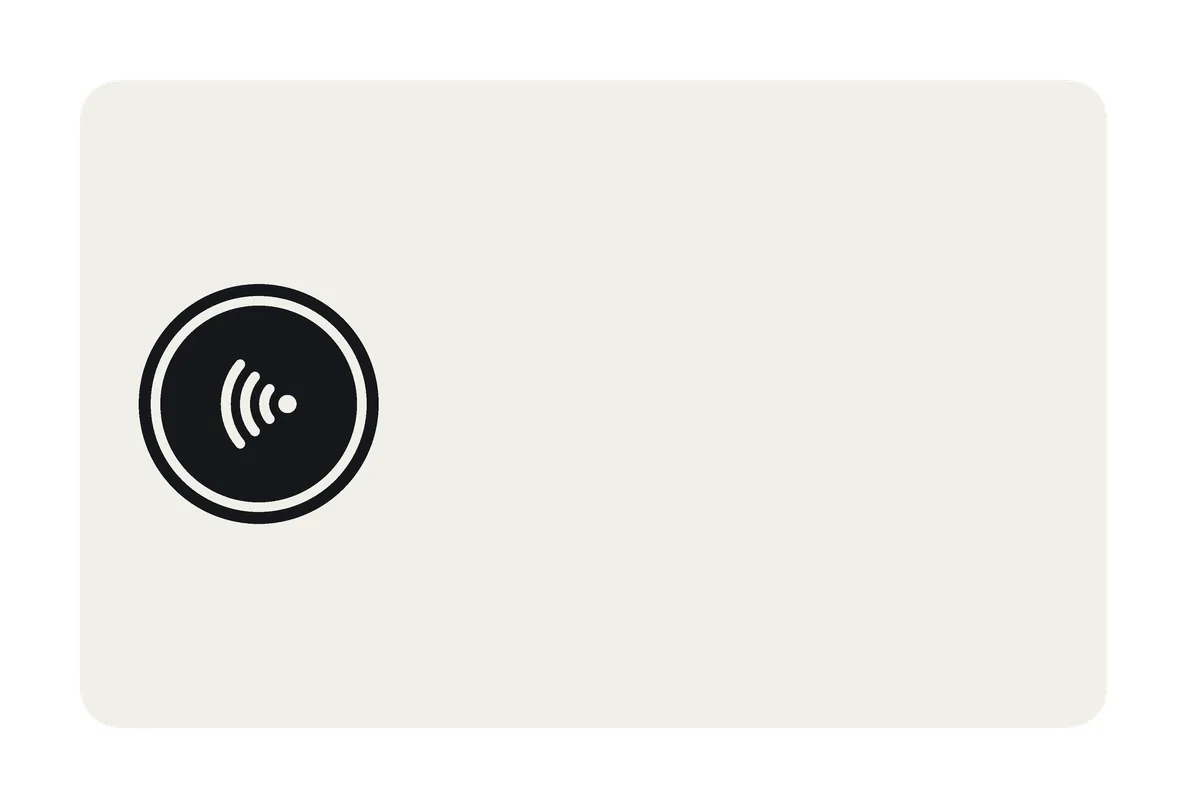 tap back, black window
 code back
- Dark tap card
 front
front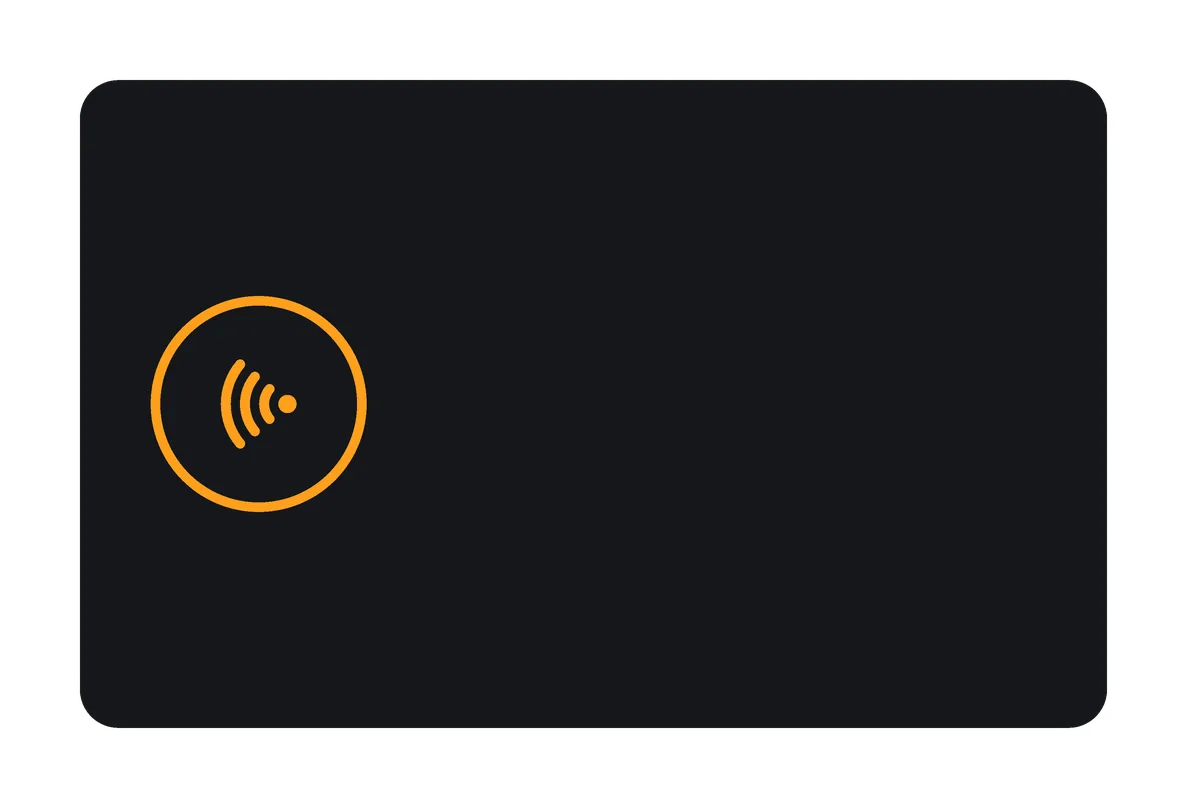 back
back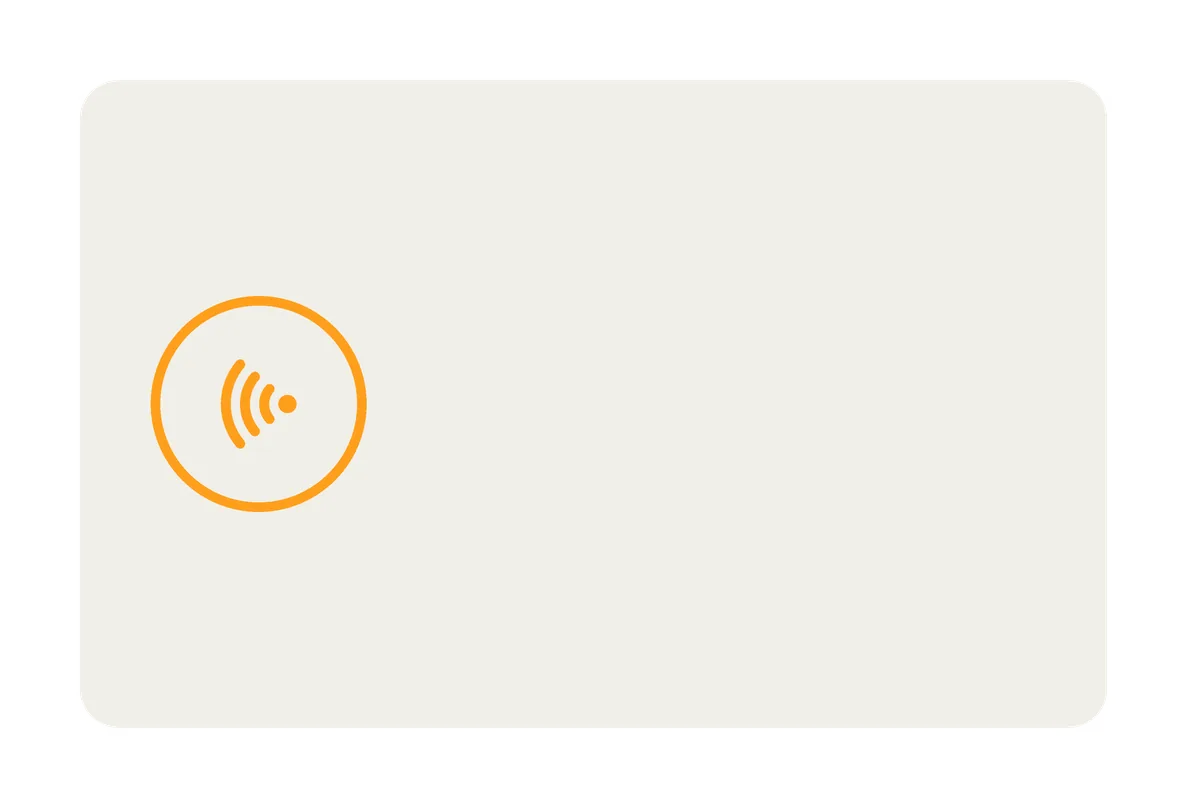 the light version
- Black solid
- front
- back
- White solid
 front
front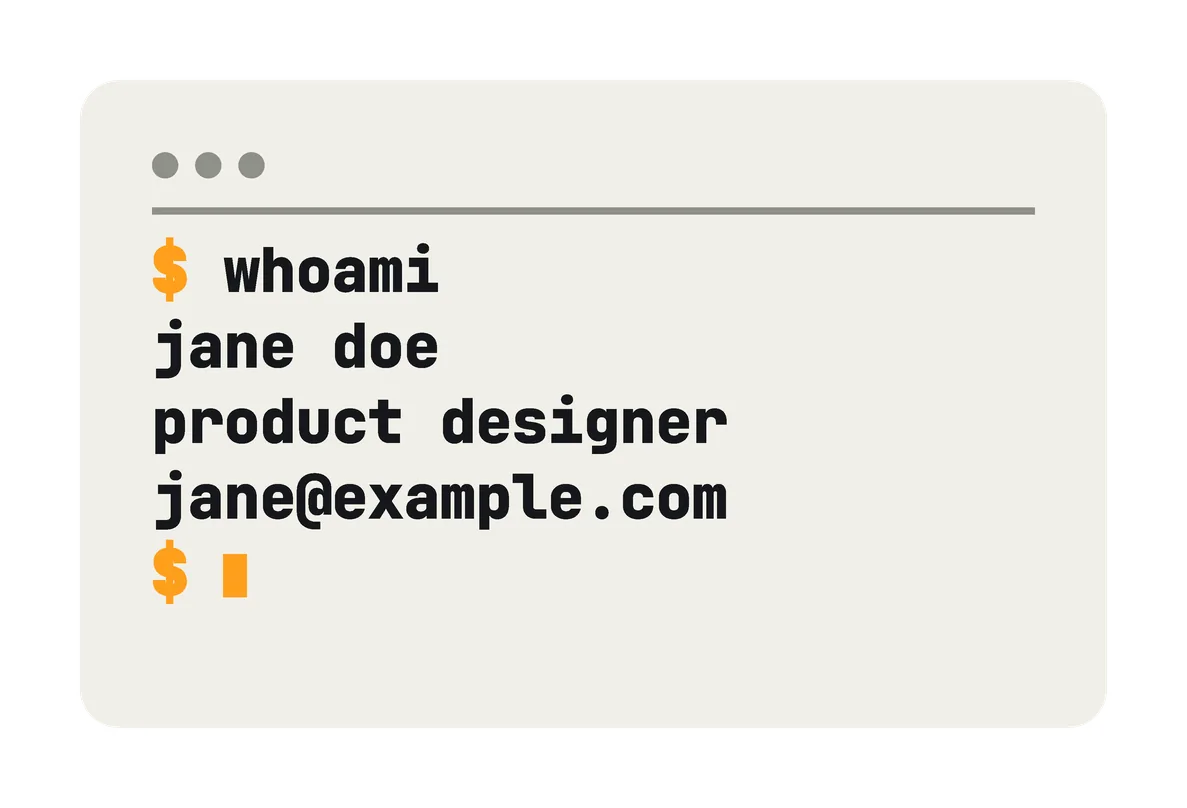 back
back
- Retro
 front
front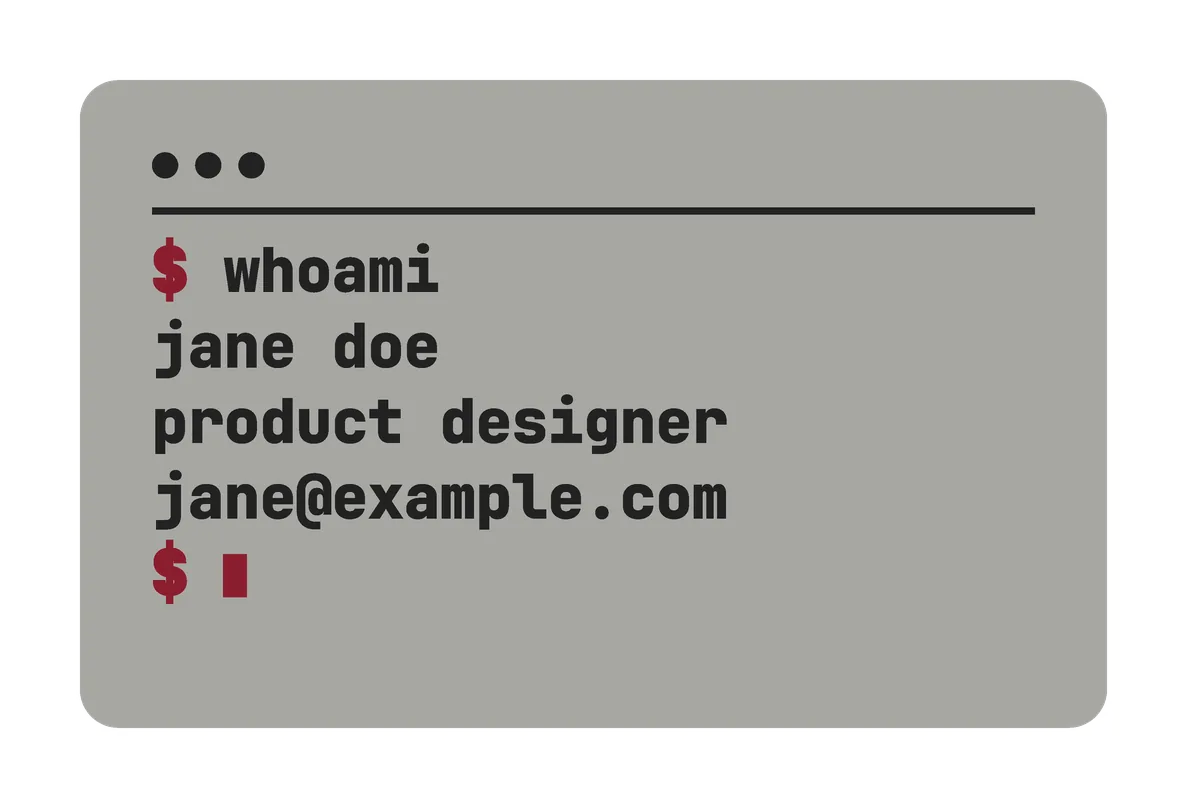 back
back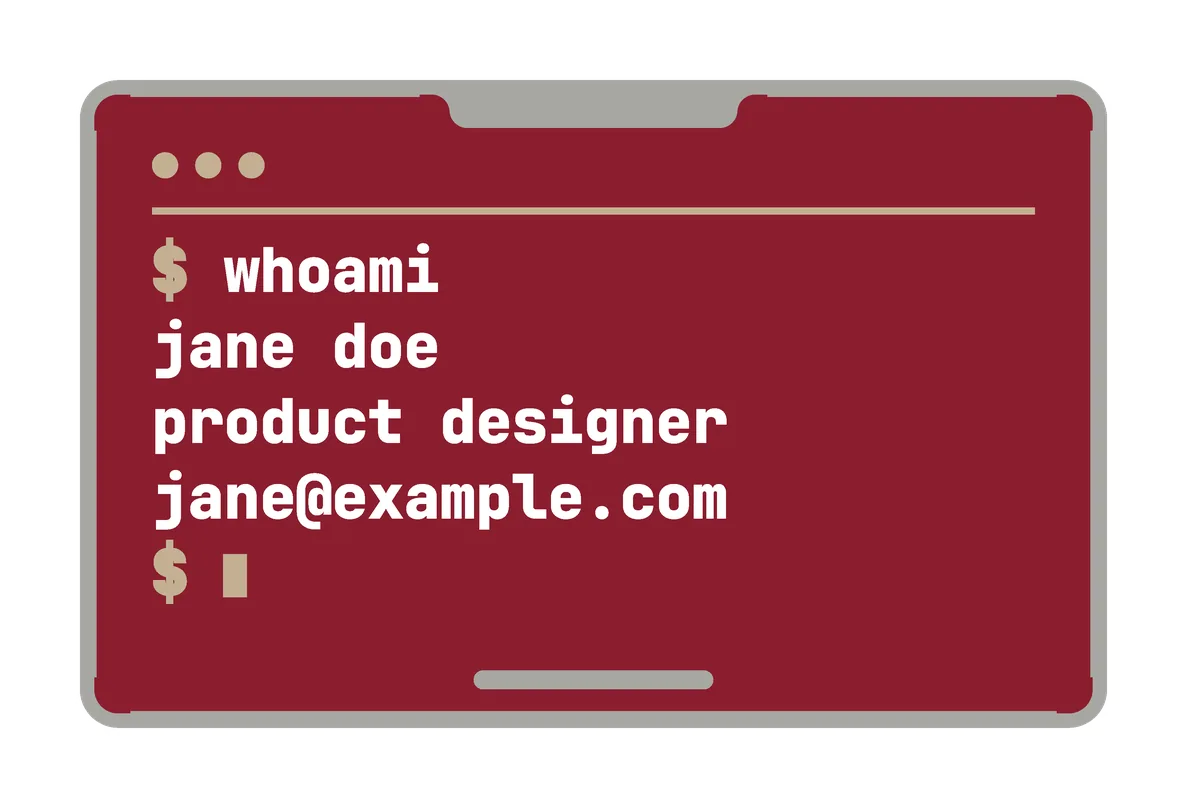 wine back, white text
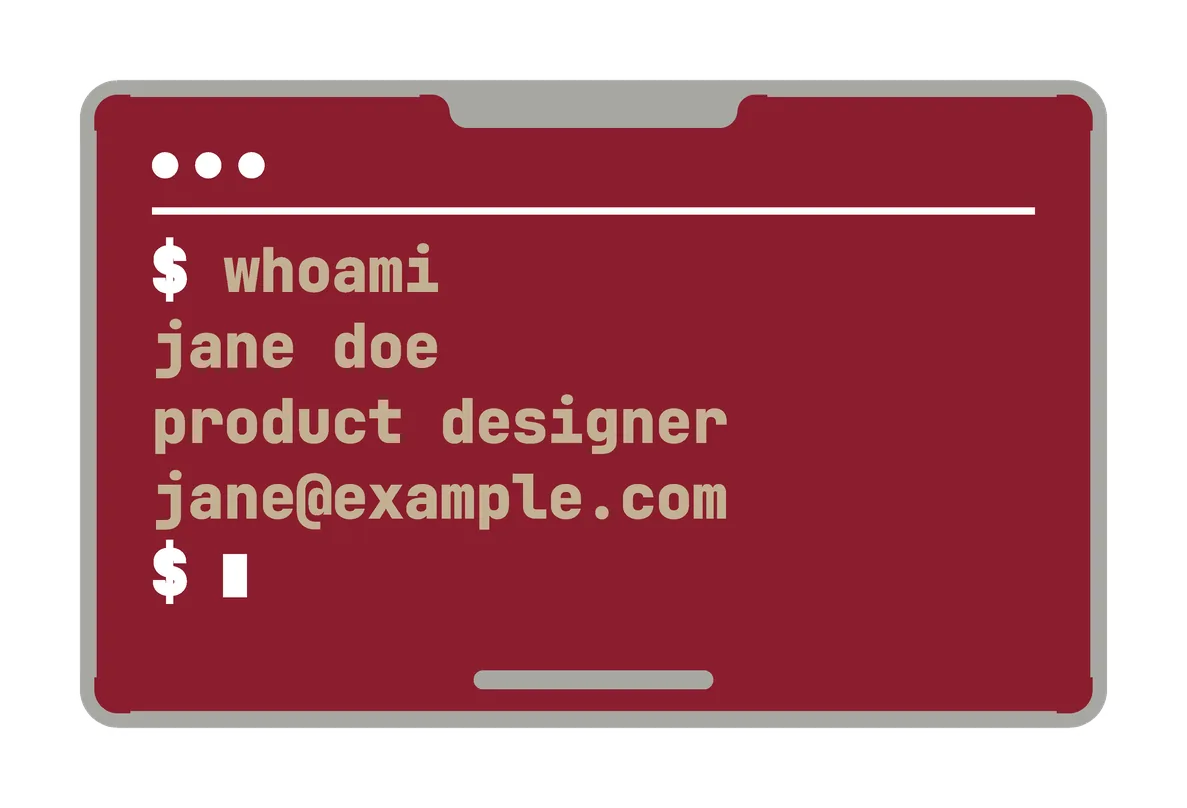 wine back, khaki text
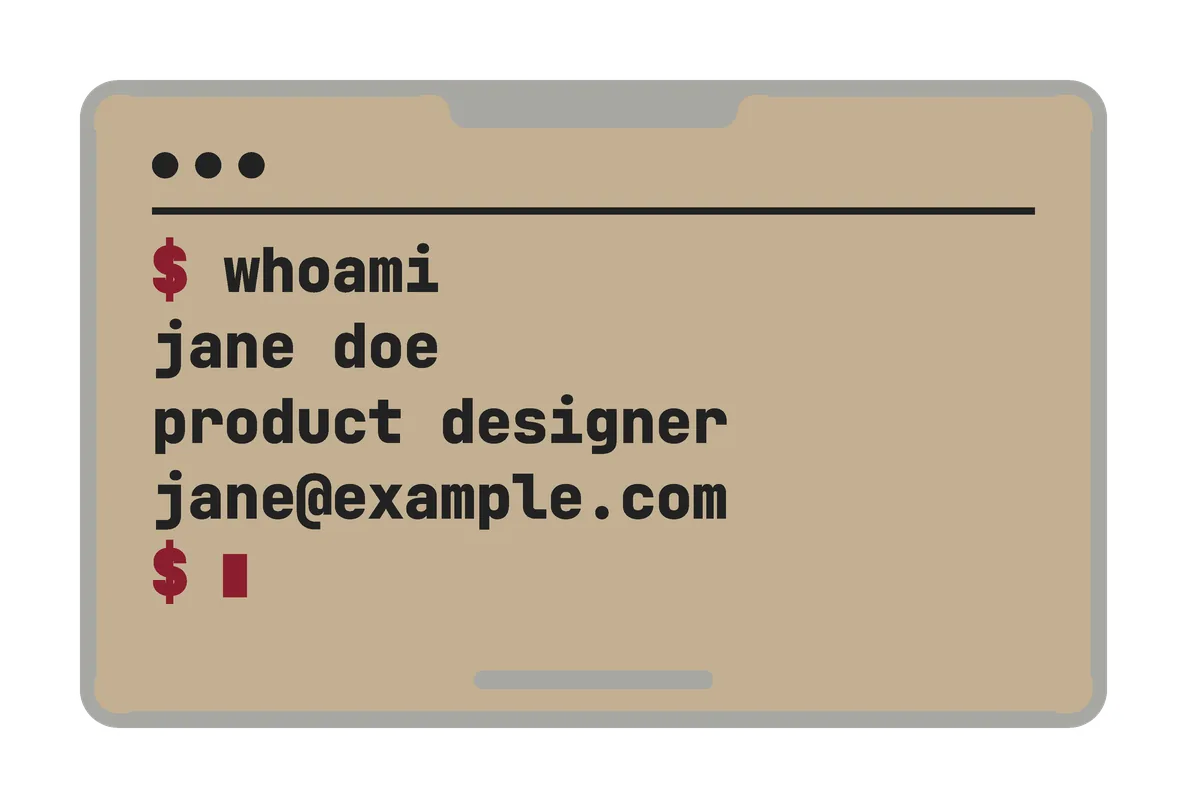 khaki back, black text
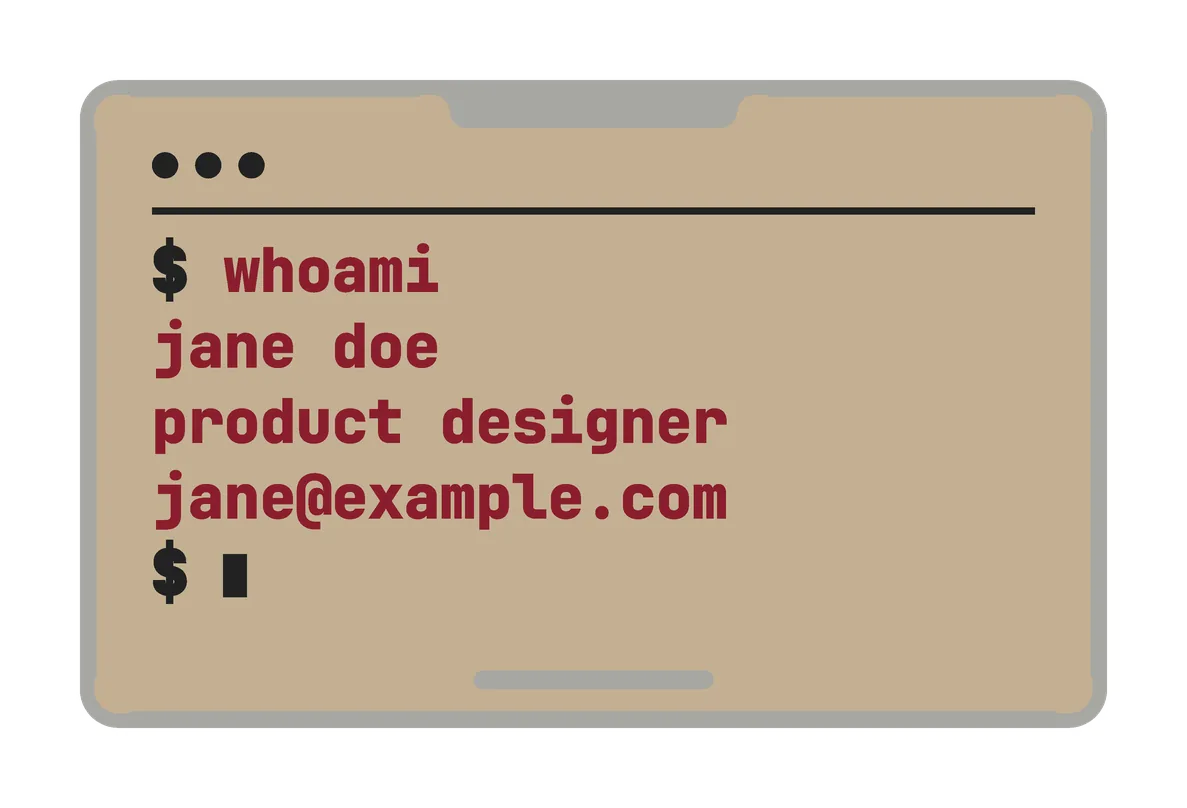 khaki back, wine text
 code back
- Mystery
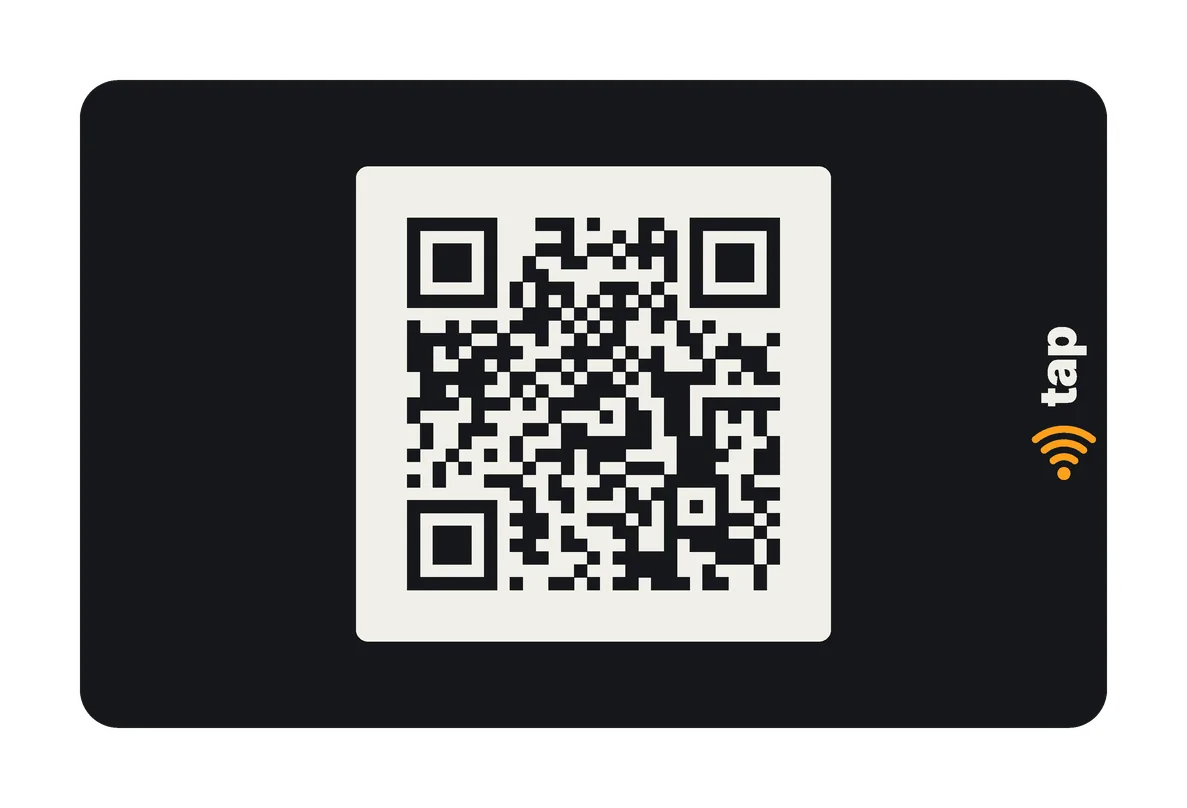 front
front back
back
- Signal
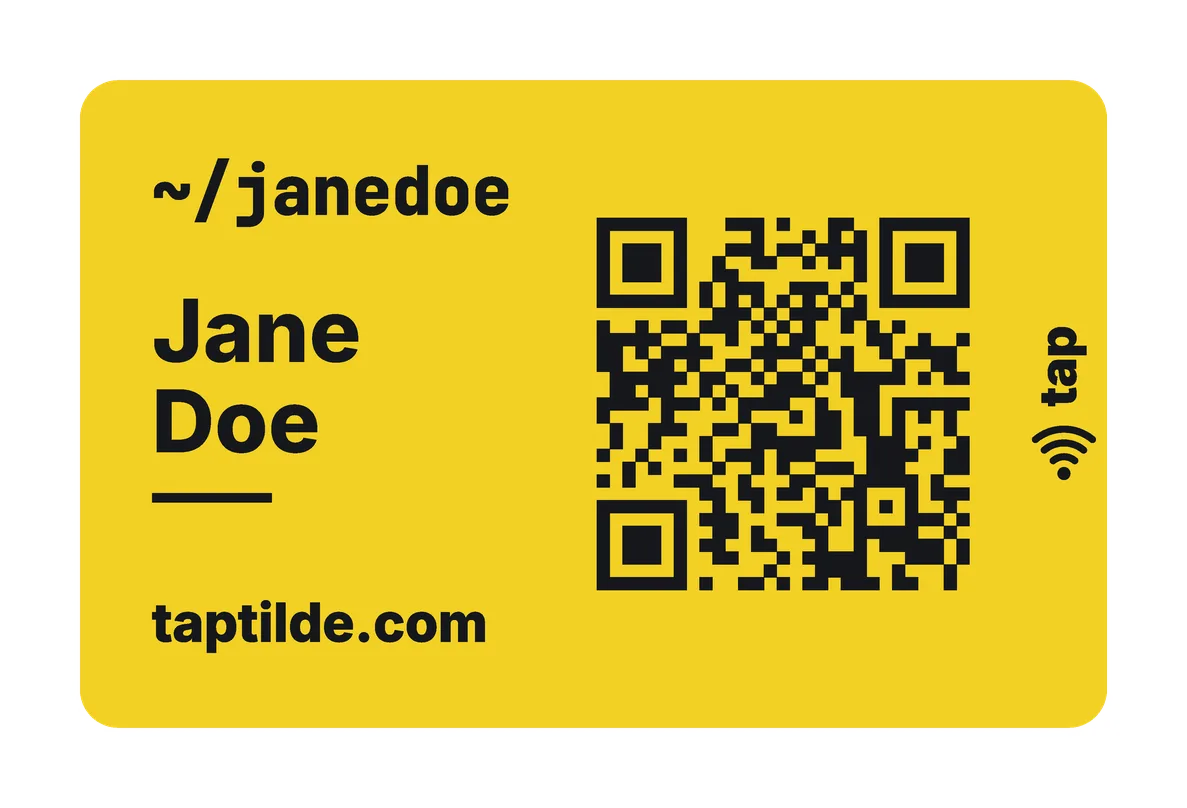 front
front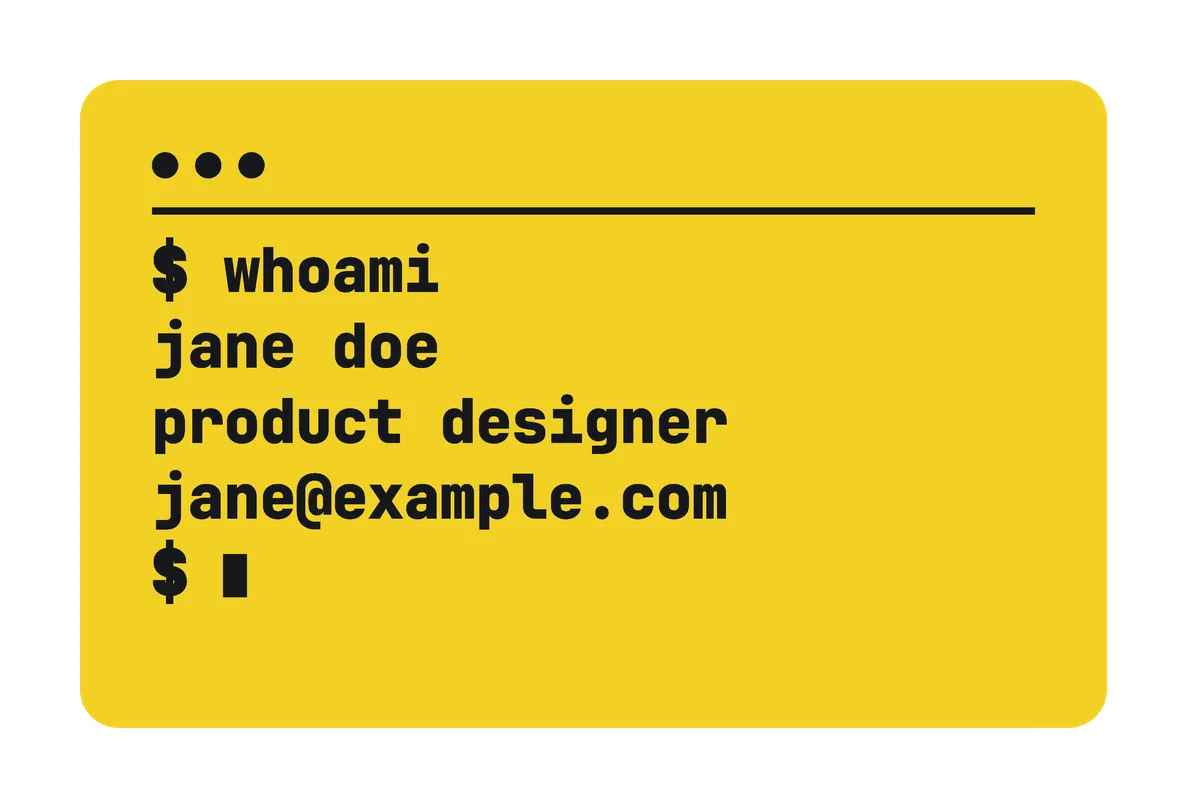 back
back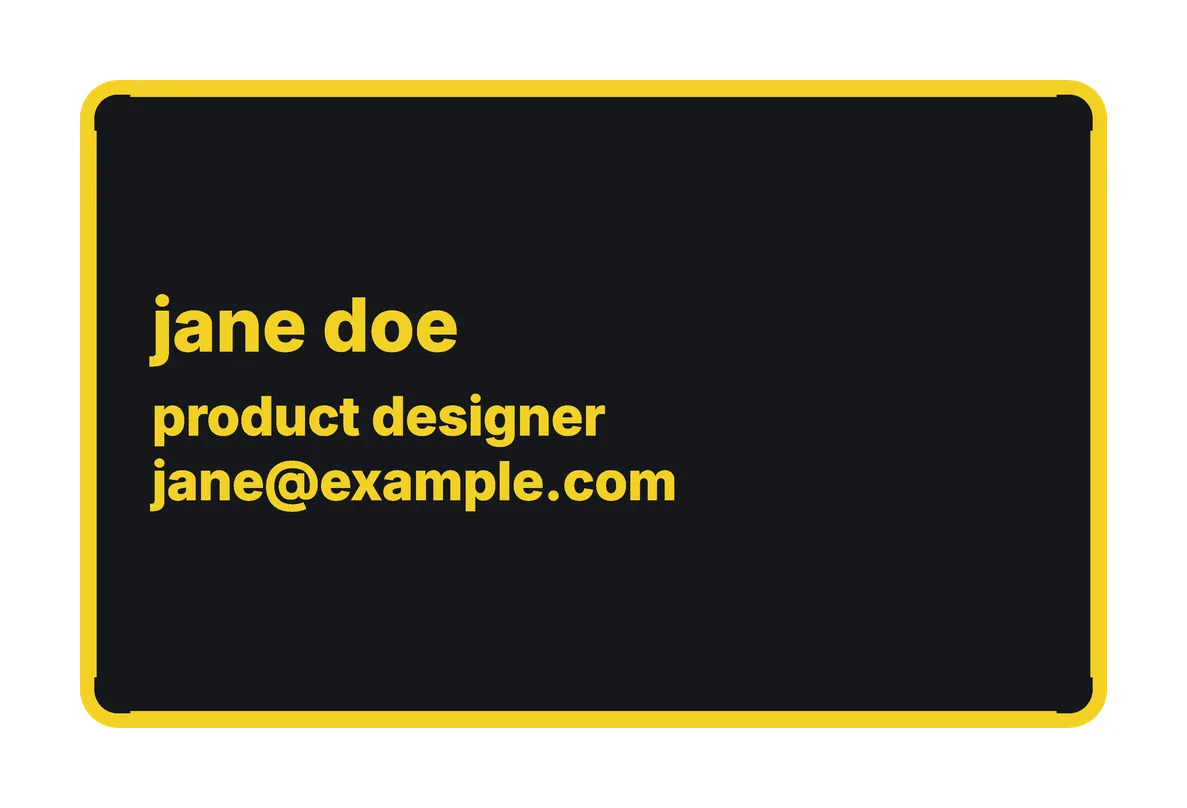 black back, yellow text
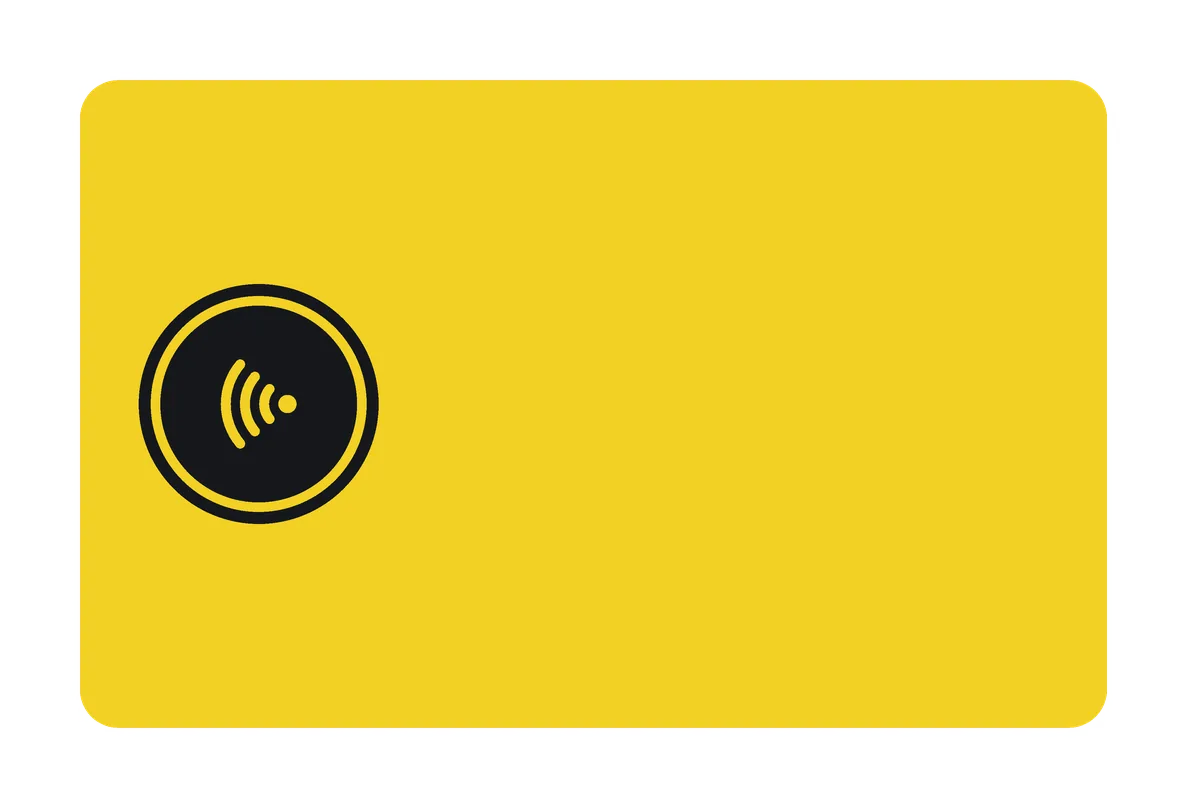 tap back, black window
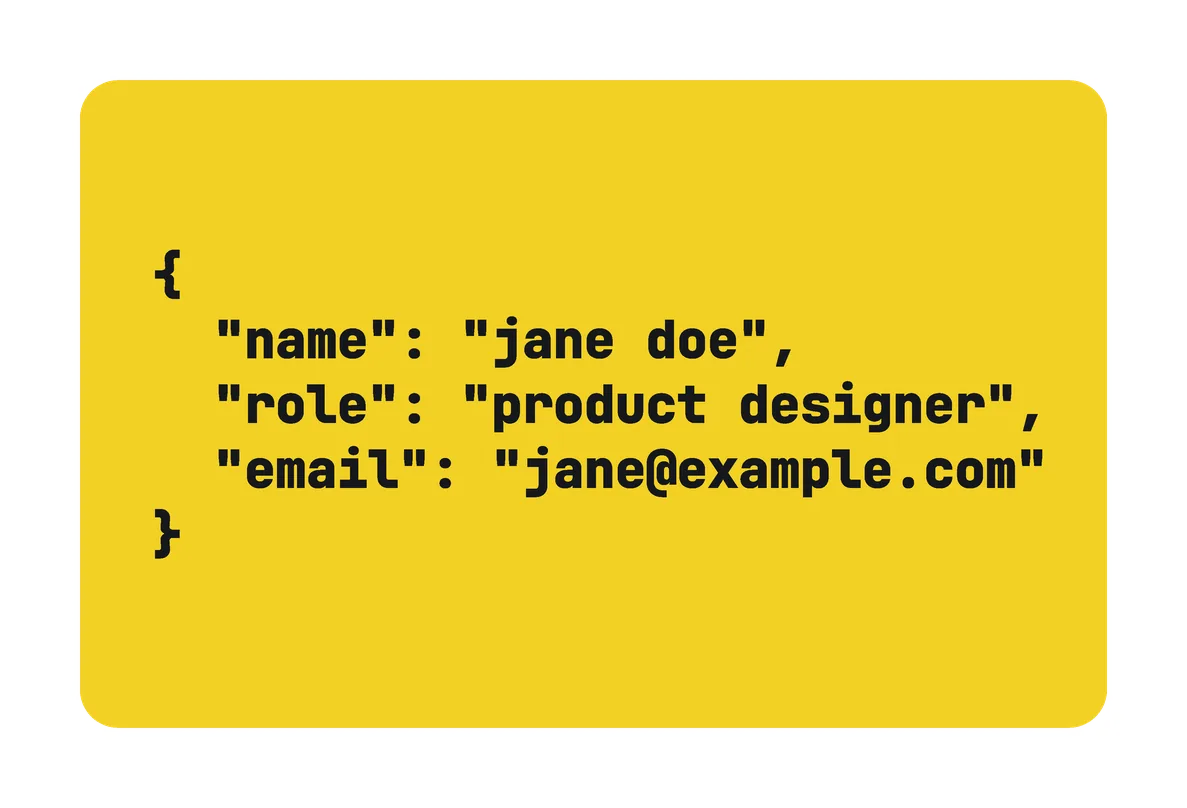 code back
- USA Light
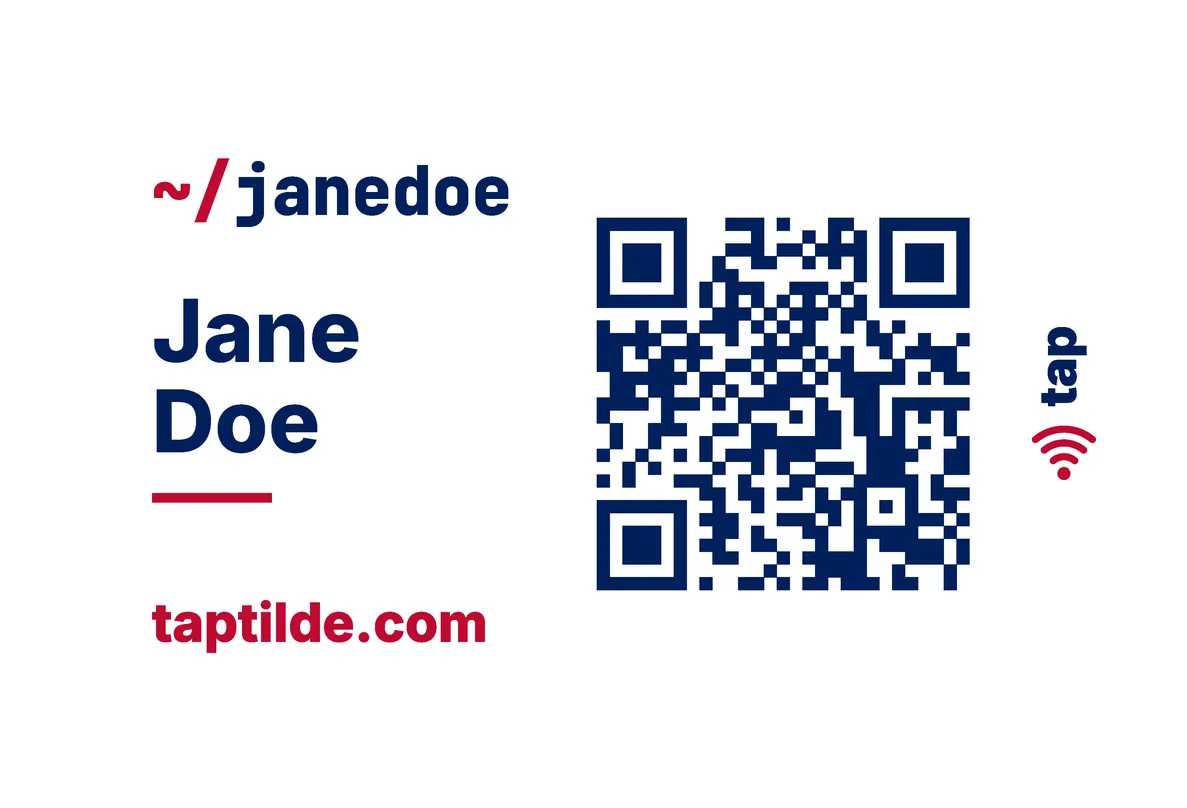 front
front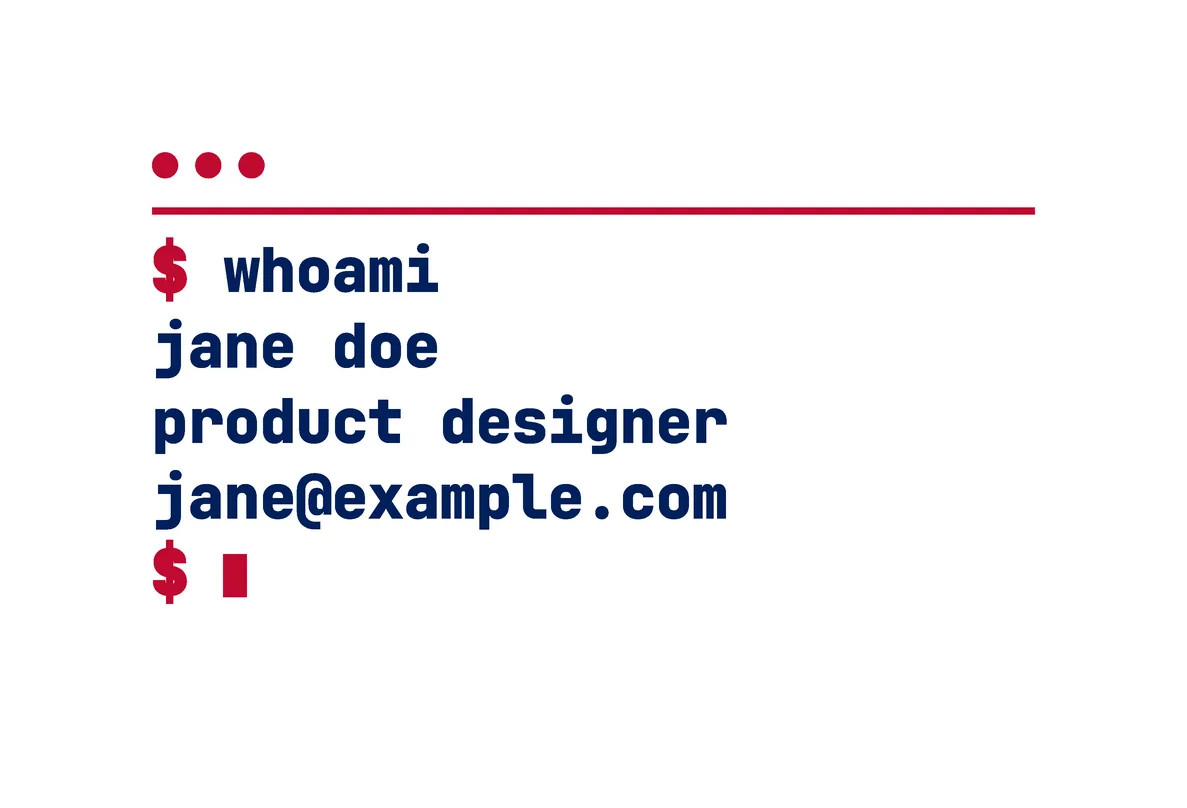 back
back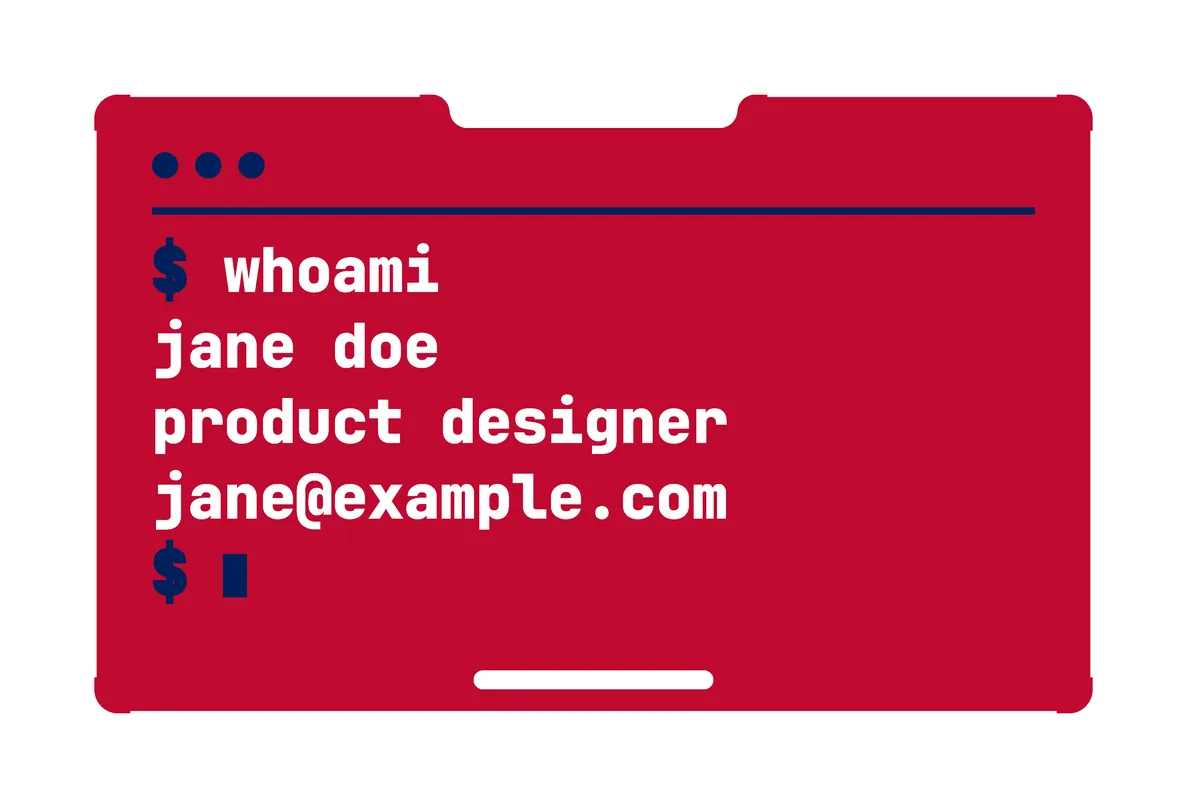 red back
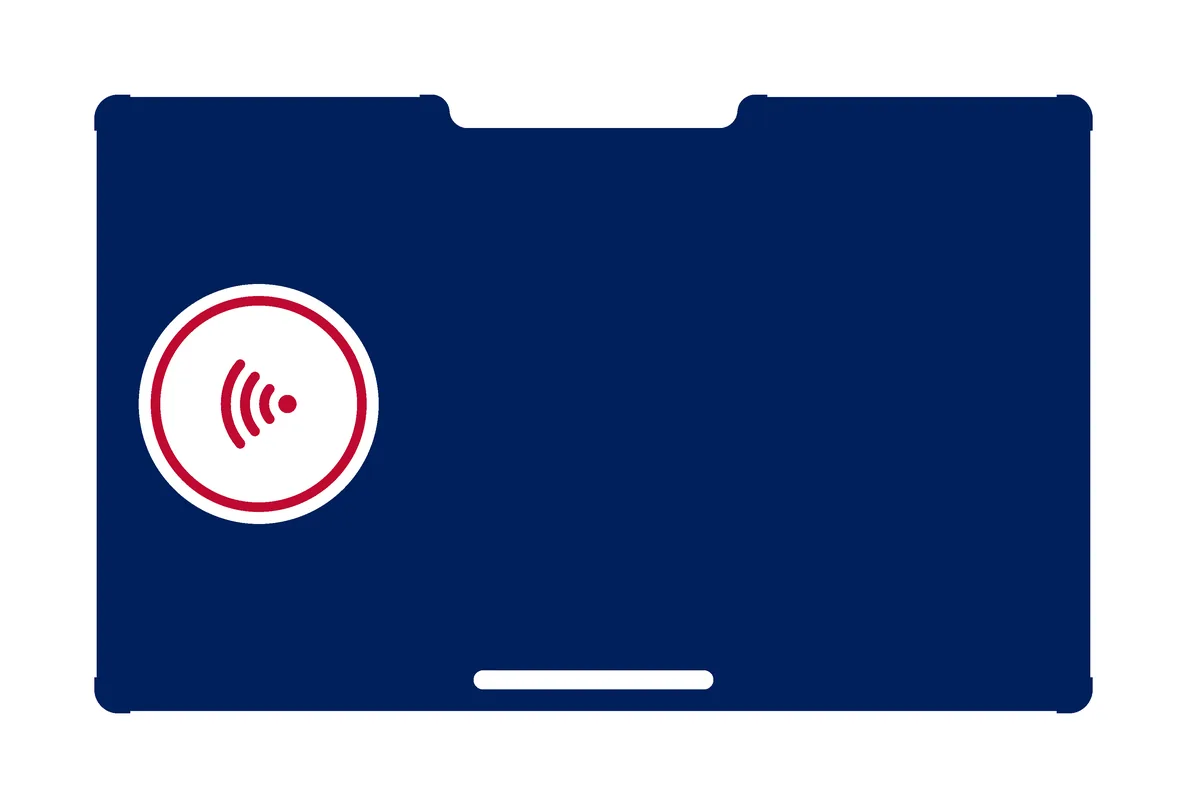 navy tap back, white window
 white code back
- USA Dark
 front
front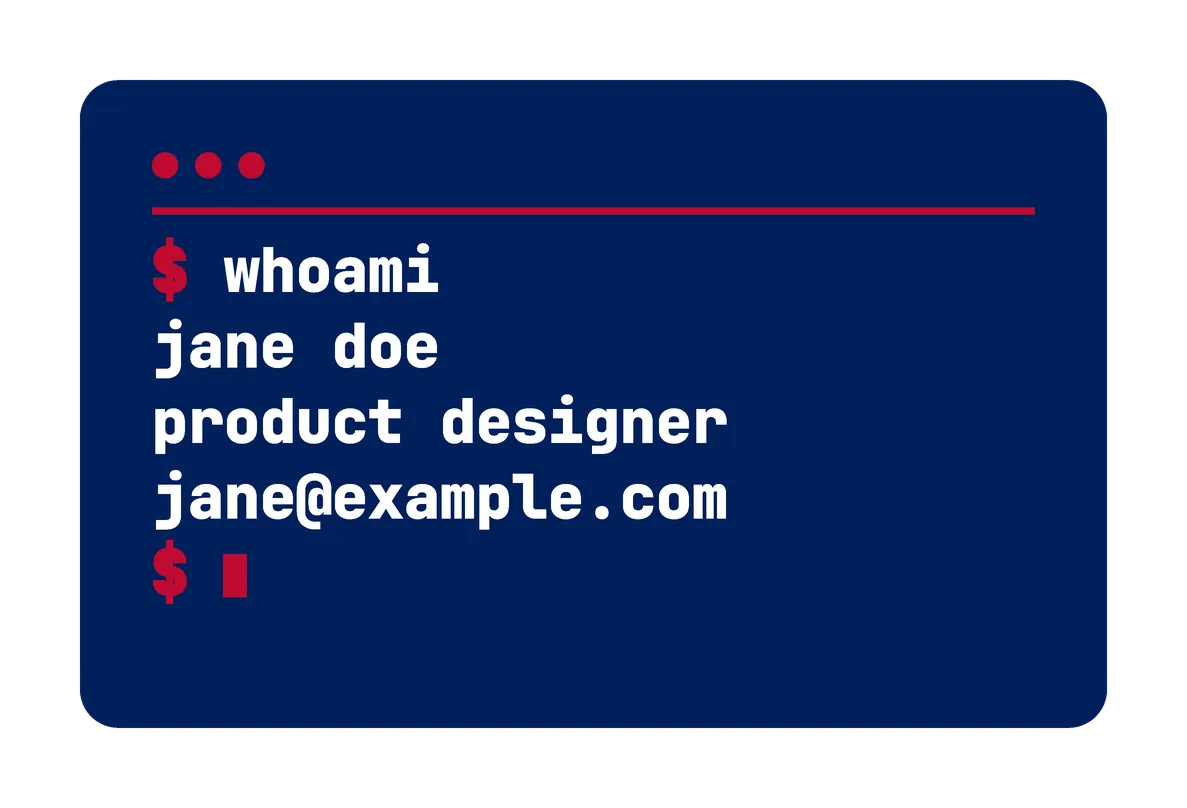 back
back- red back
- navy tap back, white window
- white code back
- Brasil
 front
front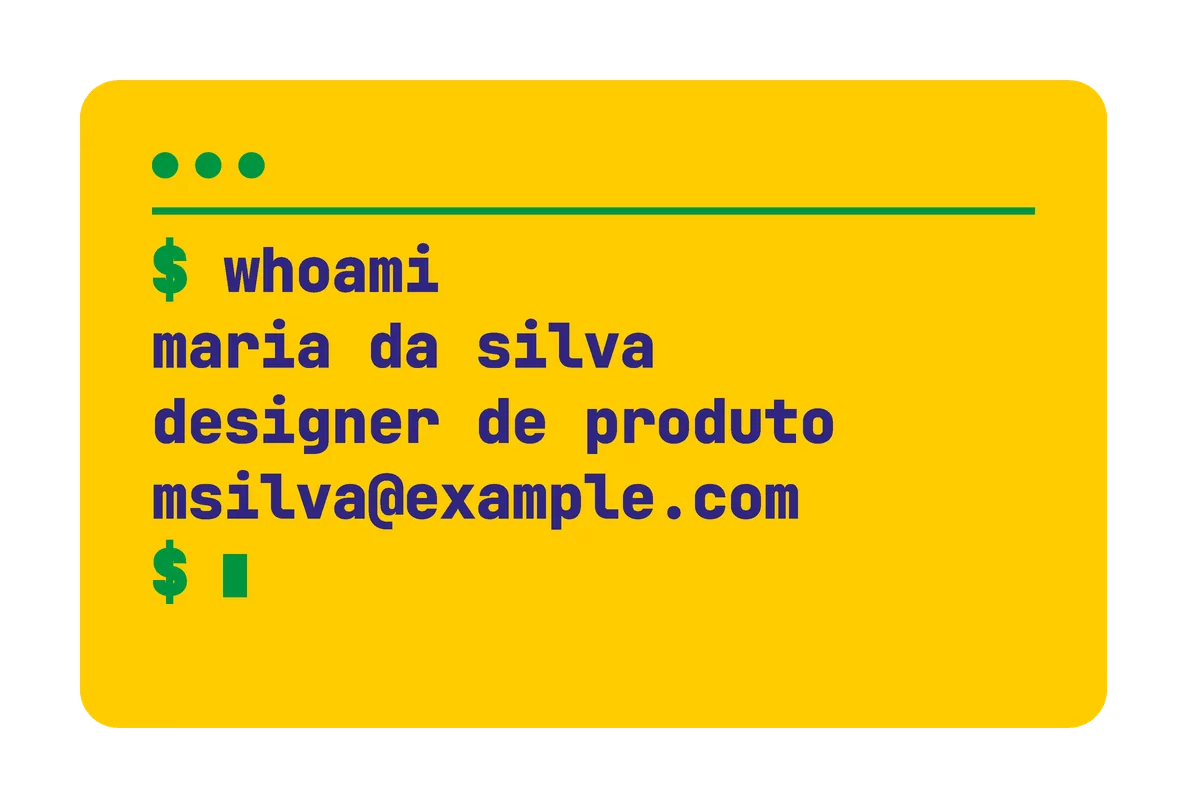 back
back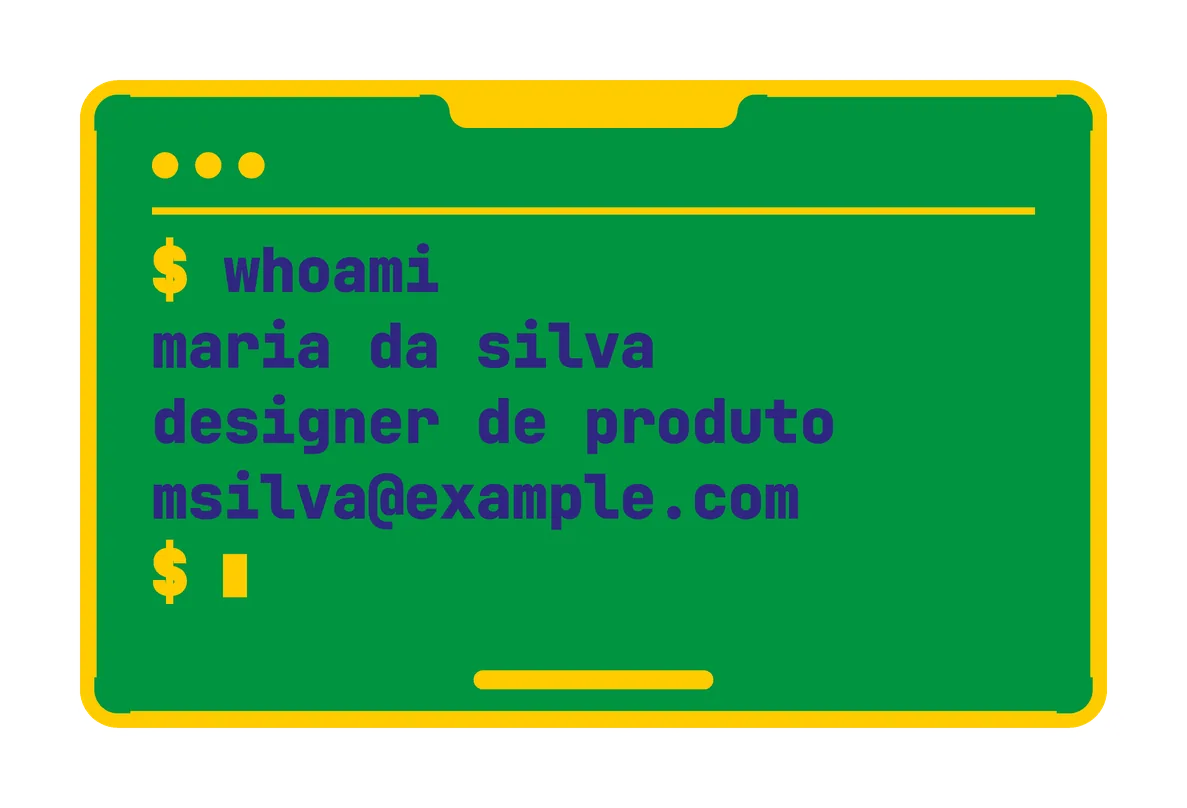 green back, navy text
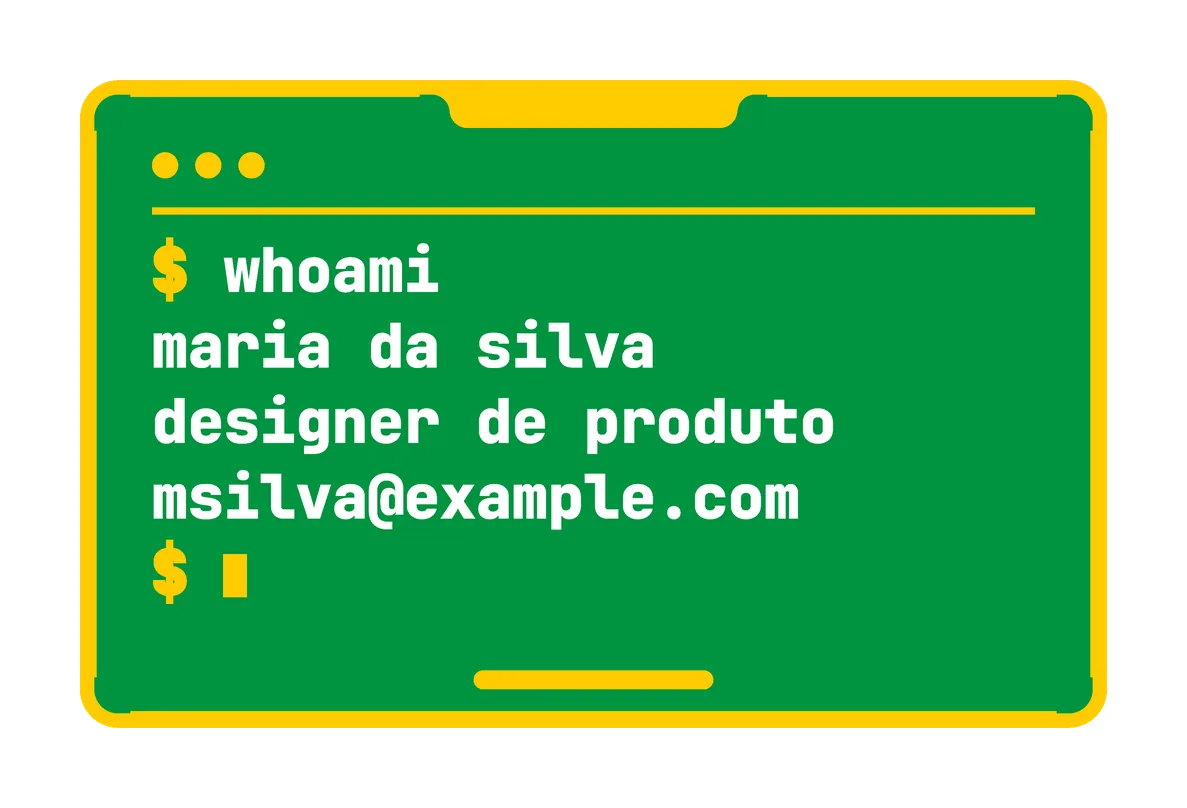 green back, white text
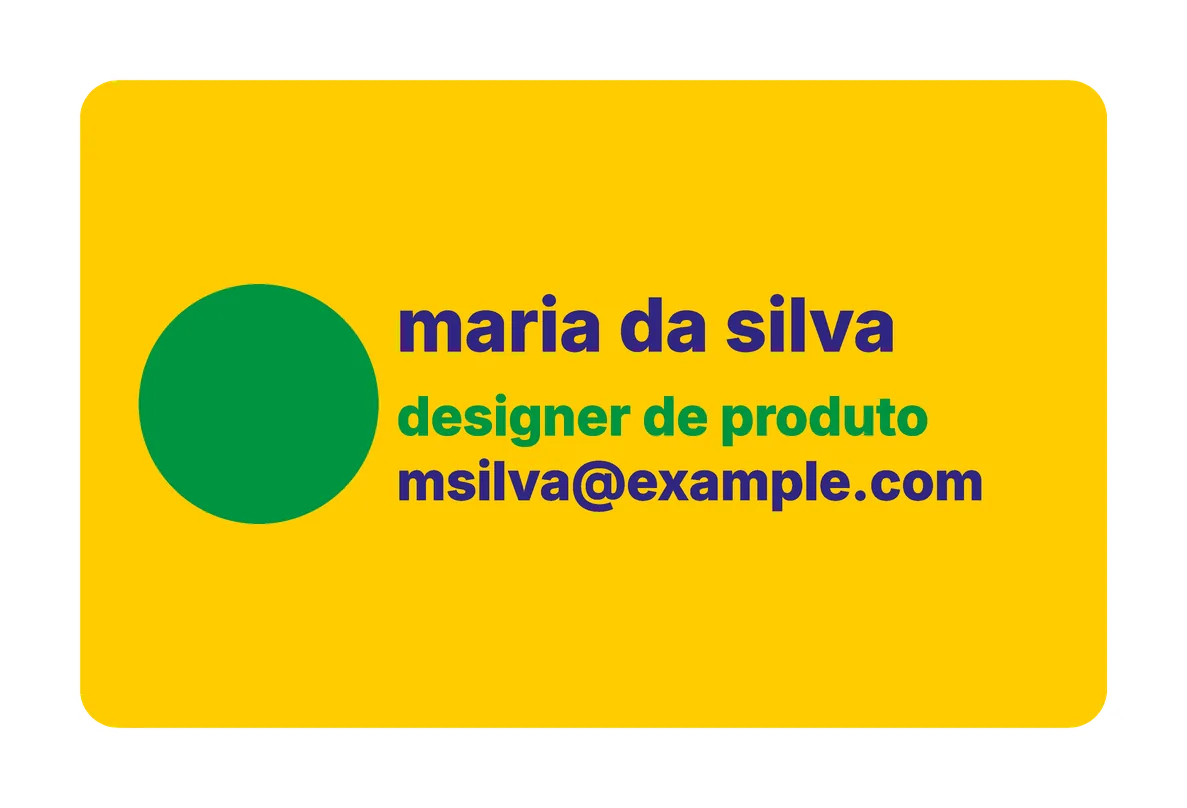 yellow back, green window
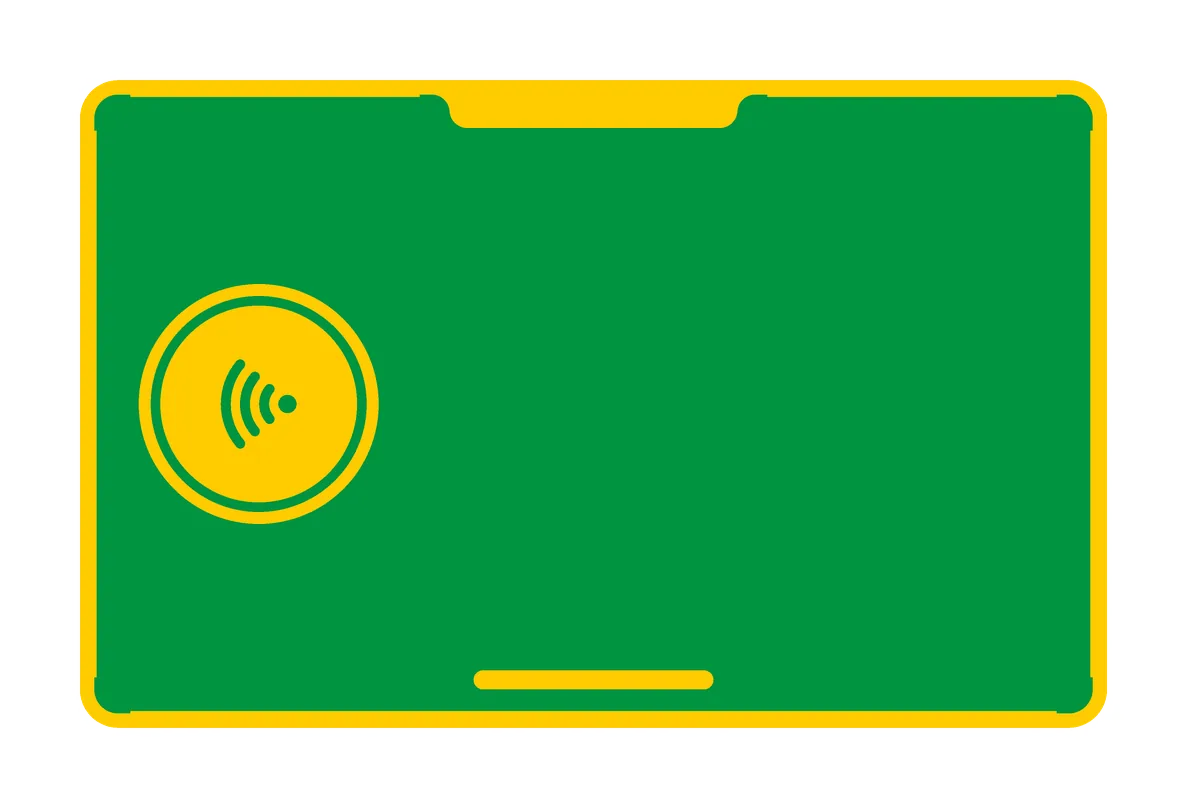 green tap back, yellow window
- Portugal
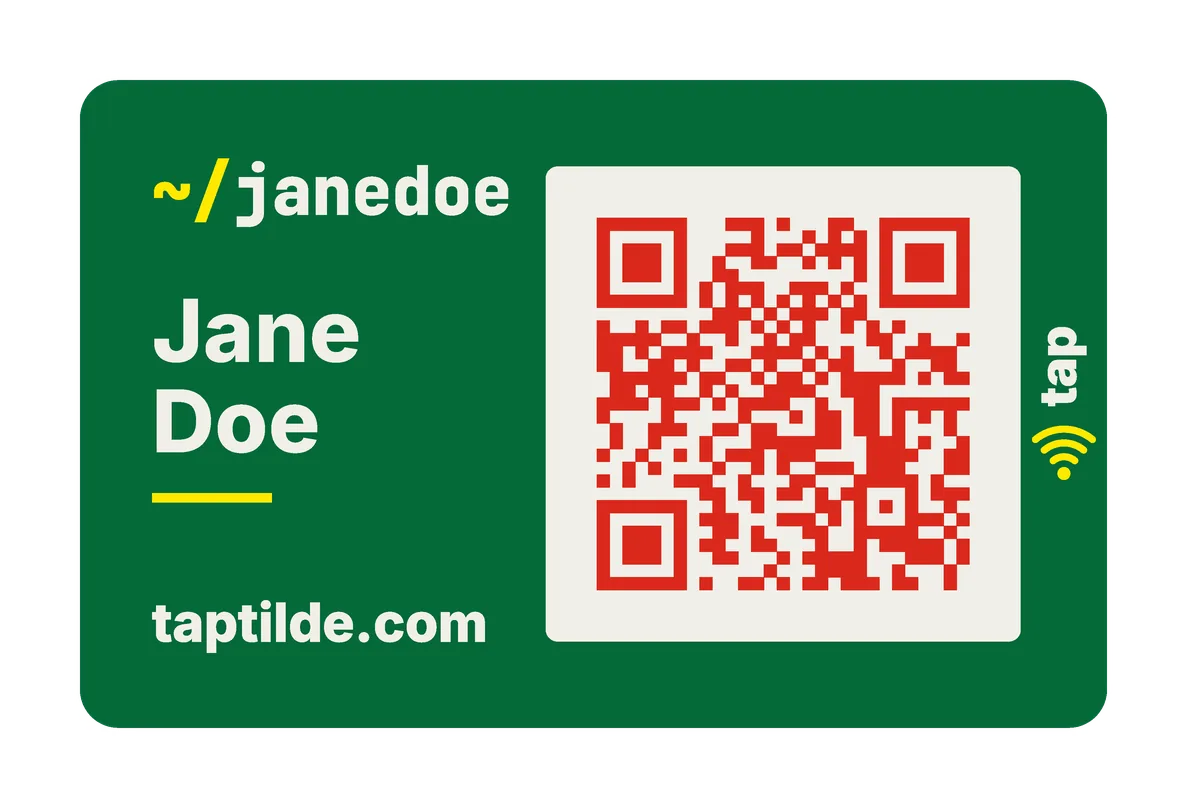 front
front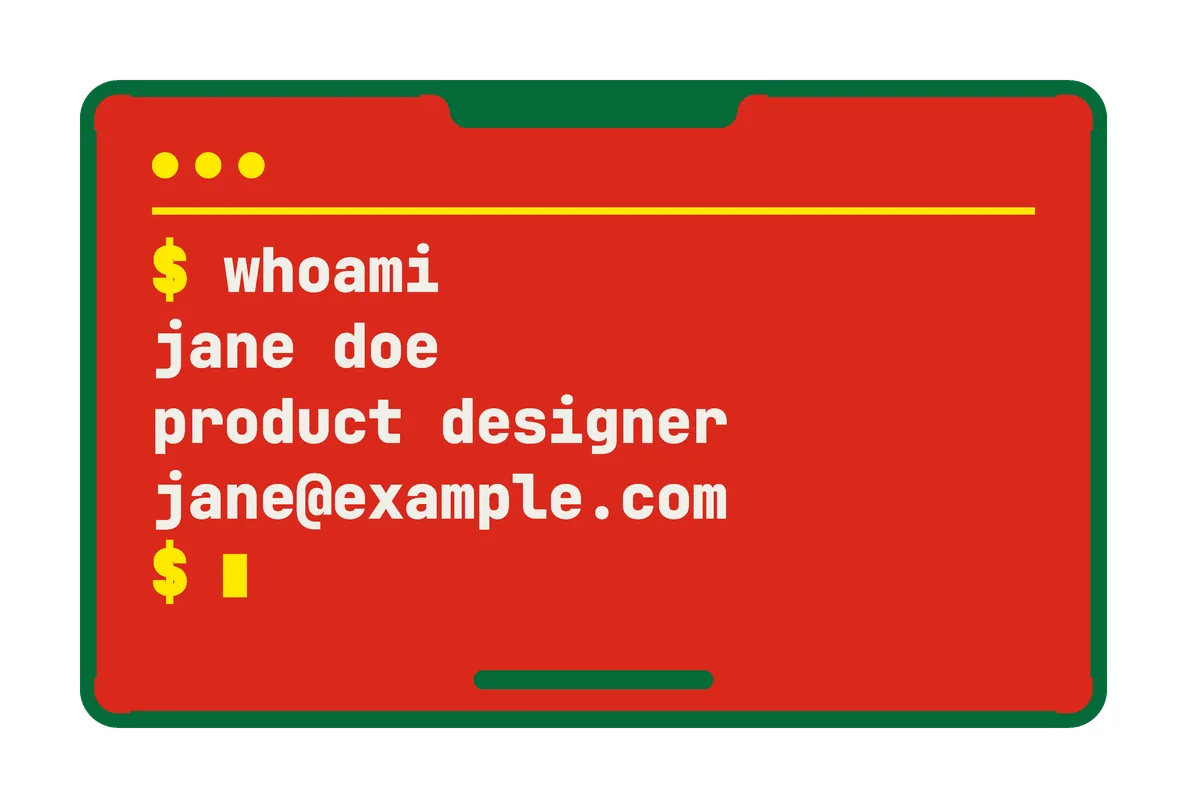 back
back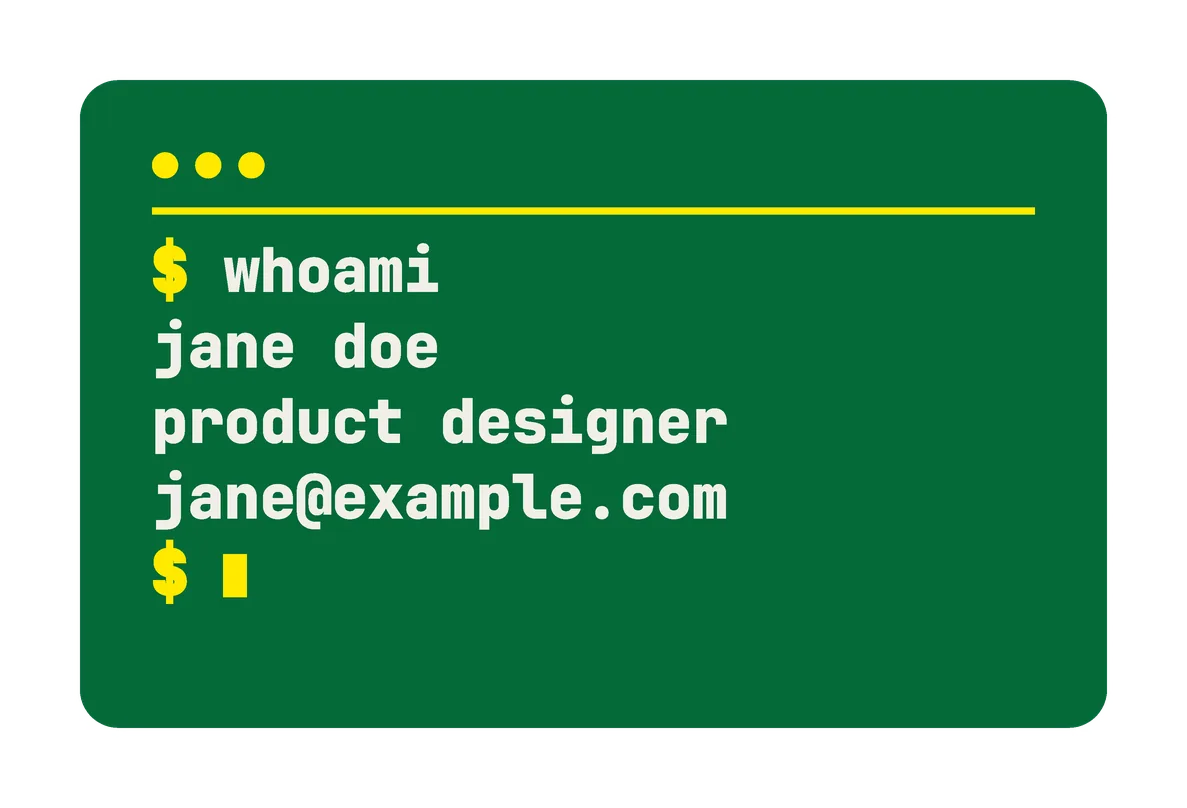 green back
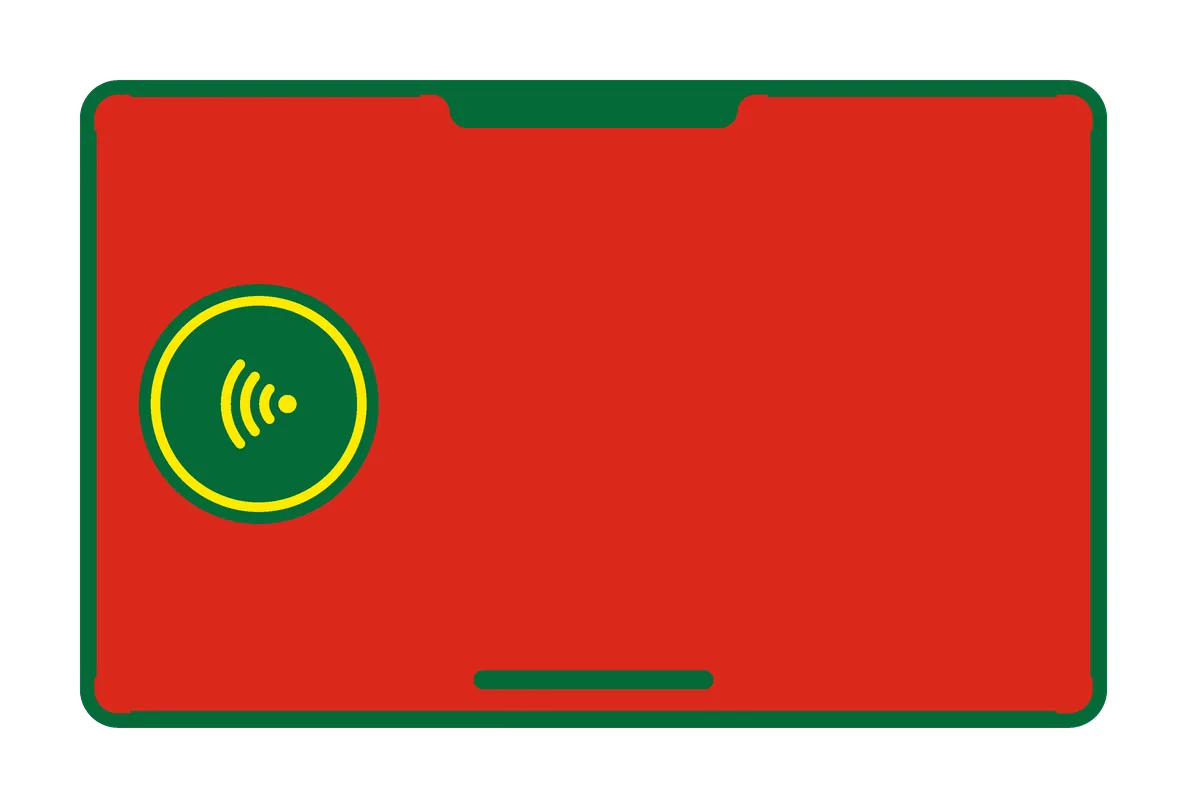 red tap back, green window
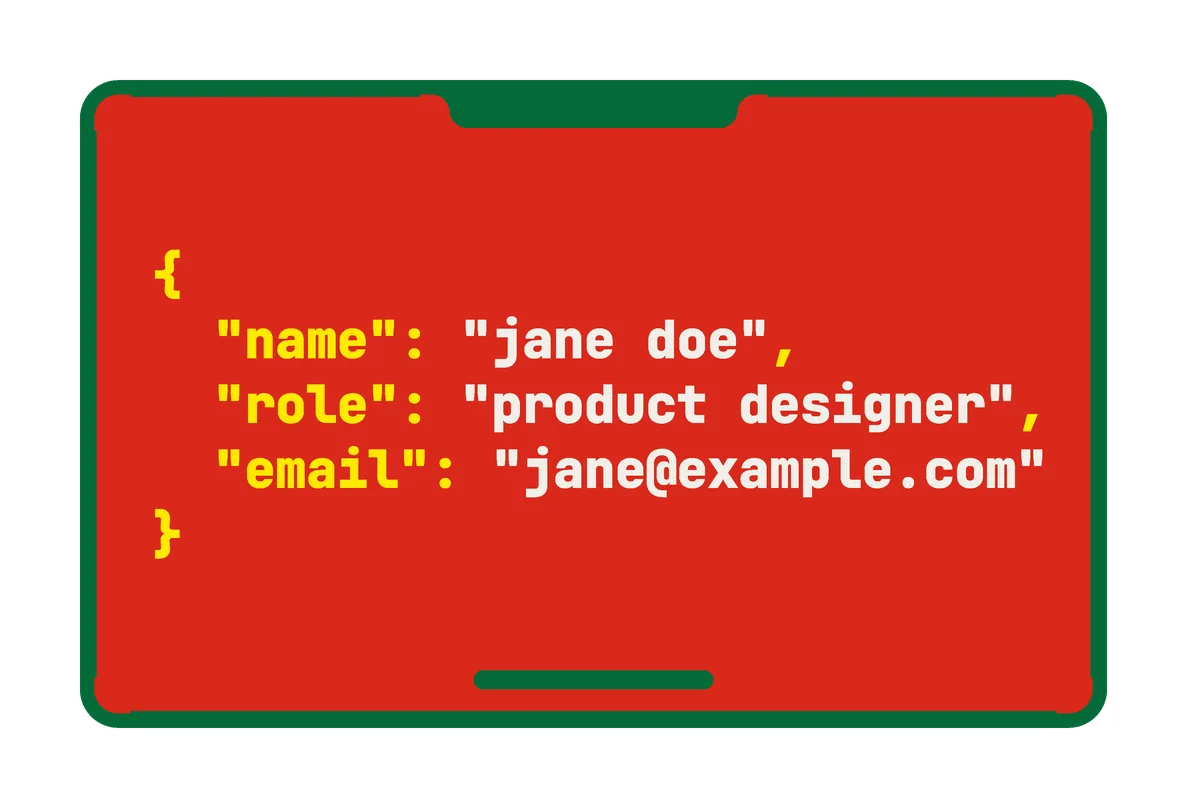 red code back
The tap card is made only to be tapped.
how to get one
- Print your own. Open the model in OpenSCAD’s Customizer from github.com/tbutman/tilde-card, type your name, your link and your back’s lines, pick a theme, and export it. The printing guide below has the rest.
- Add an NFC sticker if you want people to tap it: a round one, 22–25 mm across. an NTAG216 holds a full contact card; an NTAG215 is fine for a link. Search “NTAG216 25mm round NFC sticker”. Write it before it goes in, with Tilde (Android: Cards → Write a sticker) or the free NFC Tools app (iPhone and Android).
- Get the app, if you like. Tilde is free for Android: your phone becomes the same card. The printed card works without it.
the print guidewhat you need, the steps, how long, the sticker, questions
what you need
- A printer that prints several colors in a single print, such as a Bambu Lab printer with an AMS or AMS lite. The card changes color too often to do it by hand.
- PLA in black, white and orange, plus gray for the window bar on the terminal-style back (or use white or orange there instead).
- A 0.4 mm nozzle, the one most printers come with, or a 0.2 mm nozzle for the sharpest small text.
- A textured PEI plate (recommended): the front comes out matte, so the QR code doesn’t reflect light.
- Optional, for a card people can tap: a round NTAG215 NFC sticker for each card, 22–25 mm across and 25.5 mm at most. They cost about $0.25 to $0.65 each (prices as listed in October 2026).
- Optional, to make it permanent: superglue gel (not the thin kind). Without glue, it holds, and opens again to swap the sticker.
make it yours
- 01
Put in your details
Open the model in OpenSCAD’s Customizer (free), or in MakerWorld’s Model Maker, the same customizer in your browser, once the listing is public. Type your name, your link (up to 53 characters), the three lines on the back and your colors. Choose your nozzle, and whether the card has an NFC sticker. Long names shrink to fit.
- 02
Write the sticker first
With Tilde on Android (Cards → Write a sticker), or the free NFC Tools app on iPhone or Android, put your link or your whole contact card on the sticker before it goes in the card, so a faulty one only costs you the sticker.
- 03
Print both pieces
Open the 3MF in Bambu Studio (not the STL, which loses the colors) and choose the Tilde Card process from the guide. Both pieces print face down, side by side, so both faces come out smooth and matte, with no pause.
- 04
Put it together
Stick the sticker into the front piece’s pocket, put the back piece in with its text the same way up as the front’s, and press along the edges until it clicks in flush. Unglued, it opens at a corner with a fingernail, so you can swap the sticker. For the most durable card, glue it with a few dots of superglue gel.
- 05
Scan it and tap it
The QR code opens your link in any phone’s camera. With a sticker, any phone with NFC opens it from a tap, with no app.
how long it takes
Most of the time is color changes. The two-piece card has all its colors in its first few layers and prints the rest in black, so it’s much quicker than the one-piece card, which changes colors over more layers and stops halfway for the sticker. Color changes happen once per layer for the whole plate, so a full plate takes barely longer than one card. A plain back or no back is quicker still.
the nfc sticker
- Thin stickers (0.10–0.20 mm, such as wet inlays) make a 1.8 mm card; thick stickers (0.20–0.40 mm, most paper stickers) a 2.0 mm one. If the listing doesn’t say, measure one with calipers, or choose thick: thin stickers fit in it too. Hard discs and anti-metal tags over 0.40 mm don’t fit.
- An NTAG215 sticker holds 504 bytes: enough for your link or your whole contact card. NTAG216 works too.
- Locking the sticker is optional and permanent: nobody can change it then, you included. Lock it only once the finished card works; you can do it through the card.
- Unglued, the two-piece card opens to swap the sticker. You rarely need to: a phone rewrites the sticker through the plastic.
questions
Do I need the Tilde app?
No. Phones read the card on their own, and any NFC app can write the sticker. Tilde is the free Android app that goes with it, and it can write your whole contact card.
Which printers does it work with?
It’s printed and tested on a Bambu Lab A1 mini with an AMS lite, and the guide comes with A1 mini presets for Bambu Studio. Other printers that print several colors in a single print should work with the same settings, which the guide lists.
Is it really free?
Yes. The model is open source under the MIT license, with no payment, and the card links straight to your own website. See the code on GitHub.
Can I print it in one piece?
Yes: in the Customizer, choose Build: Solid. It prints as one piece, with a pause at the layer that closes the sticker’s pocket (layer 6 on a 0.4 mm nozzle) to press the sticker in. It takes about 53 minutes on a 0.4 mm nozzle and 4 hours on a 0.2 mm one. A card with no sticker always prints in one piece.
Can I make it without MakerWorld?
Yes. Open the model in OpenSCAD’s Customizer (free), as the guide shows; that makes the one-piece card. The two-piece files come from a script in the same repository (TWO-PIECE.md).
Can I use my own text or logo on the back?
Yes, in your slicer. There’s no setting for a picture or a logo: choose the plain back (Back: None), then add it in Bambu Studio on the back’s top face, as the printing guide shows.
Something went wrong with my print.
The guide’s troubleshooting section covers gray whites, missing letters, a bump over the sticker and a card that doesn’t react. Still stuck? Email [email protected].
see more
- Your keys can do this too. Coins and tags in the same colors: Fobs
- Every icon for a fob’s back: Fobs, icons
- What can a tap open? A family’s number, your Wi-Fi, a meeting: Use cases
- The app: Tilde for Android
~ The Tilde Card is free and open source.