nfc · android · iphone
~ Use cases
One tag, one job.
One tag, one job. Everything in these boxes is a tag with an NFC sticker inside. Tap it with a phone and it does one thing: opens a page, books a meeting, joins the Wi-Fi. Here are the eight jobs in the Tilde booth’s boxes, what each does on an iPhone and on Android, and how to make your own.
how it works
- The sticker does the work. A tap opens whatever was written to it. The other phone doesn’t need an app.
- Any phone with NFC. Many Android phones have NFC off until you turn it on, and older iPhones (7 to X) need the NFC reader in Control Center.
- You write it. Tilde for Android writes any of these in a few taps, for free: Cards → Write a sticker, then choose what it opens. On an iPhone, the free NFC Tools app writes a link.
- You can rewrite it. A phone rewrites the sticker through the plastic, so a tag can change jobs.
- Anything on a tag is public. Anyone who taps it can read it and copy what’s on it. Put on it only what you’d put on a poster.
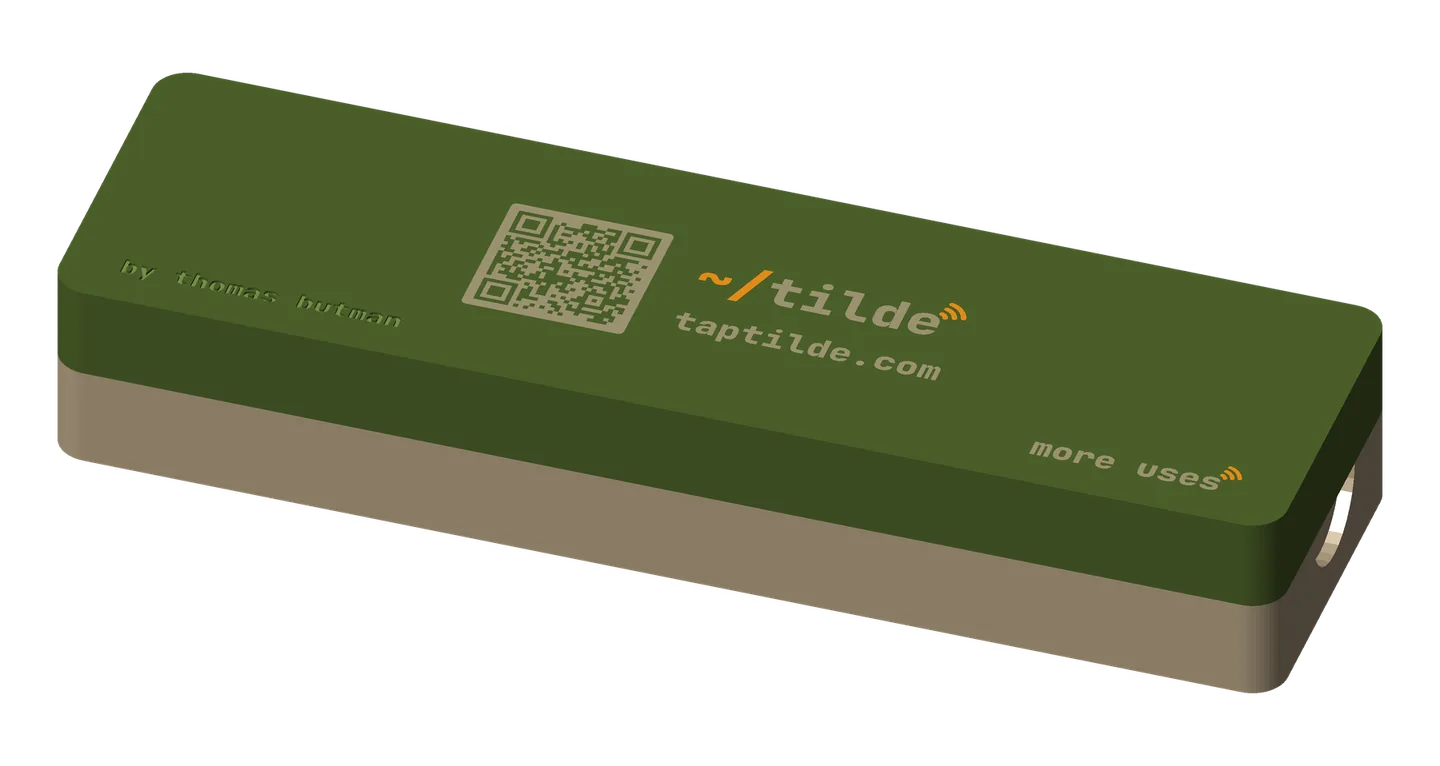
The code on the booth’s tags: some of the booth’s tags have a QR code on the front. It opens Tilde’s page (taptilde.com), not what’s on your sticker. A tag you print yourself carries your own link in its code.
in the boxes
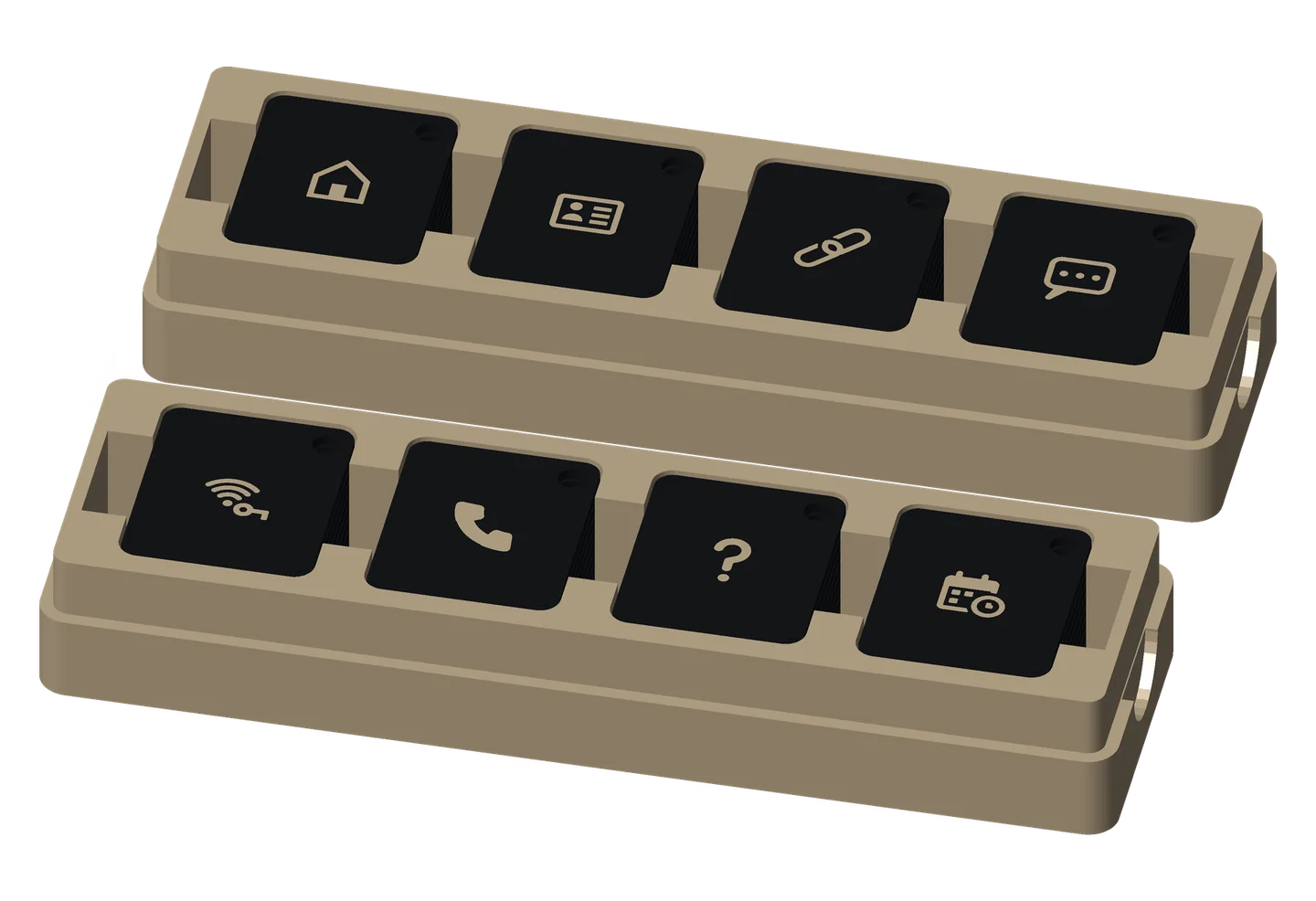
The booth’s giveaway tags are khaki on black, with each job’s icon on the back.
Link
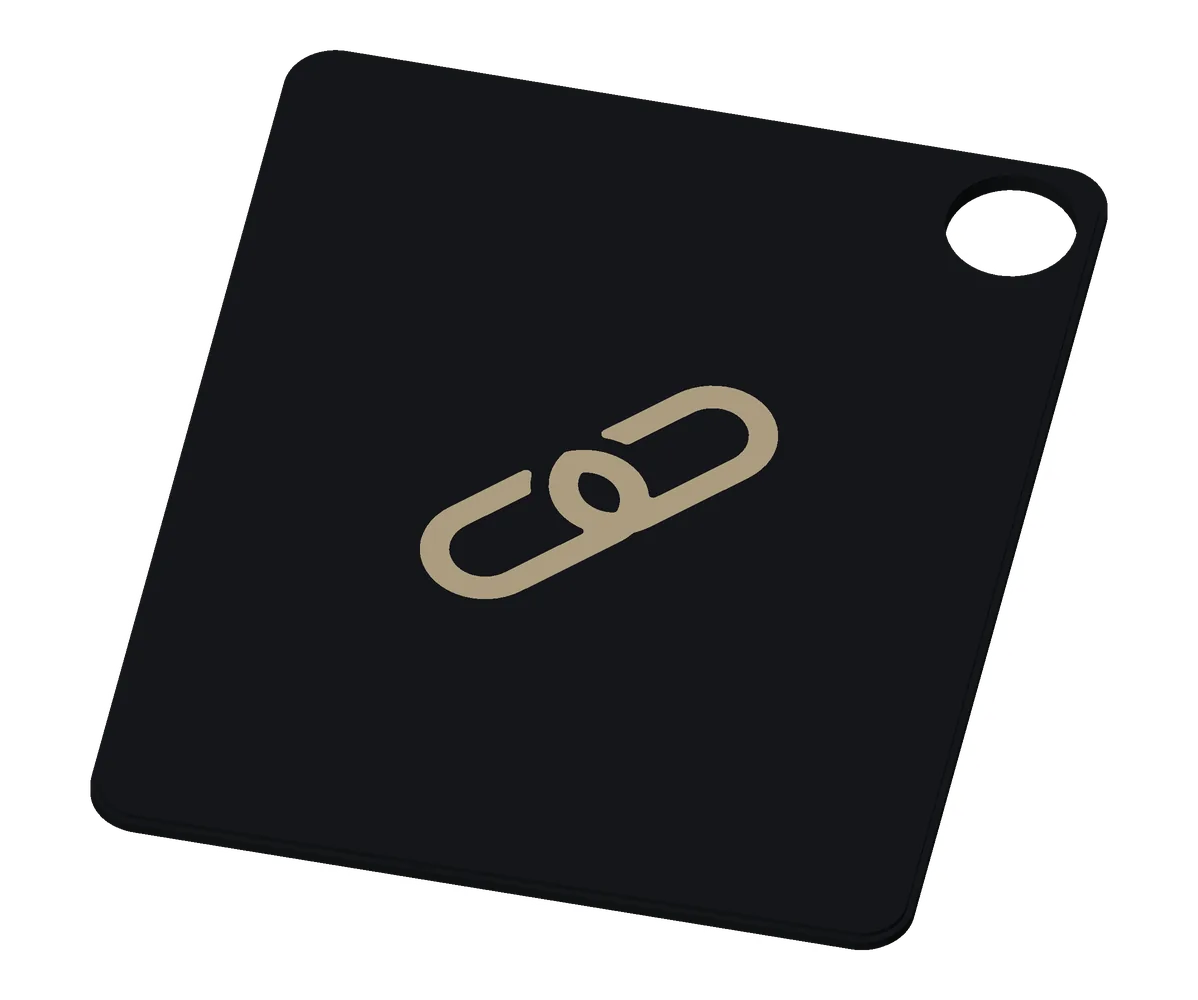
A tap opens your website, your LinkedIn or any page.
- Android and iPhone: a tap opens the link. No typing a URL.
- Make one: add the link to a card on the Cards tab, then Write a sticker and choose it. On an iPhone, write it with NFC Tools.
- Keep in mind: use it for yourself too, as a physical bookmark for a page you open every day (see below).
Lives on: Tilde Card, Solid · Tilde Card, Two-Piece · Base tag · Premium tag · Special Edition: Retro handheld · Sticky note
Book a meeting
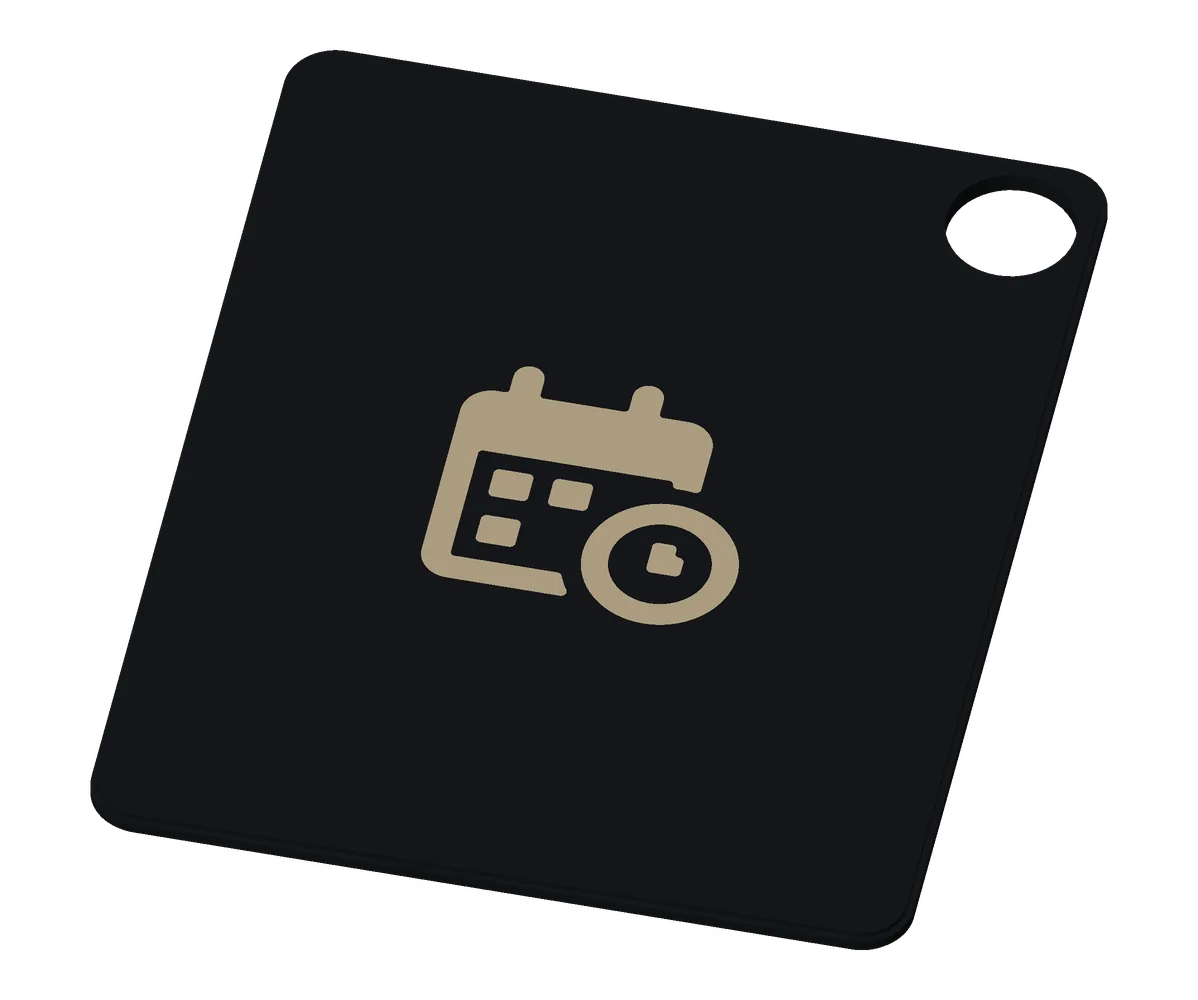
Tap to book time with me.
- Android and iPhone: a tap opens your booking page (Calendly, Google Calendar’s booking pages or any other).
- Make one: add your booking link to a card, then Write a sticker and choose it.
- Keep in mind: use a booking page that shows only your free times, never your calendar’s details.
Lives on: Base tag · Premium tag · Calendar · Stand Mini
A tap opens a WhatsApp chat with you, with a greeting ready to send. No more “text me your number”.
- Android and iPhone: a tap opens WhatsApp on a chat with you, the greeting filled in.
- Make one: add WhatsApp to a card, then Write a sticker → WhatsApp.
- Keep in mind: the link carries your number, so anyone who taps it can message you.
Lives on: Tilde Card, Solid · Base tag · Base coin · Premium coin
Contact card
Tap the tag, save the contact.
- Android: a tap offers to save your contact card, if it fits the sticker.
- iPhone: iPhones open links from a tap, not contact cards. For iPhone users, use the Link tag with your website.
- Make one: Write a sticker → Contact card. An NTAG216 sticker holds a full contact card.
- Keep in mind: anyone who taps it gets your contact card. In Edit card, uncheck your phone number or email under What they save if you’d rather leave them off.
Lives on: Tilde Card, Solid · Tilde Card, Two-Piece · Base coin · Premium tag · Premium coin · Special Edition: Retro handheld · Sticky note · Stand Mini
Guest Wi-Fi
Friends over? They tap the tag and they’re online. No asking for the password, no typing.
- Android: a tap offers to connect to your network, and joins.
- iPhone: iPhones can’t join from a tag: they scan the Wi-Fi code on your phone’s Share screen.
- Make one: set up Guest Wi-Fi in Tilde’s Settings, then Write a sticker → Guest Wi-Fi (it’s named Wi-Fi if you’ve set up Hotspot too).
- Keep in mind: use your guest network, never your main one. Anyone with the tag can read the password.
Lives on: Base coin · Premium tag · Premium coin · Sticky note · Wi-Fi coaster · Tilde Stand · Stand Mini
Lost item
Found this? Tap to call the owner. For your keys or your bag.
- Android: a tap opens the phone app with your number filled in, ready to call.
- iPhone: iPhones can’t call from this tag yet: it’s for Android phones.
- Make one: in Tilde, make a card with your number, then Write a sticker → Phone number and pick Call.
- Keep in mind: never an address. Keys plus an address is a way in. A first name helps whoever finds it.
Lives on: Base tag · Base coin · Premium coin
Call my family
If your child loses their phone, whoever finds them taps the tag on their backpack, and your number is ready to call.
- Android: a tap opens the phone app with your number filled in, ready to call. No internet needed.
- iPhone: iPhones can’t call from this tag yet: it’s for Android phones.
- Make one: in Tilde, make a card with one parent’s number, then Write a sticker → Phone number and pick Call.
- Keep in mind: one parent’s number is enough. Don’t put on it the child’s name, school or address, or your own address: anyone who finds it can read it.
Share your number
One tap and your number is ready to call, or a new text to you, without saving a contact.
- Android: a tap opens the dialer with your number filled in (Call), or a new text to you (Text).
- iPhone: iPhones scan the code on your phone’s screen instead.
- Make one: Write a sticker → Phone number, then pick Text or Call.
- Keep in mind: the text starts empty, and Call only fills in the number: nobody’s phone calls you by itself.
more ideas
The shopping list on the fridge
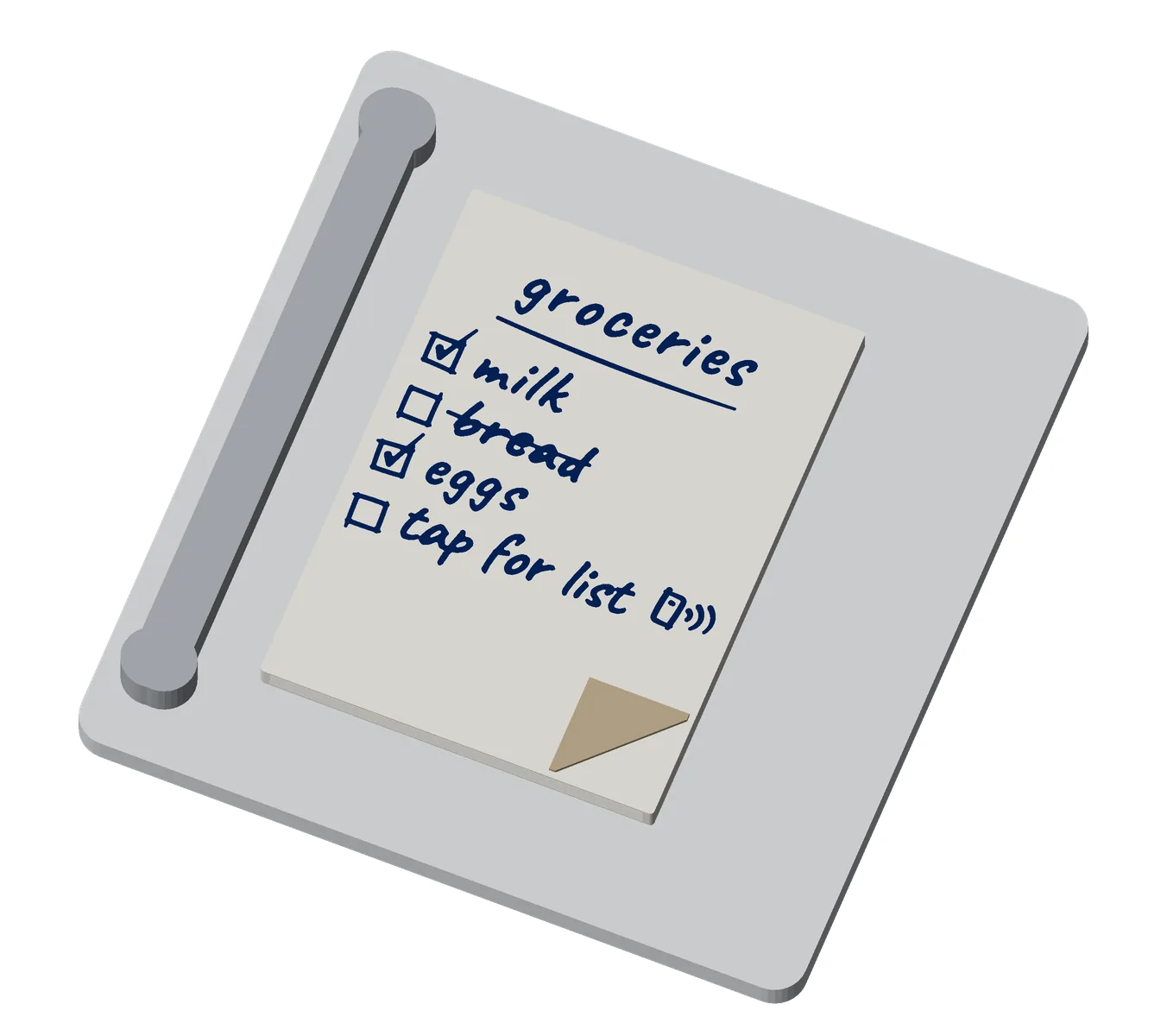
Tap the list on the fridge, and it’s on your phone. Coming in the next app update.
- Android and iPhone: a tap opens the list on a page, with tick boxes, and no app is needed. Your ticks stay on your phone; they don’t change the list on the fridge.
- Make one: make the list in Tilde, then Write a sticker to the Grocery list (see Home & desk). To change it, edit it in Tilde and tap the sticker again.
- Keep in mind: anyone who taps it can read the list.
Physical bookmarks
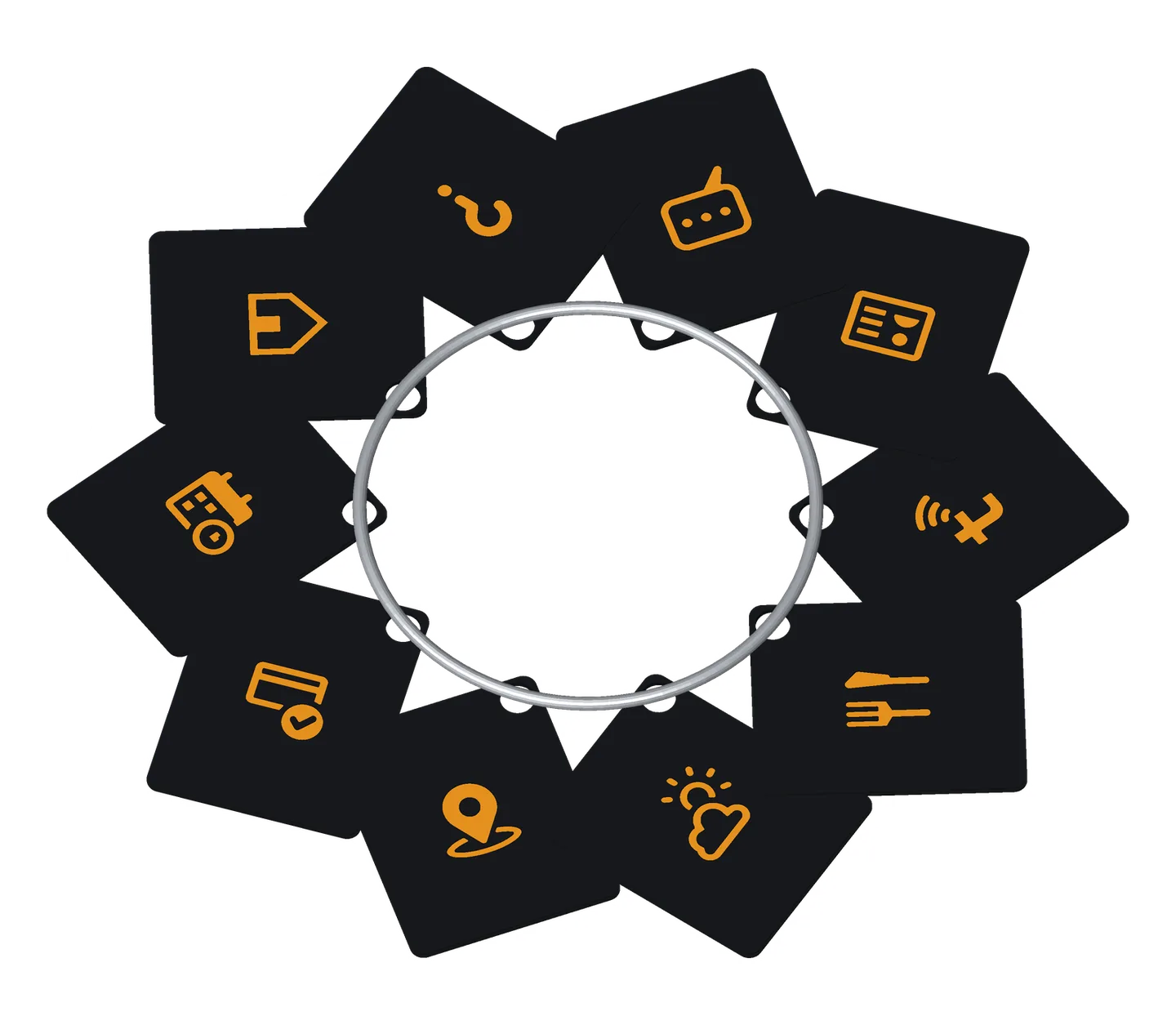
Flip to the tag, tap, and it’s open. A ring of thin tags works like index cards, each for a page you’d otherwise dig for: the parcel you’re tracking, today’s forecast, your gym’s schedule. These are for you rather than to share. Your phone rewrites a tag when the parcel changes, without a reprint.
The demo keychain: flip through and tap any. At the booth, its tags open things like these:
- a parcel’s tracking page;
- today’s forecast;
- a news front page;
- a team’s scores;
- a gym’s class schedule;
- a shared calendar;
- a booking page;
- parking nearby;
- live departures;
- train times;
- directions to a place;
- an email with the subject filled in;
- a playlist;
- a restaurant’s menu.
A tracking page can show your name and address on some carriers’ sites, so keep those bookmarks on your own keys.
With just your phone
You don’t need a tag at all: Tilde shares from your phone with a tap or a code.
- Keep a card for every room: a work card with your title and LinkedIn, and a socials card without your number.
- Remember who you met: Met lists every tap of your phone, with the time, the card and the event. Add a note, then go through it after the event.
how to get one
- At the Tilde booth at Web Summit: take a tag from the boxes. It’s written for you there, in about 10 seconds.
- Print your own: coins and tags from github.com/tbutman/tilde-card.
- Or any NFC sticker: Tilde writes the same things to a plain round NFC sticker, or to a Tilde Card.
see more
- Every coin, tag and icon: Fobs
- The card that does it too: Cards
- The app: Tilde for Android