nfc · qr · 3d-printable
~ Tilde Fobs
Every shape, color and icon.
These are Tilde fobs: coins and tags for your keys, with an NFC sticker inside. Tap one with a phone and it opens whatever’s on the sticker: a link, your contact card, your Wi-Fi. The tags have a QR code too. The box holds a few; here’s every shape, color and icon.
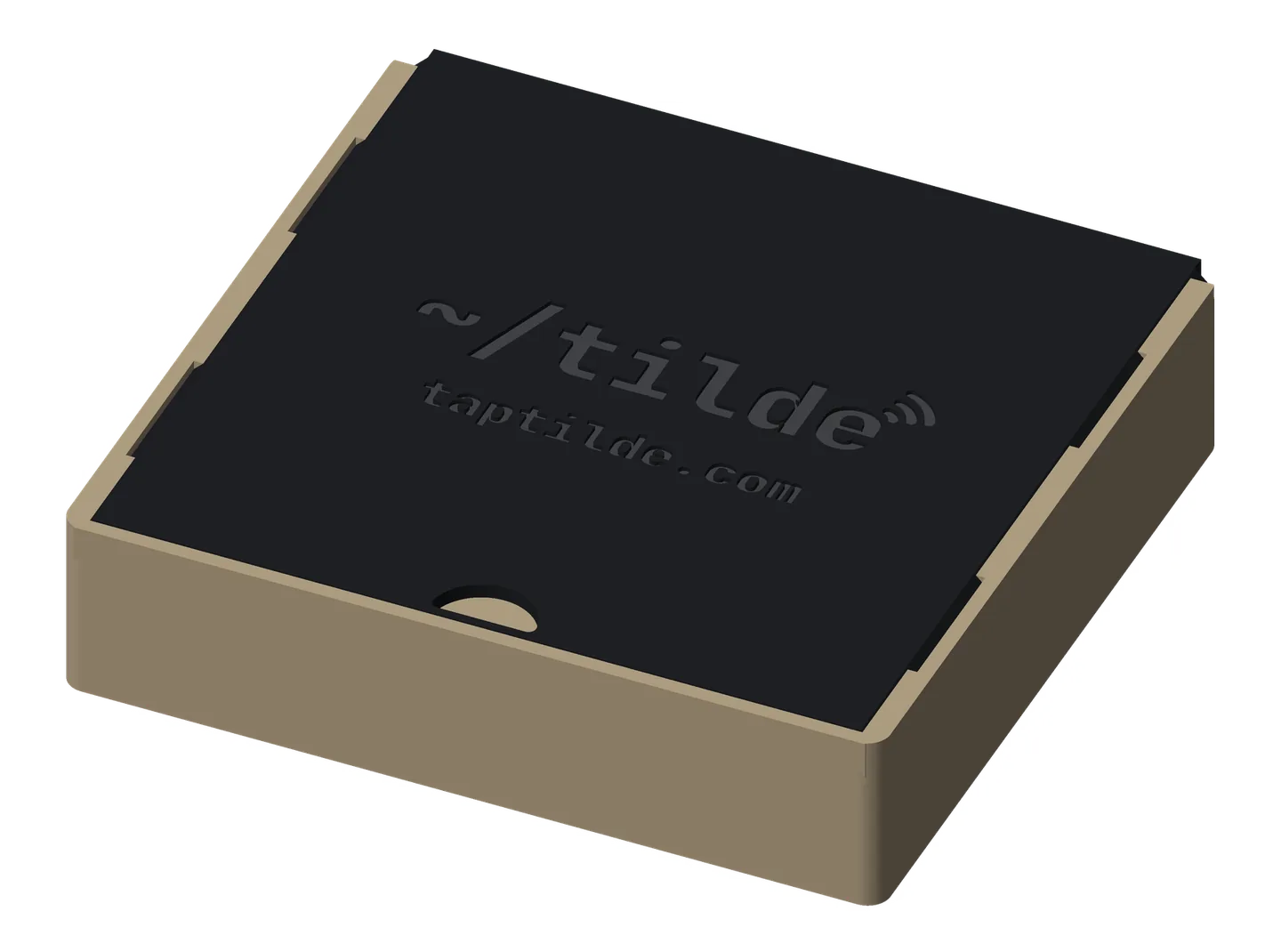
fobs
No 3D printer? Ask a friend or a makerspace (most have one), or pick one up at the Tilde booth at Web Summit, Lisbon, November 9–12.
Base tag
Printable now
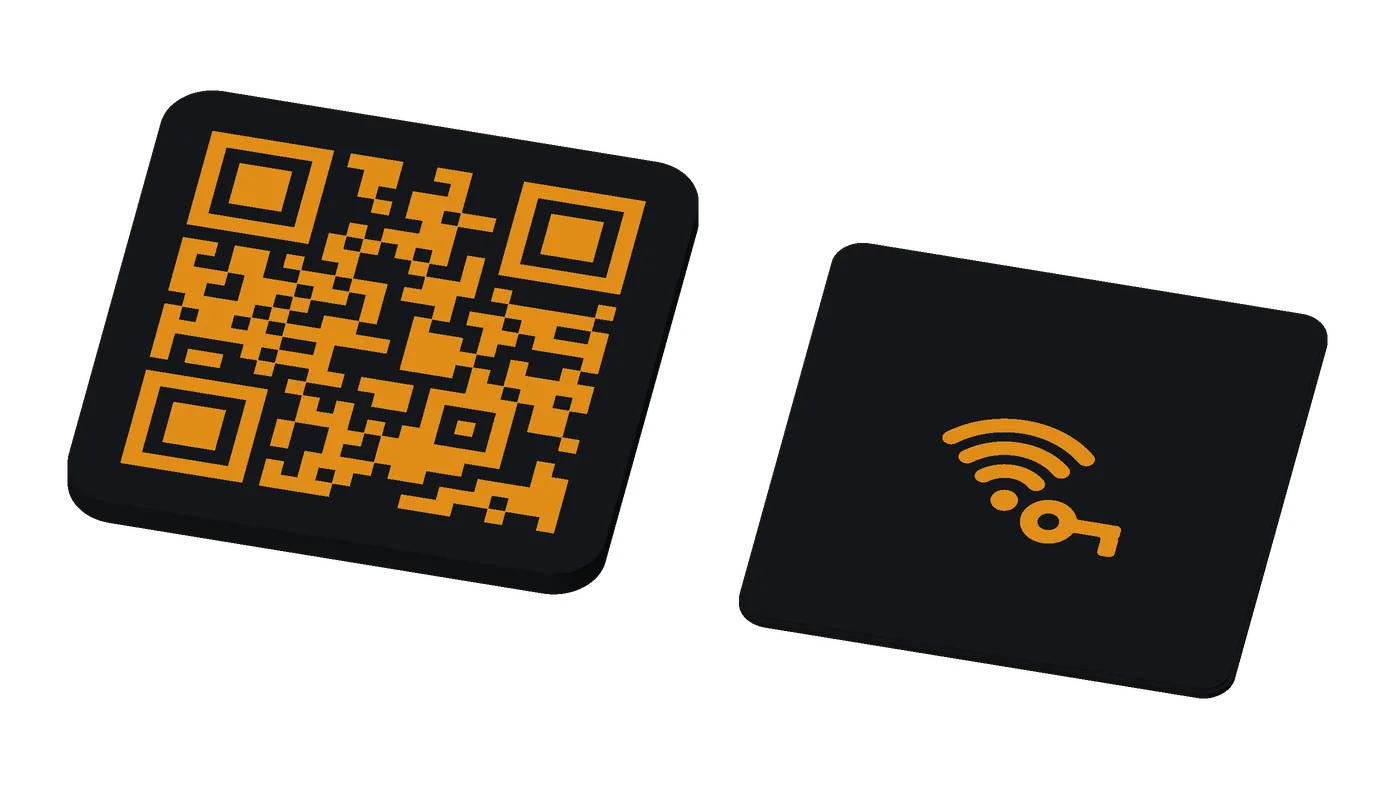
A thin tag for your keys, with a QR code on the front and an NFC sticker inside.
get the files: the keyrings on GitHub: keyring.scad in OpenSCAD’s Customizer, or make_keyring.py --local, which builds your fob’s color files and checks them (KEYRING.md). The Tilde Keyrings Model Maker on MakerWorld once its listing is public.
The thing you keep looking up (a tracking page, a booking, your Wi-Fi), on your keyring, a scan or a tap away.
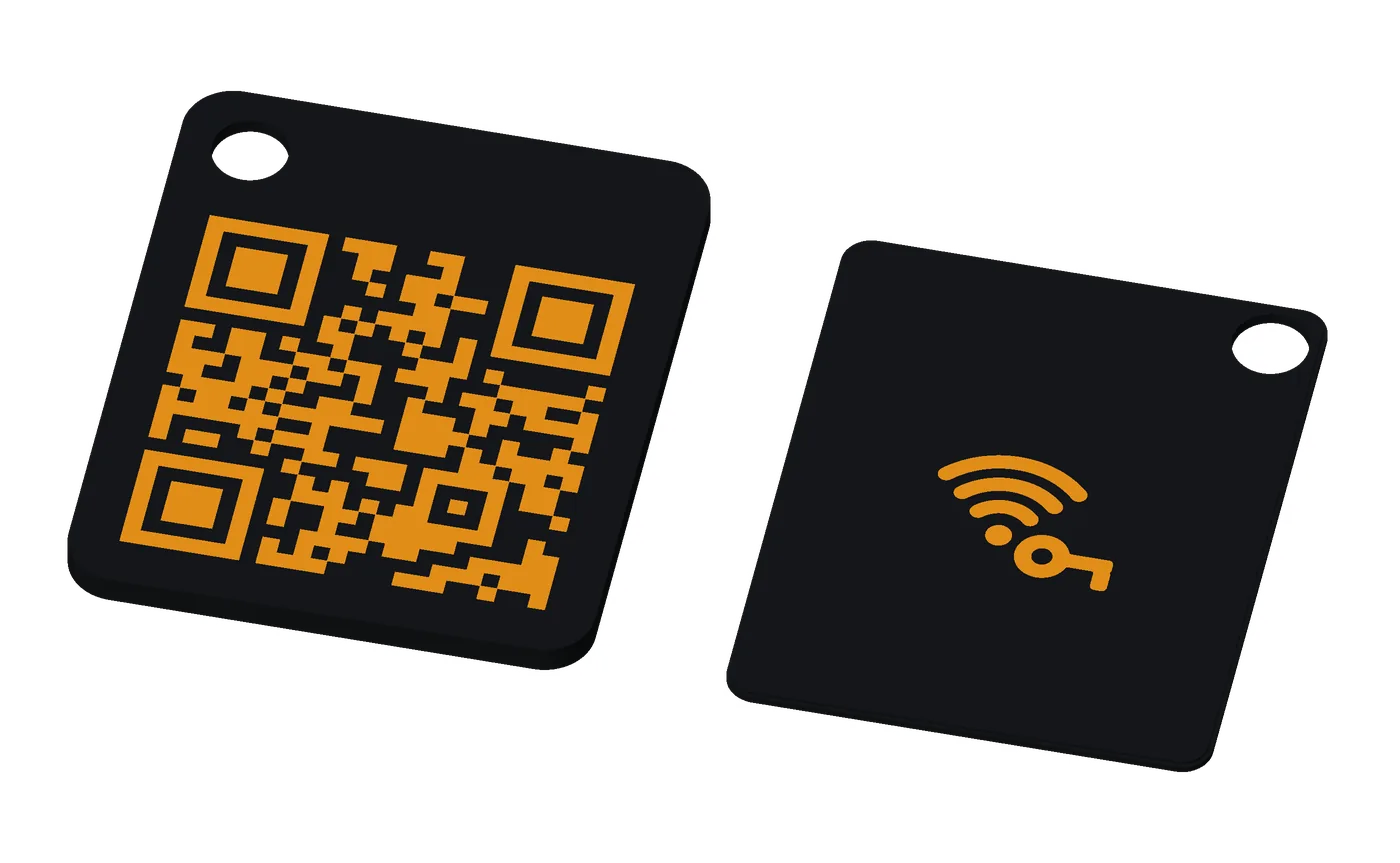
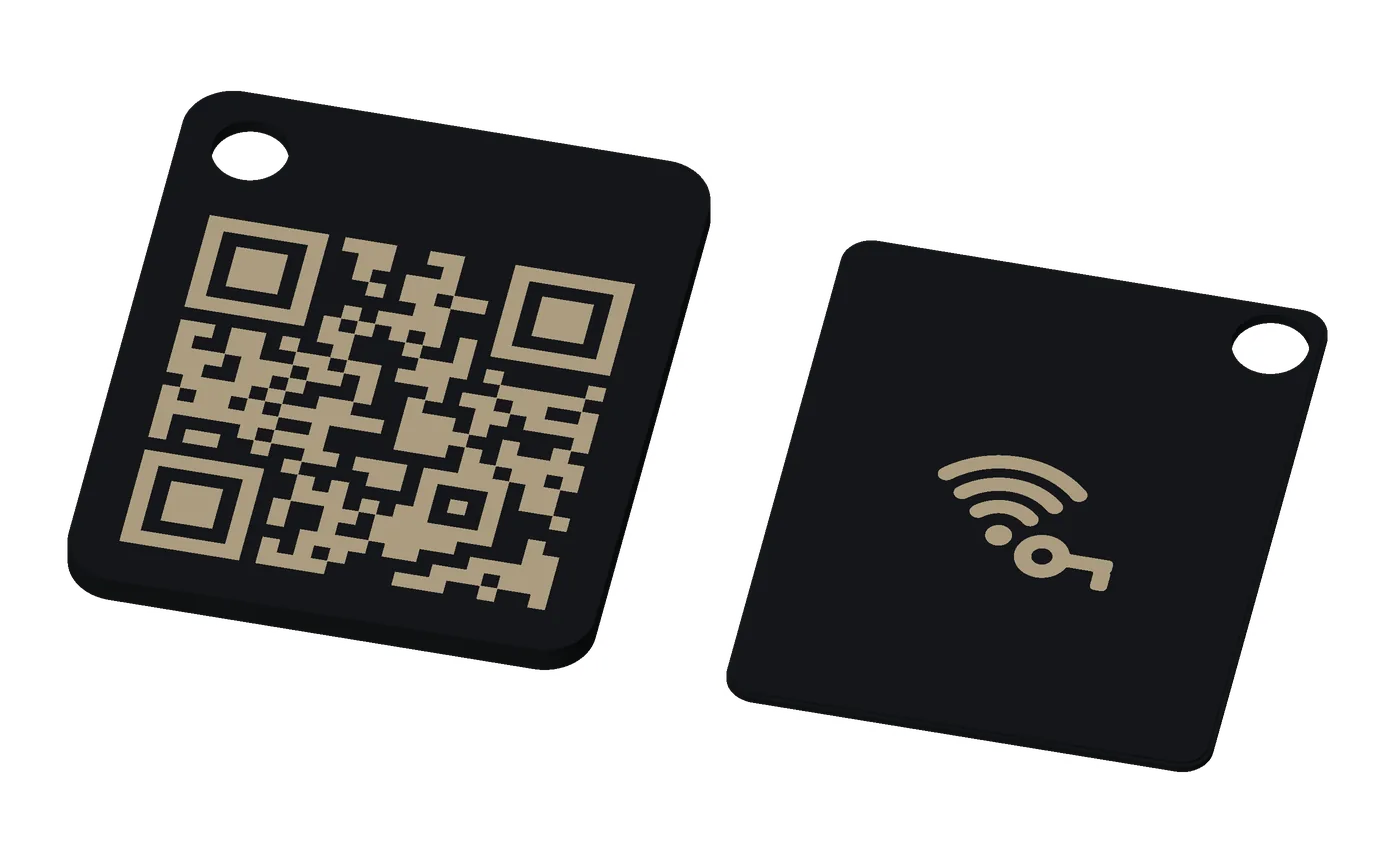
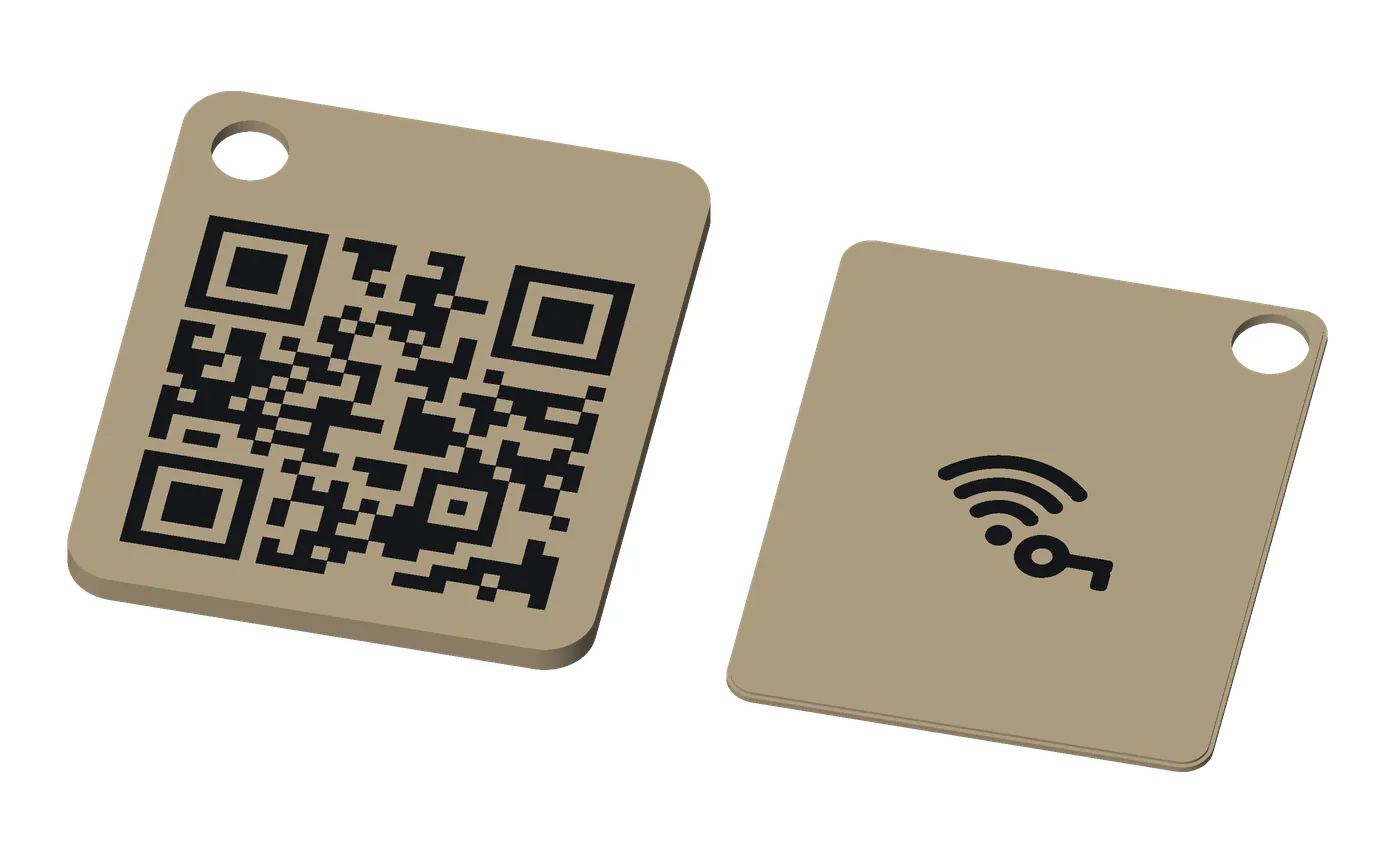
- how it works
- Scan: the code opens its link.
- Tap: the sticker sits under the code.
- No glue needed: the back piece presses in past a lip, and the key ring through both pieces holds it shut, so the sticker can be swapped. Glue it for the most durable tag.
- use cases
- A link (a physical bookmark): several tags flip on one ring like index cards.
- Return my lost keys: a link that reaches you, such as a WhatsApp chat.
- Book a meeting: your booking link.
- WhatsApp: a chat with you, from a tap or a scan.
- pairs well with
- Base coin: tap only, for the same ring.
- Tilde Card: the same theme in your wallet.
- Retro handheld: a tag with a different shape.
for makerswhat you need, sizes, options
- NFC sticker: 1 round sticker, 22–25 mm across (25.5 at most), 0.10–0.20 mm thick (thicker up to 0.40 mm: set NFC Sticker to Thick): an NTAG216 holds a full contact card; an NTAG215 is fine for a link. Search “NTAG216 25mm round NFC sticker”.
- Printer: multi-color (an AMS or similar), for the inlaid code and icon; one color for an engraved tag.
- Filament: PLA, 3 colors, about 5.7 g (black 3.0, white 1.7, orange 0.9 at the defaults).
- Print time: about 29 min alone on an A1 mini (less when several share a plate).
- A split key ring: it holds the back in, no glue needed. The earless tag has no hole: glue its back piece.
- Difficulty: easy: press the back in, put the ring on.
- options
- The link: up to 53 characters (the tag grows with it); the ring hole through both pieces or the front only.
- Earless: no tab or ring hole.
- Colors: the card’s 7 themes, or your own.
- Icon: 37 generic icons, the tap waves, inlaid or engraved, and a short label.
- size and materials
28.8 × 35.3 mm (links up to 17 characters), 31 × 37.5 (up to 32), 35 × 41.5 (up to 53); 1.8 mm thick. PLA, about 5.7 g.
Base coin
Printable now
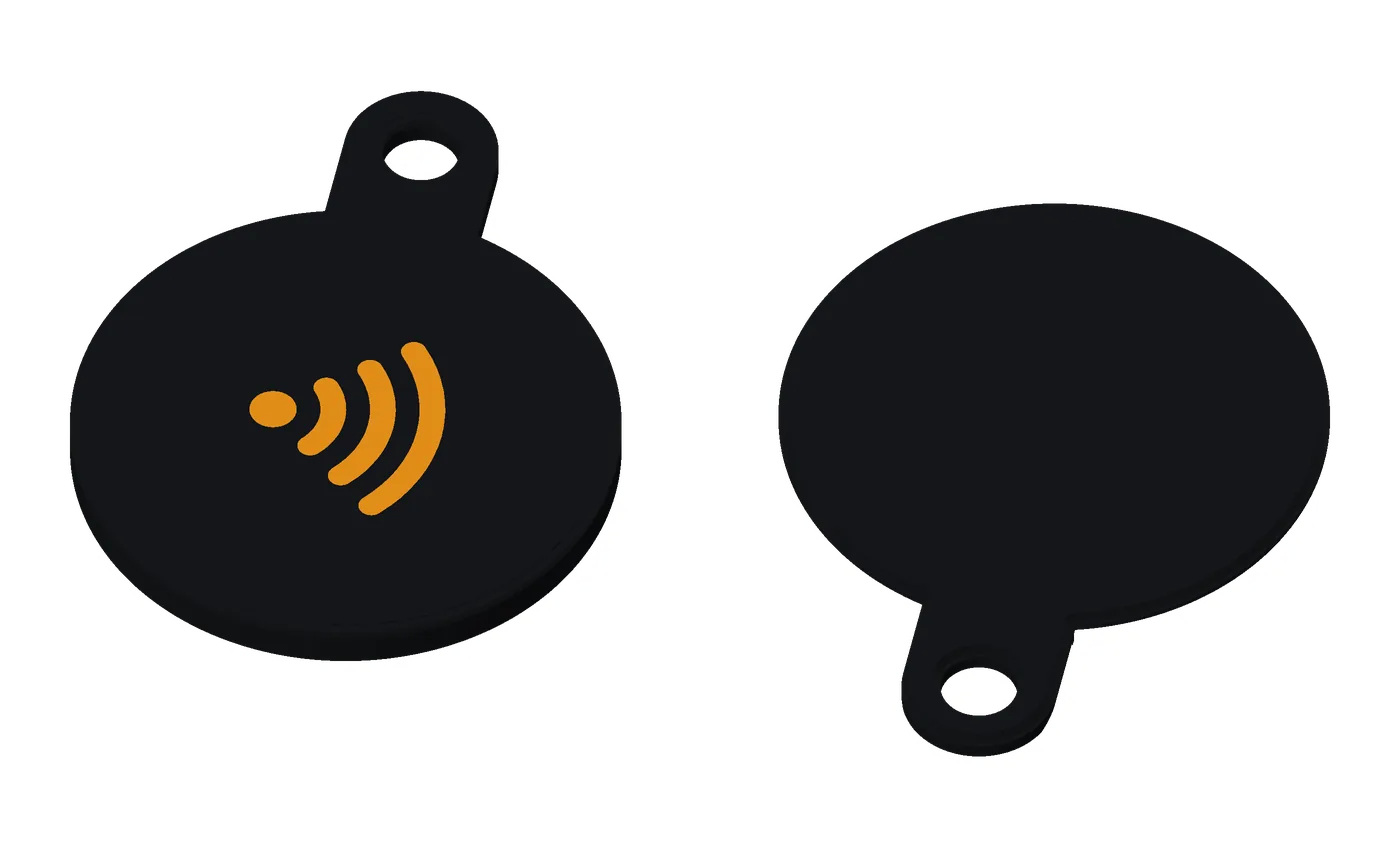
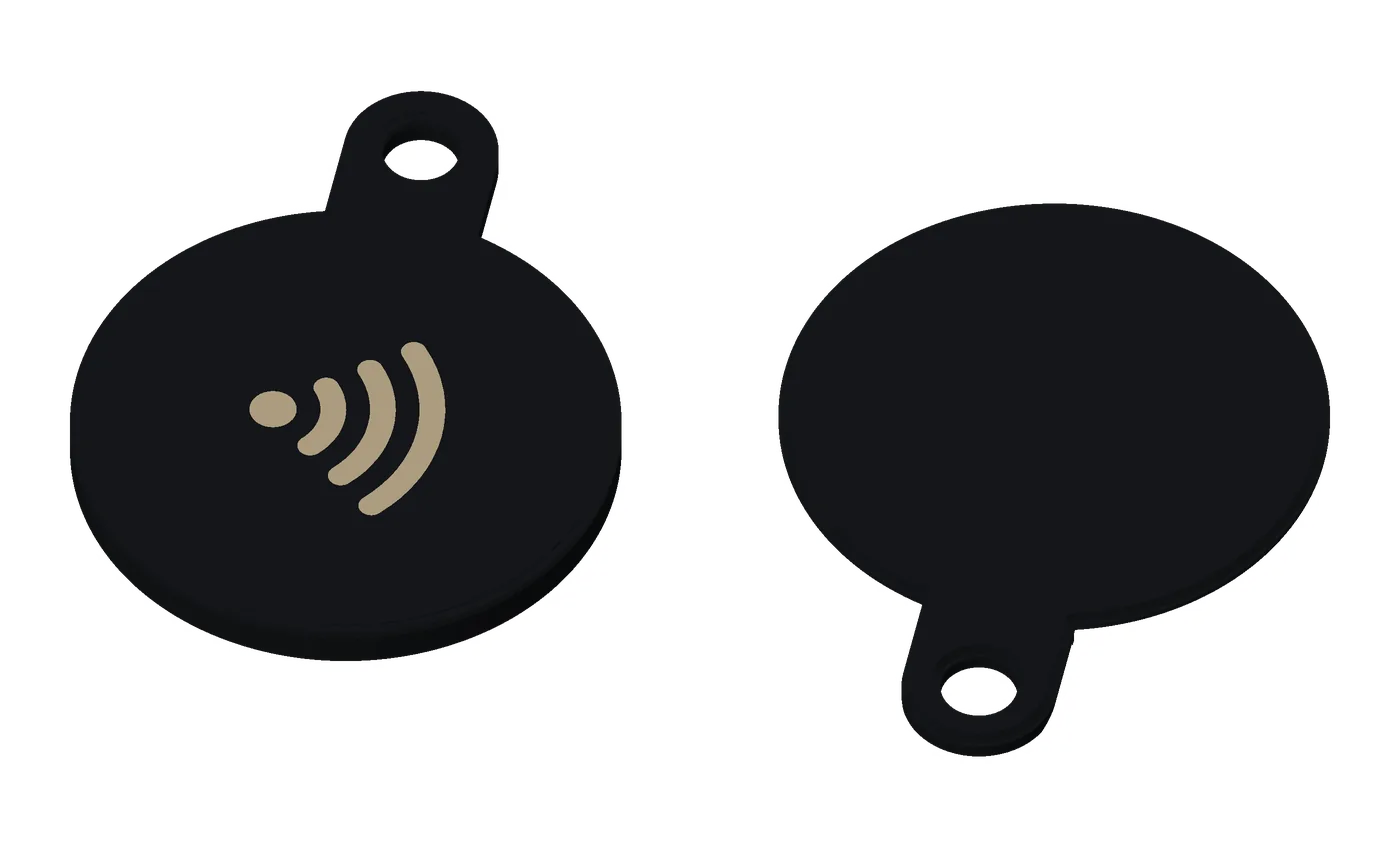
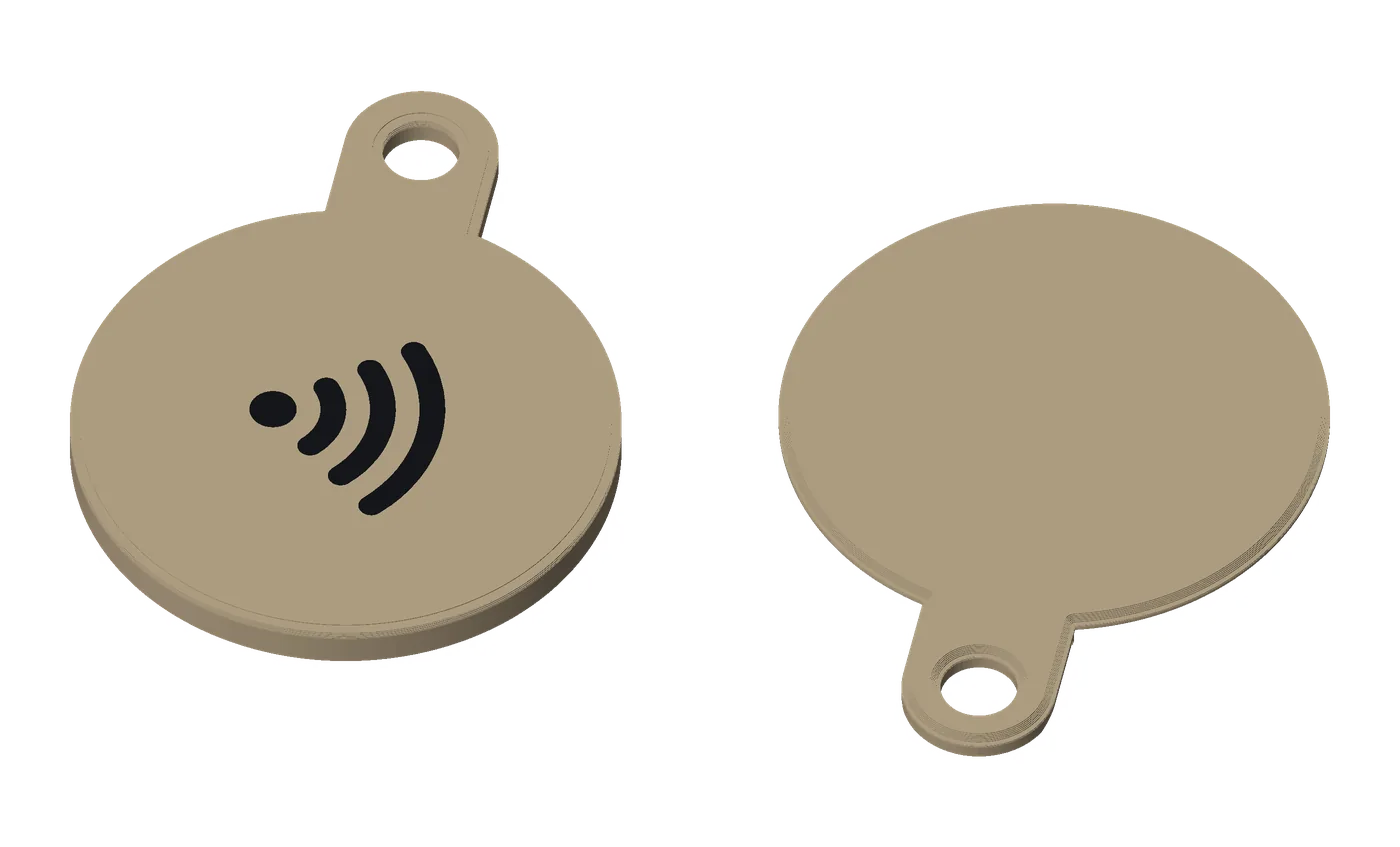
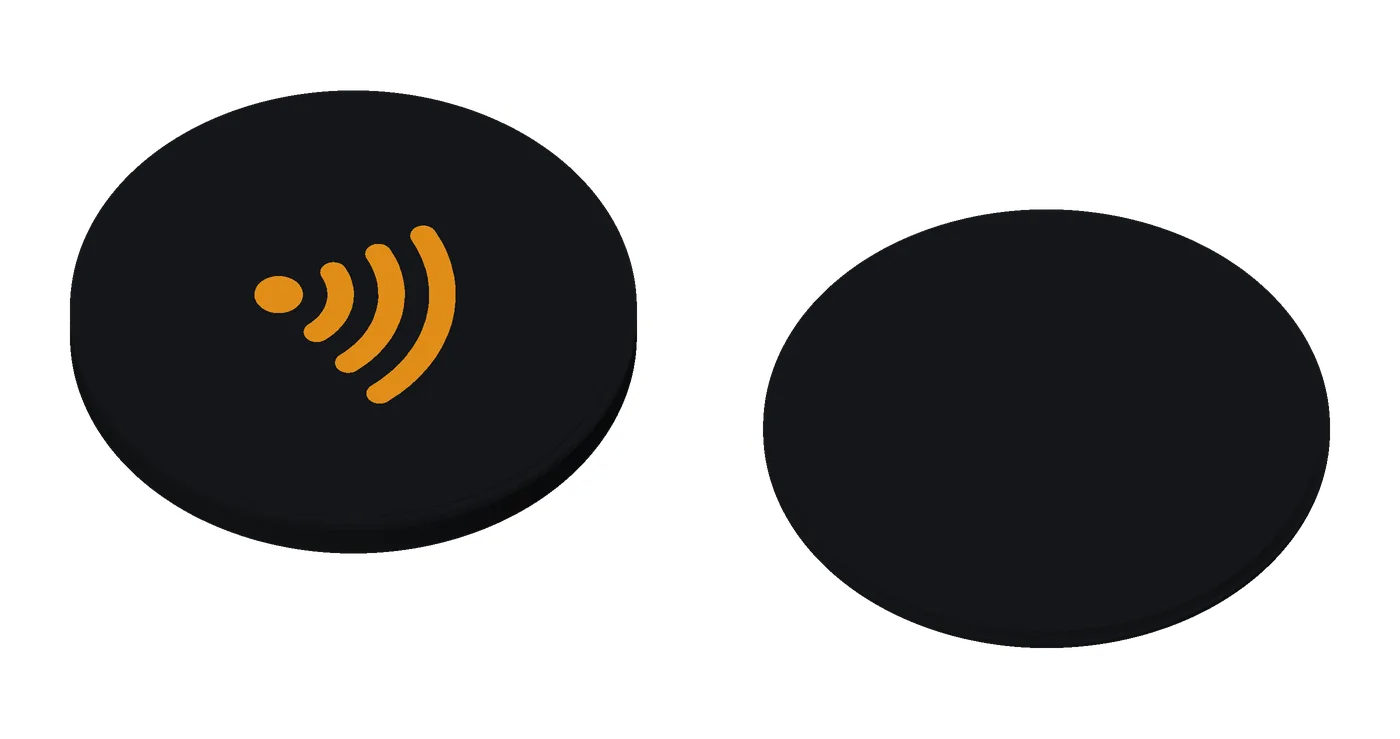
A small round fob for your keys, tap only, with an icon on its face.
get the files: the keyrings on GitHub: keyring.scad in OpenSCAD’s Customizer, or make_keyring.py --local, which builds your fob’s color files and checks them (KEYRING.md). The Tilde Keyrings Model Maker on MakerWorld once its listing is public.
One tap shares or opens something, with no code to print and nothing to type.
- how it works
- Tap the face: the sticker is inside, behind the icon. There’s no code.
- Open and close by hand: the back twists in with a quarter turn and locks. Open it with a firm twist the other way, to swap the sticker. You rarely need to: a phone rewrites it through the plastic.
- A second hold: the key ring through both halves of the tab stops it turning.
- use cases
- Return my lost keys: a house icon on your house keys, opening a chat with you.
- Guest Wi-Fi: Android guests tap; iPhones scan a Wi-Fi code.
- Save my contact: your link or contact card on your keychain.
- WhatsApp: a chat with you.
- pairs well with
- Base tag: add a code to scan.
- Premium coin: the same job, heavier, locked with a key.
- Tilde Card: the same colors.
for makerswhat you need, sizes, options
- NFC sticker: 1 round sticker, 22–25 mm across (25.5 at most), 0.10–0.20 mm thick (thicker up to 0.40 mm: set NFC Sticker to Thick): an NTAG216 holds a full contact card; an NTAG215 is fine for a link. Search “NTAG216 25mm round NFC sticker”.
- Printer: multi-color for an inlaid icon; one color for an engraved one.
- Filament: PLA, 2 colors, about 5.6 g (black 4.1, orange 1.5).
- Print time: about 22 min alone.
- A split key ring (none for the earless coin). No glue: the back twists on.
- Difficulty: easy: the quickest; drop the back in and give it a quarter turn.
- options
- Tightness: five settings, from easiest to tightest (snug by default).
- Coin slot: off by default; with it, a US quarter or a 20 euro cent opens the back.
- A mark on the back: none, Tilde’s
~/, or your own short label. - Edges: round or sharp. Earless: no tab or ring hole.
- Colors and icon: as the tag.
- size and materials
32 × 41.5 mm with its tab, 3.4 mm thick; earless, 32 × 32 mm. PLA, about 5.6 g.
Premium tag
Printable now
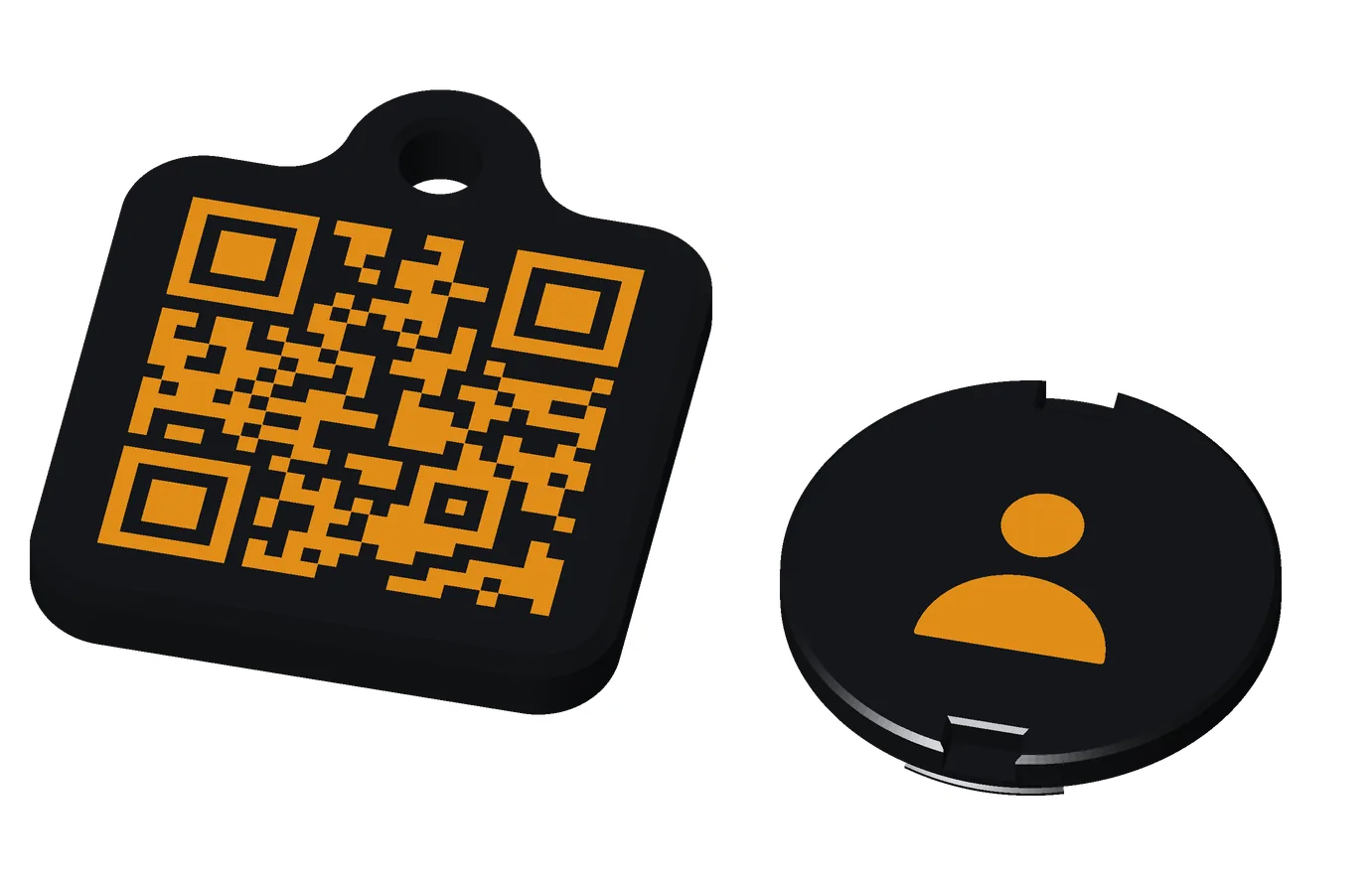
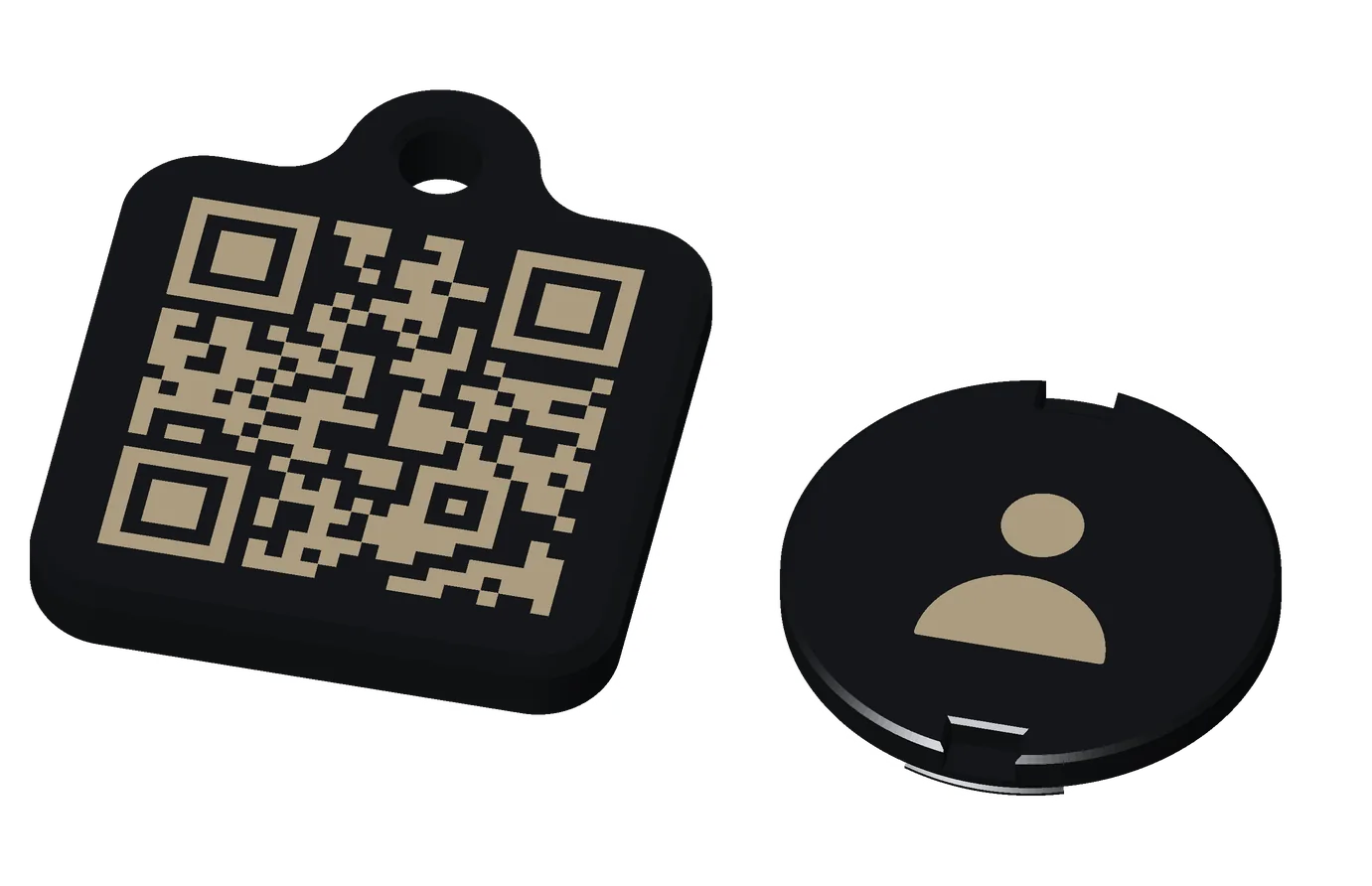
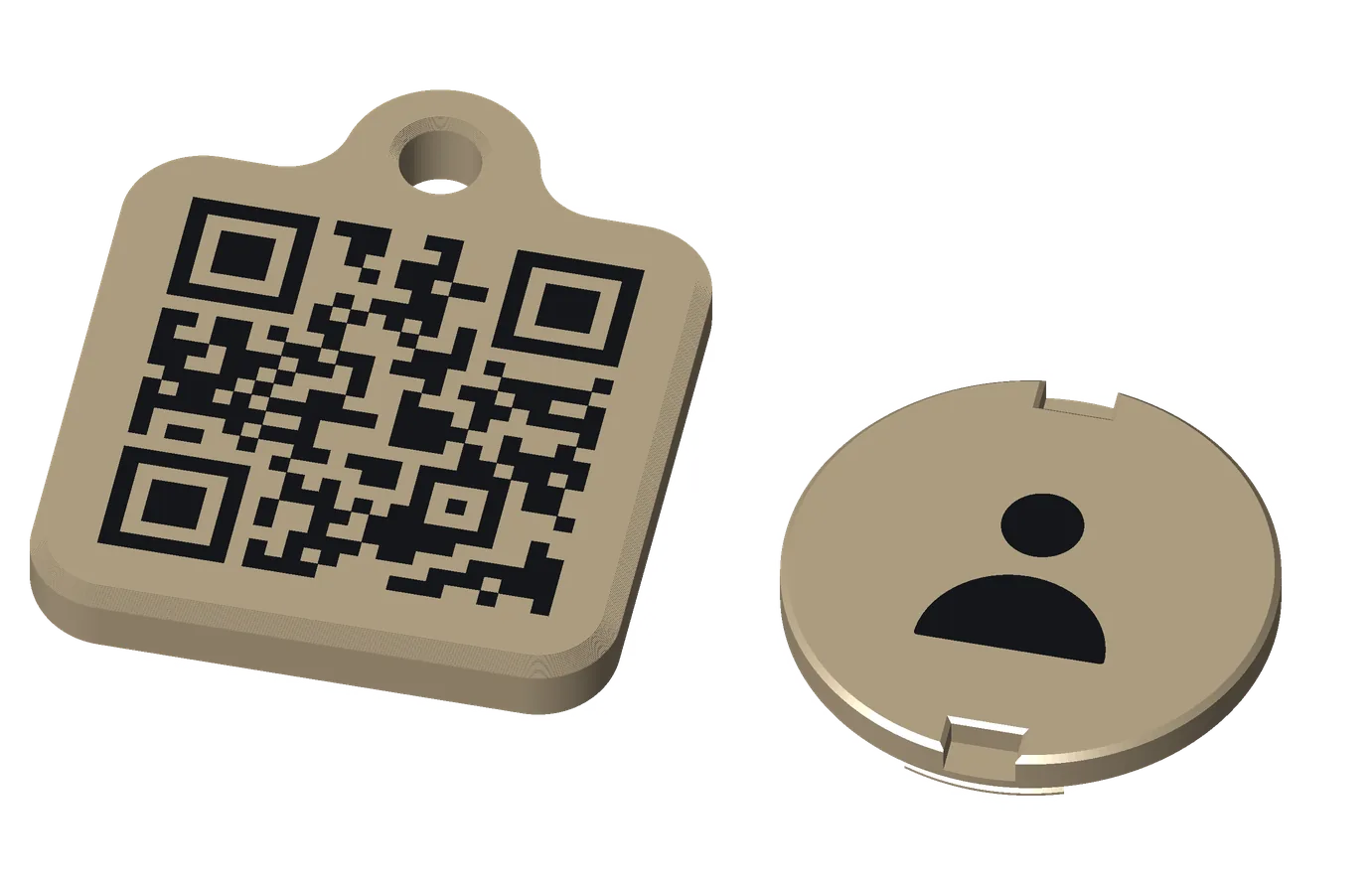
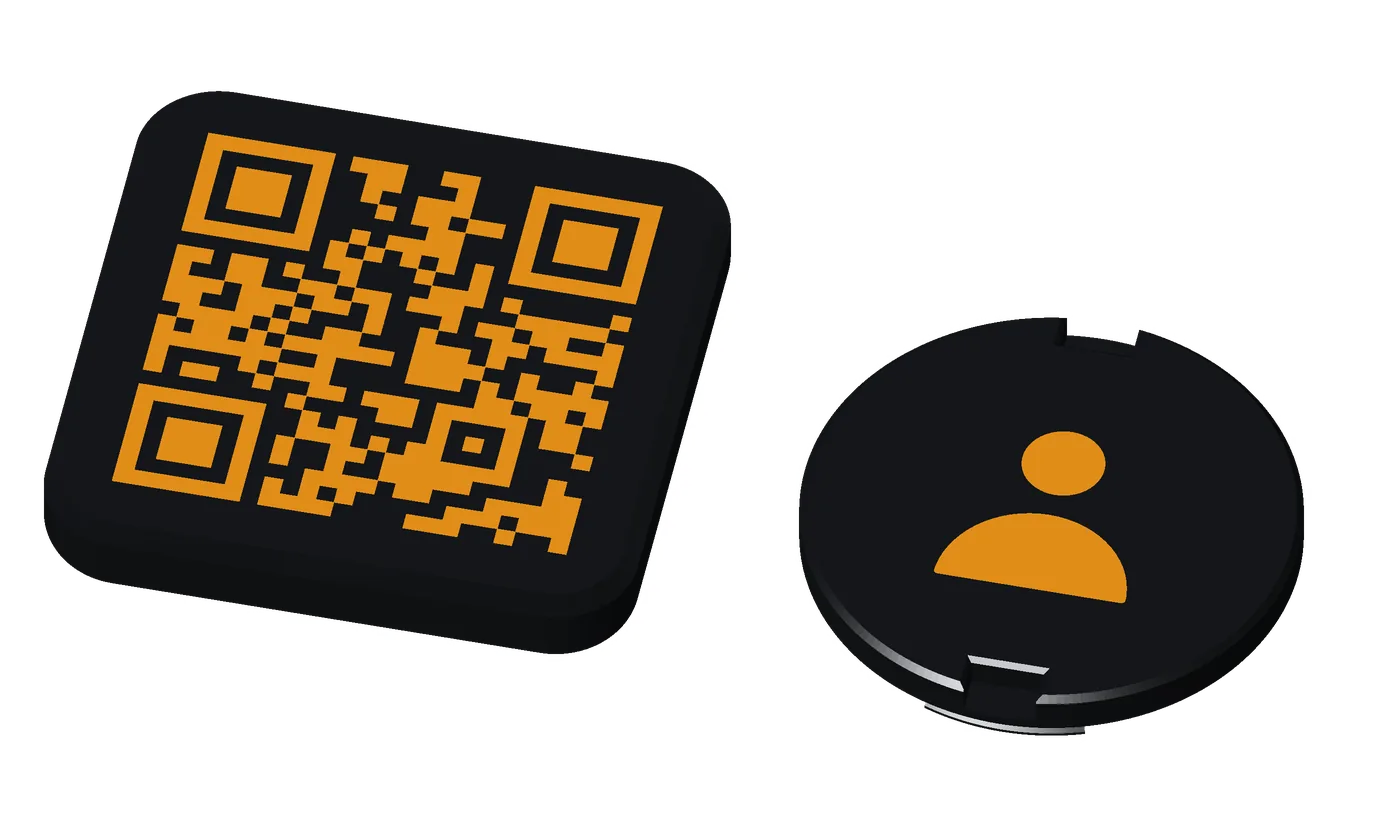
A heavier tag that locks: a QR code on the front, and a flush back with your icon that only its T-key opens.
get the files: the keyrings on GitHub: keyring.scad in OpenSCAD’s Customizer, or make_keyring.py --local, which builds your fob’s color files and checks them (KEYRING.md). The Tilde Keyrings Model Maker on MakerWorld once its listing is public.
A tag that lasts on keys and doesn’t come open in a pocket.
- how it works
- Scan the front; tap the sticker inside.
- The lock: the back sits flush, your icon fills it, and it locks with a quarter turn of the T-key, a small printed key. It can’t be opened or closed by hand. One T-key opens every Premium fob.
- use cases
- A link (a physical bookmark).
- Book a meeting.
- Save my contact.
- Guest Wi-Fi: Android guests tap; iPhones scan a Wi-Fi code.
- pairs well with
- The T-key: prints with it.
- Premium coin: the same series, tap only.
- Base tag: lighter tags for the same ring.
for makerswhat you need, sizes, options
- NFC sticker: 1 round sticker, 22–25 mm across (25.5 at most), 0.10–0.20 mm thick (thicker up to 0.40 mm: set NFC Sticker to Thick): an NTAG216 holds a full contact card; an NTAG215 is fine for a link. Search “NTAG216 25mm round NFC sticker”.
- Printer: multi-color; set 4 wall loops.
- Filament: PLA, 3 colors, about 14.8 g with its T-key (black 12.0, white 1.8, orange 0.9).
- Print time: about 46 min alone, with its T-key (the key adds about 7.5 min and 4.5 g; leave it off if you have one).
- A split key ring. No glue: the T-key locks it.
- Difficulty: medium: longer, 4 walls, and it closes only with the printed T-key.
- options
- Premium tightness: four settings (the default closes easily with the T-key).
- T-key: print one with it, or leave it off (one key opens them all).
- Earless: no eyelet.
- The link, colors and icon: as the Base tag.
- size and materials
36 × 44 mm (links up to 32 characters), 37 × 44.5 (up to 53); earless, 36 × 36. About 6 mm thick. PLA, 4 walls; about 14.8 g with its T-key.
Premium coin
Printable now
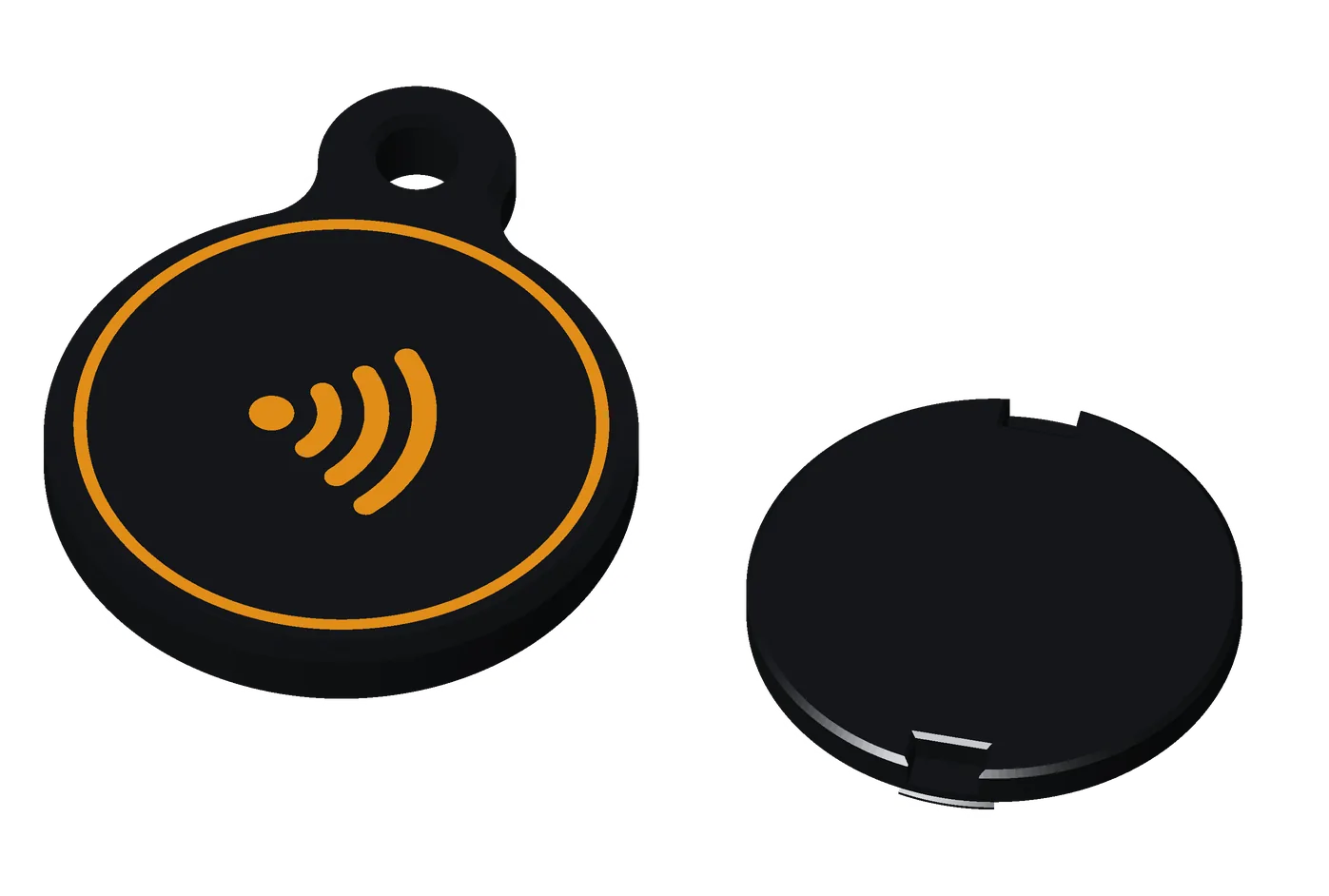
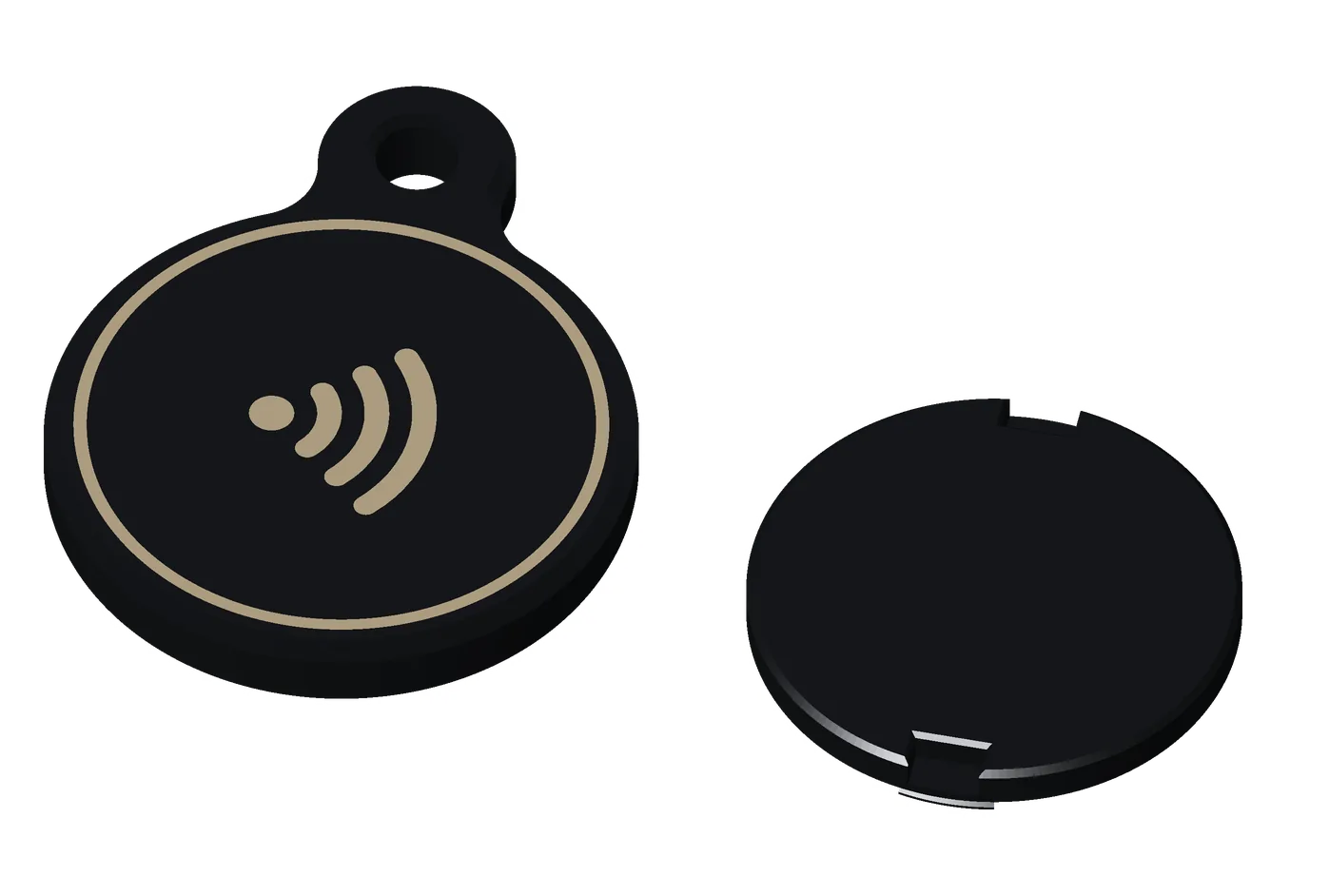
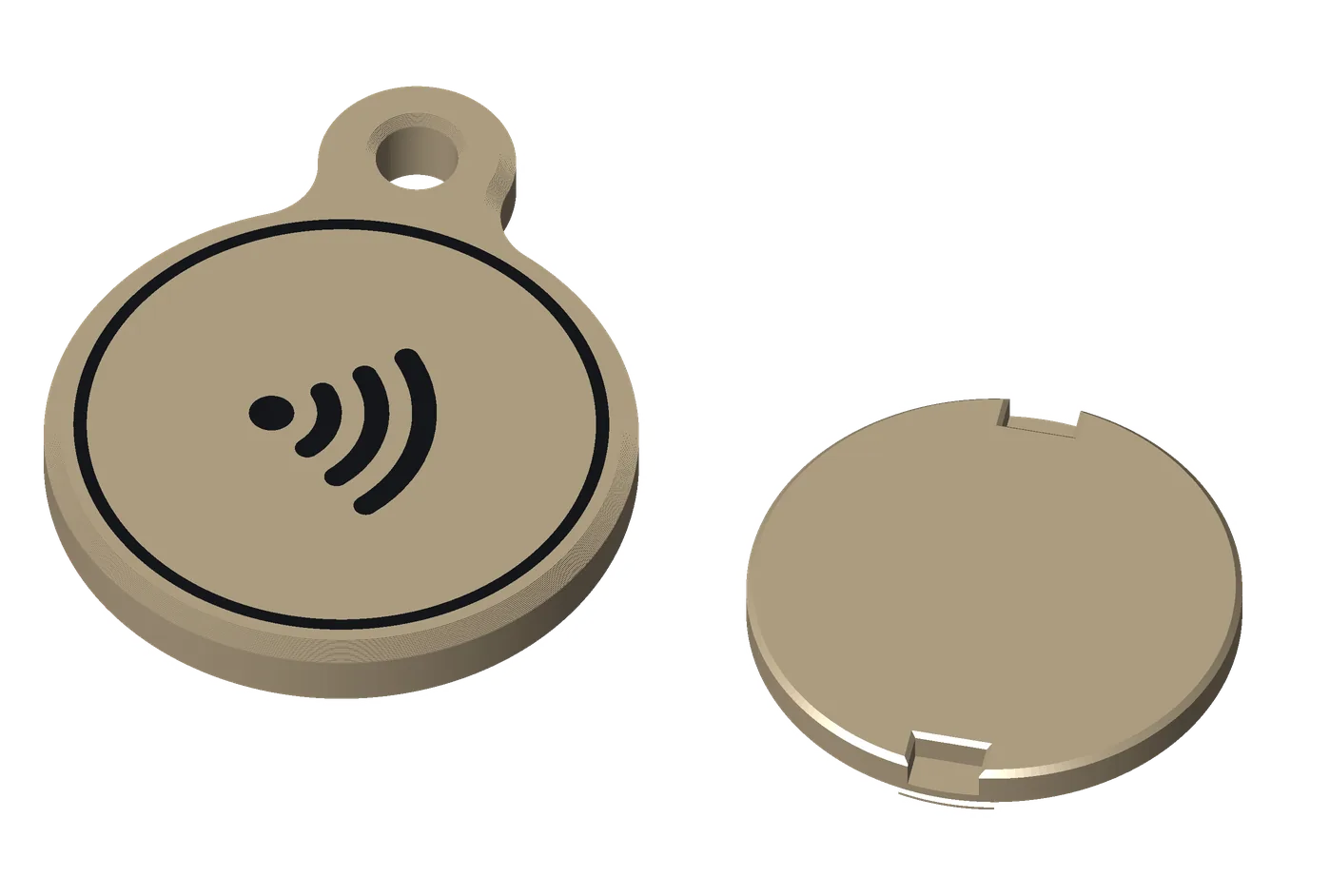
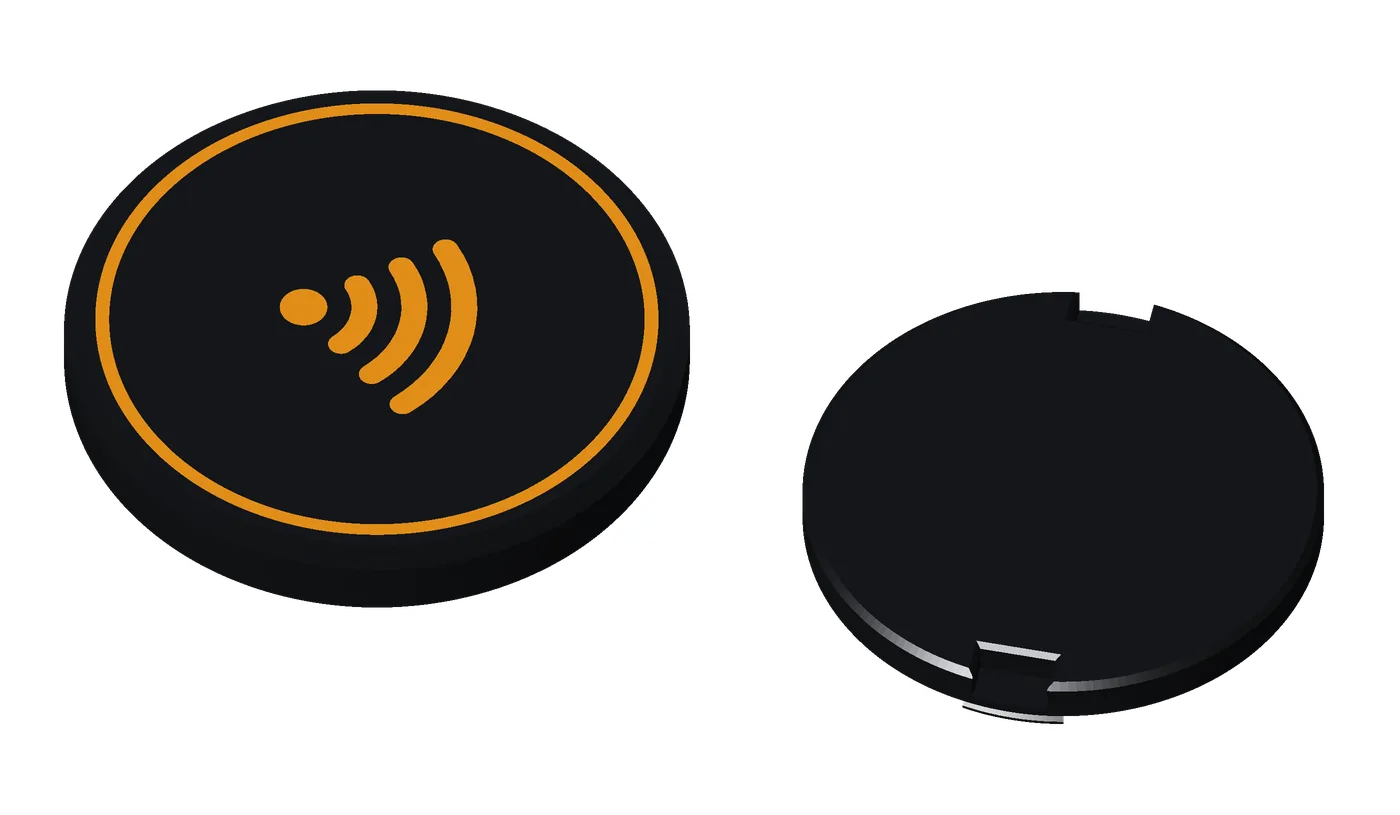
A heavier coin with your icon on its face and a flush back, locked with a printed T-key.
get the files: the keyrings on GitHub: keyring.scad in OpenSCAD’s Customizer, or make_keyring.py --local, which builds your fob’s color files and checks them (KEYRING.md). The Tilde Keyrings Model Maker on MakerWorld once its listing is public.
A fob that feels like an object, not a token, and stays closed.
- how it works
- Tap the face; the sticker is inside.
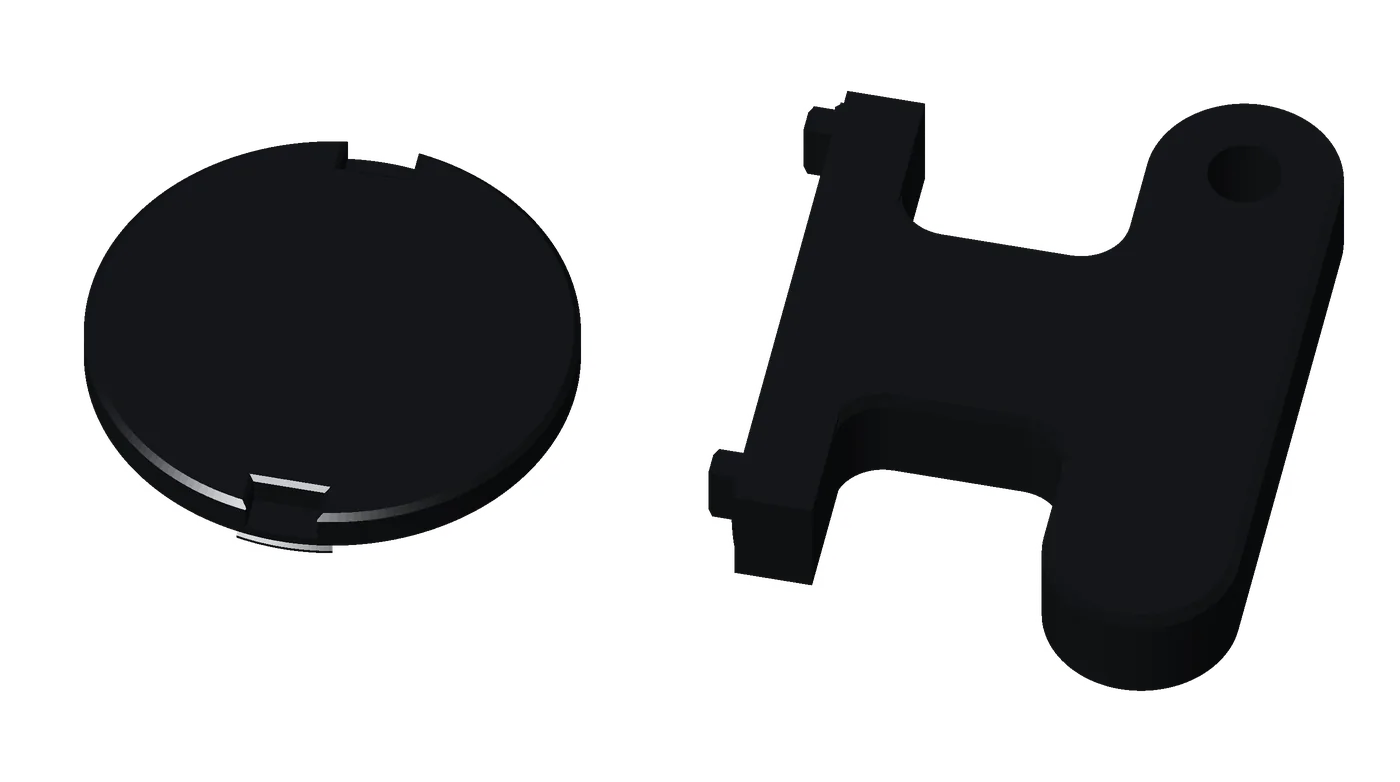
- The lock: the back sits flush, the icon fills it, and it locks with a quarter turn of the T-key. It can’t be opened or closed by hand.
- Earless: without its eyelet, it’s a plain 36 mm disc: the coin the Stand Mini holds.
- The T-key: a small T-handle with two teeth that fit the back’s notches, with its own ring hole.
- use cases
- Return my lost keys: a coin that opens a chat with you.
- Guest Wi-Fi: an earless coin in the Stand Mini, for Android guests.
- Save my contact.
- WhatsApp.
- pairs well with
- Stand Mini: the earless coin’s stand.
- Premium tag: a code to scan.
- Base coin: a lighter twin.
for makerswhat you need, sizes, options
- NFC sticker: 1 round sticker, 22–25 mm across (25.5 at most), 0.10–0.20 mm thick (thicker up to 0.40 mm: set NFC Sticker to Thick): an NTAG216 holds a full contact card; an NTAG215 is fine for a link. Search “NTAG216 25mm round NFC sticker”.
- Printer: multi-color for an inlaid icon; set 4 wall loops.
- Filament: PLA, 2 colors, about 13.1 g with its T-key (black 11.5, orange 1.6); earless, about 12.6 g.
- Print time: about 35 min alone, with its T-key.
- A split key ring (none for the earless coin). No glue: the T-key locks it.
- Difficulty: medium: 4 walls, and it closes only with the printed T-key.
- options
As the Premium tag, plus a ring round the icon (with the icon or label, always, or none). No link: it has no code.
- size and materials
36 × 46 mm with its eyelet; earless, 36 × 36 mm. About 6 mm thick. PLA, 4 walls; about 13.1 g with its T-key. The T-key is 42 × 12 mm at its crossbar.
Special Edition: Retro handheld
Printable now (Base); Premium coming soon
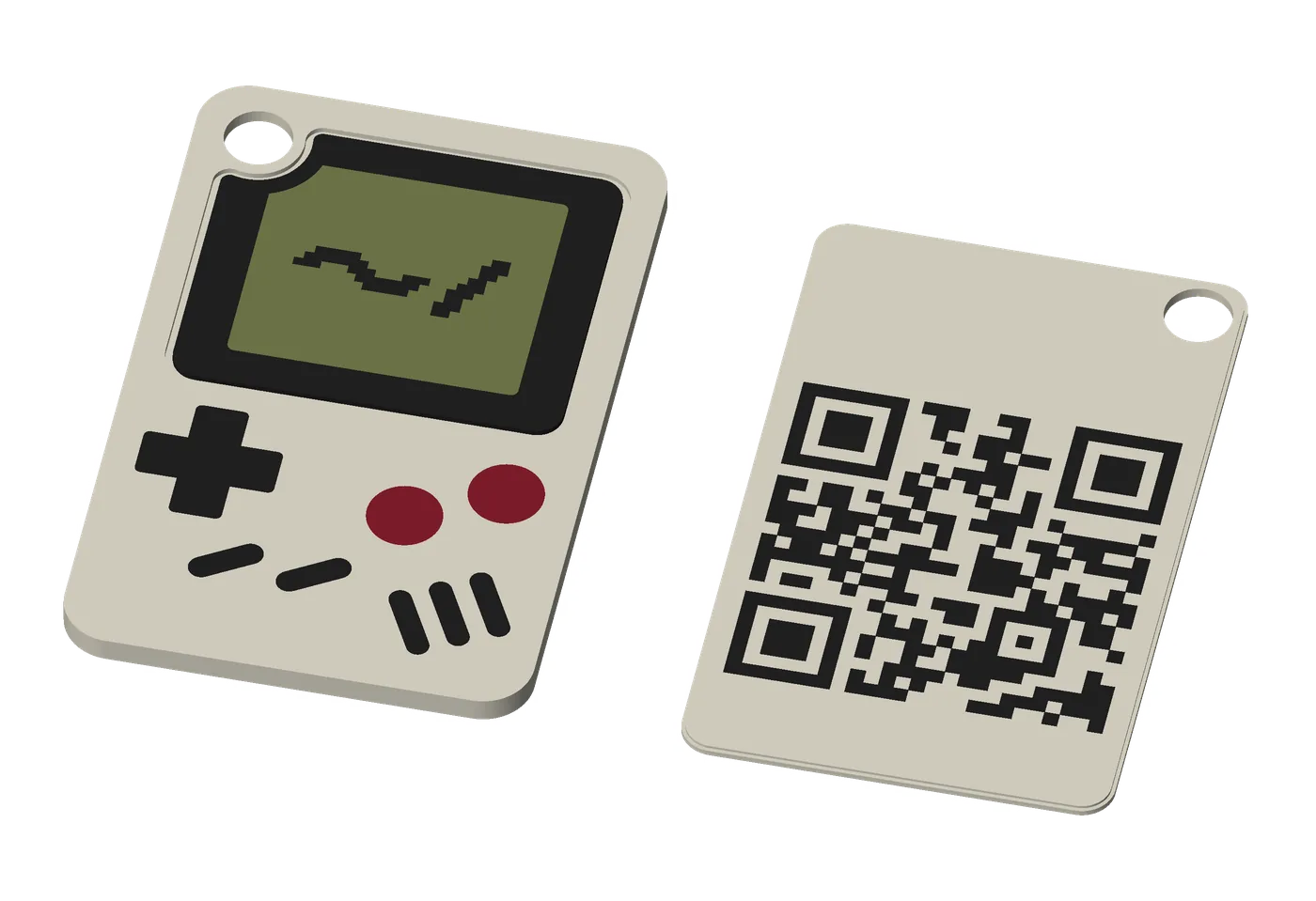
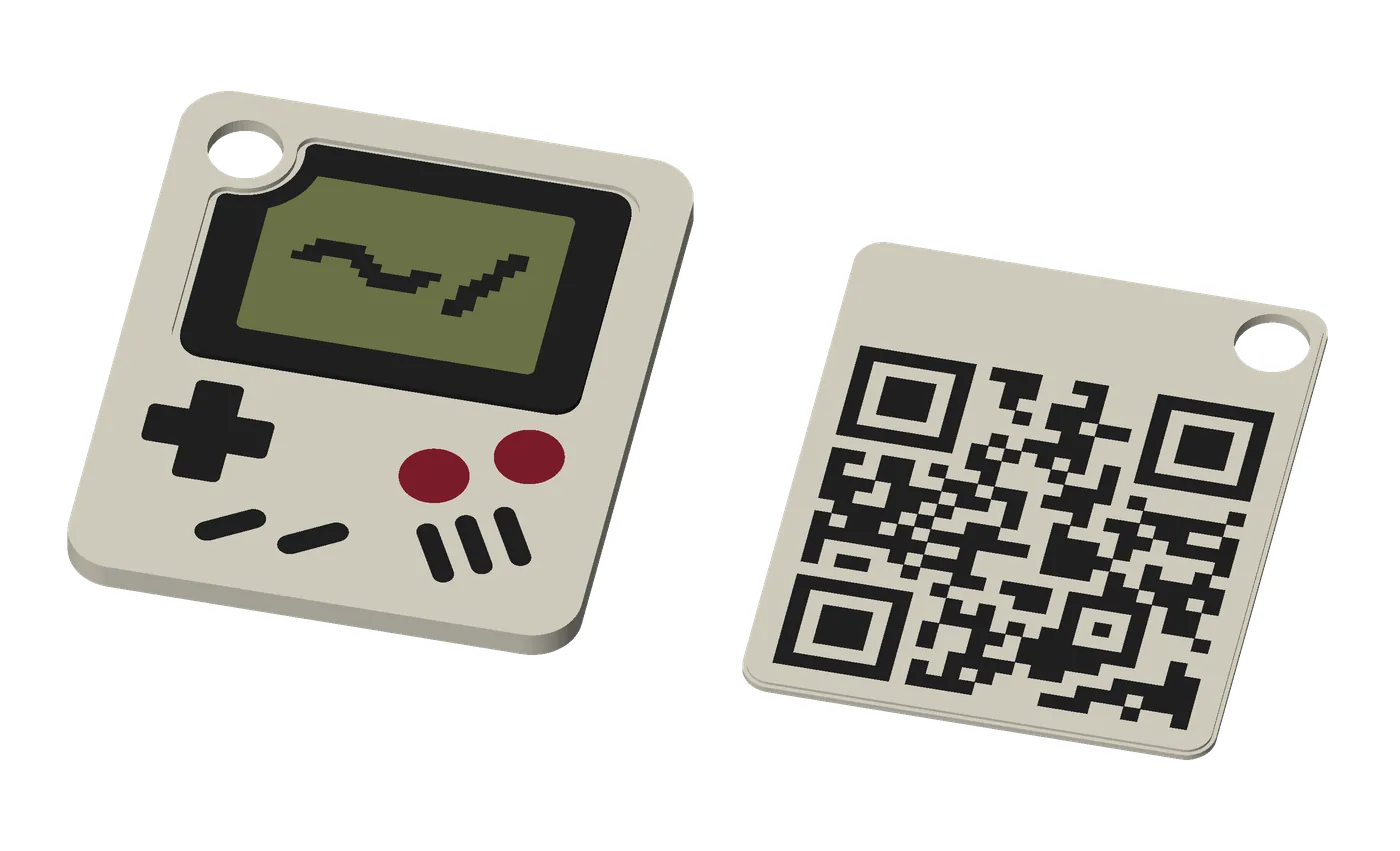
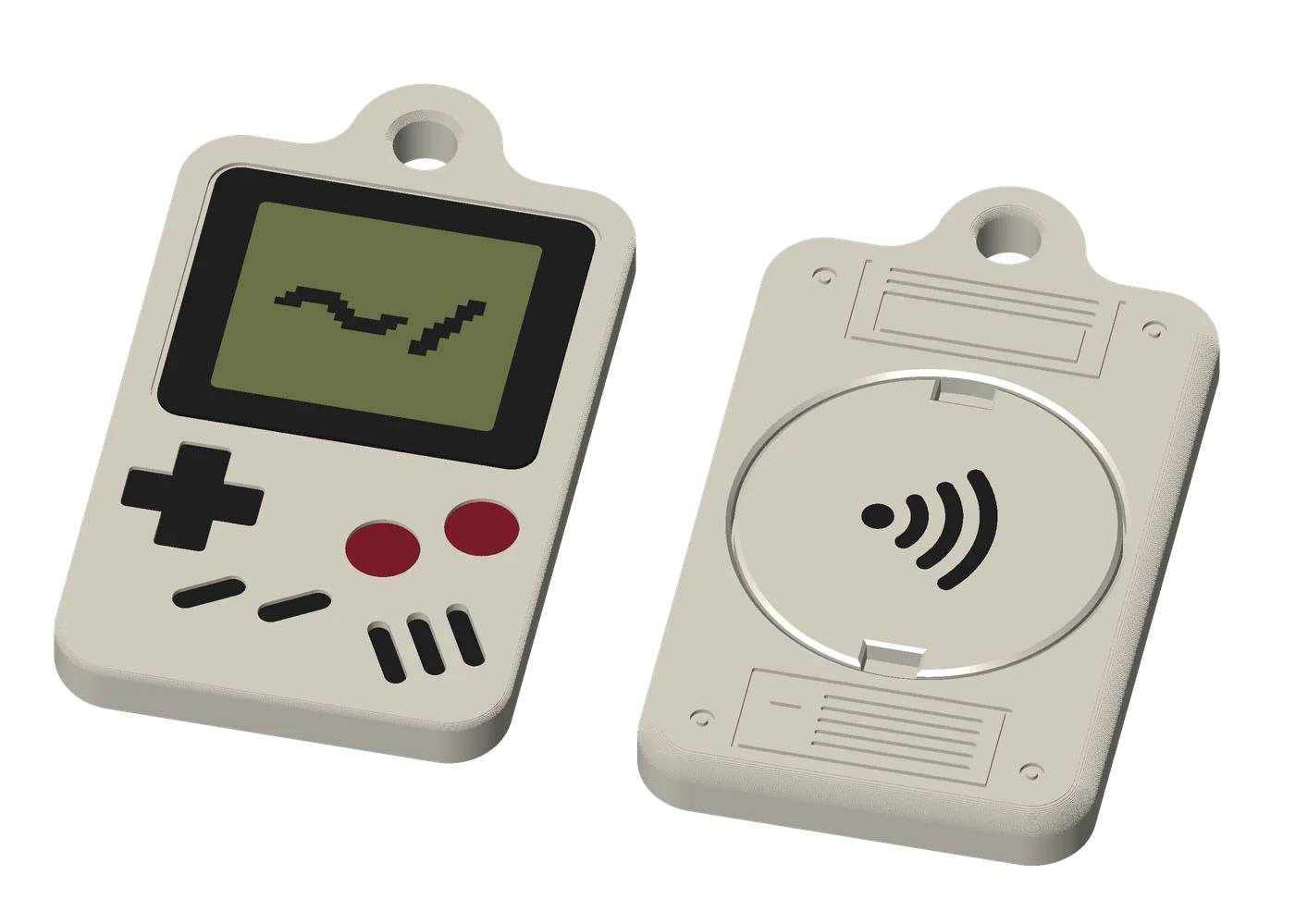
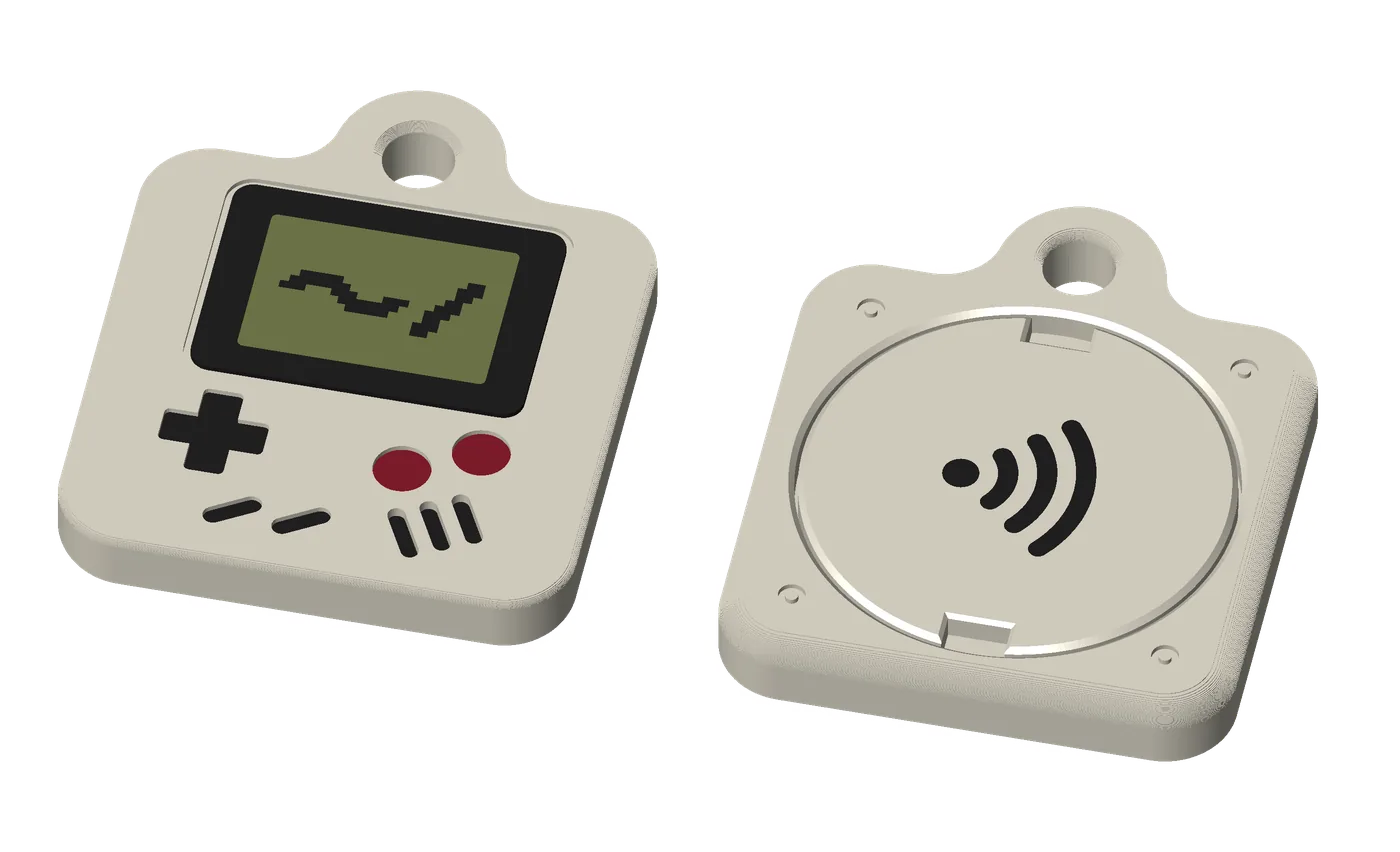
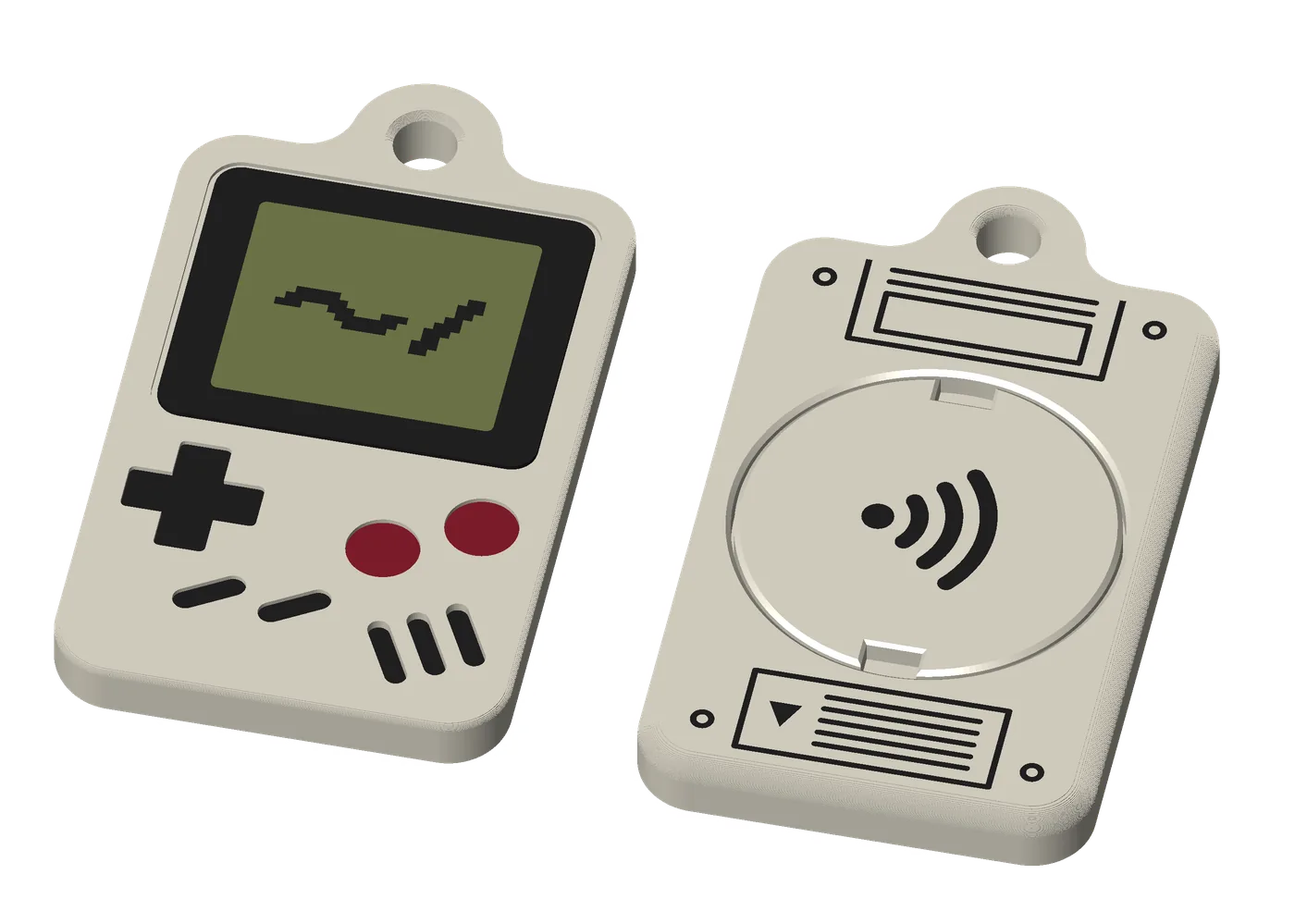
A tag shaped like a classic handheld game console: a screen, a D-pad and buttons, in color.
get the files: the keyrings on GitHub: keyring.scad in OpenSCAD’s Customizer, or make_keyring.py --local, which builds your fob’s color files and checks them (KEYRING.md). The Tilde Keyrings Model Maker on MakerWorld once its listing is public.
A fob people want to pick up, so the tap or scan behind it gets tried.
- how it works
- Base: the QR code is on the back and the sticker inside. Scan or tap.
- Premium: your icon is on the back, so it’s tap only, and it locks with the T-key like every Premium fob.
- A generic console: no brand names or logos.
- use cases
- A link (a physical bookmark): a playlist, a game, your portfolio.
- Save my contact: a conversation starter on a bag or a lanyard.
- A gift: a link to a message or a photo album.
- pairs well with
- Base tag: the everyday version.
- Premium coin: the same lock and key.
for makerswhat you need, sizes, options
- NFC sticker: 1 round sticker, 22–25 mm across (25.5 at most), 0.10–0.20 mm thick (thicker up to 0.40 mm: set NFC Sticker to Thick): an NTAG216 holds a full contact card; an NTAG215 is fine for a link. Search “NTAG216 25mm round NFC sticker”.
- Printer: multi-color, 4 colors. You set the first layer’s color order by hand (the model’s notes say how).
- Filament: PLA, 4 colors: off-white, near-black, olive and wine (matte recommended).
- Base: about 7.5 g Large, 6.8 g Standard.
- Premium: about 20.8 g Large, 18.1 g Standard, with its T-key.
- Print time: about 38 min Base Large, 37 min Base Standard; about 65 min Premium Large, 60 min Premium Standard.
- Glue: none, except gel superglue for Premium’s raised controls (wipe with isopropyl alcohol first).
- Difficulty: medium; raised controls are advanced (small glued pieces).
- options
- Size: Large (the console’s proportions) or Standard (the tag’s size).
- Colors: Light or Dark.
- Screen: blank, or a pixel
~/in three styles. - Back: the QR code (Base), or an icon and label; its details engraved, printed or none.
- Ring hole: an eyelet at the top, through the corner, or none (earless).
- Premium: the controls recessed, flush or raised (glued-in pieces), and the speaker slots grooved or flush.
- size and materials
- Base: Large 31 × 47.8 mm (35 × 54 for longer links), 1.8 mm thick; Standard, the Base tag’s size.
- Premium: Large 36 × 63.5 mm with the eyelet (36 × 55.5 without), Standard 36 × 44; about 6 mm thick.
- PLA in off-white, near-black, olive (the screen) and wine (the buttons).
how it works
- Tap it. Any phone with NFC reads the sticker inside, and the other person doesn’t need an app.
- Change it any time. A phone rewrites the sticker through the plastic, so the same fob can open something new without a reprint. You only open it to replace the sticker.
- Scan a tag. A tag’s QR code opens a short link (up to 53 characters, such as a website). The code is printed, so it doesn’t change. A coin has no code: it’s for tapping only.
- You print it yourself on a multi-color printer, in two pieces with no pause. Or pick up a tag at the Tilde booth at Web Summit.
the lineup
Colors
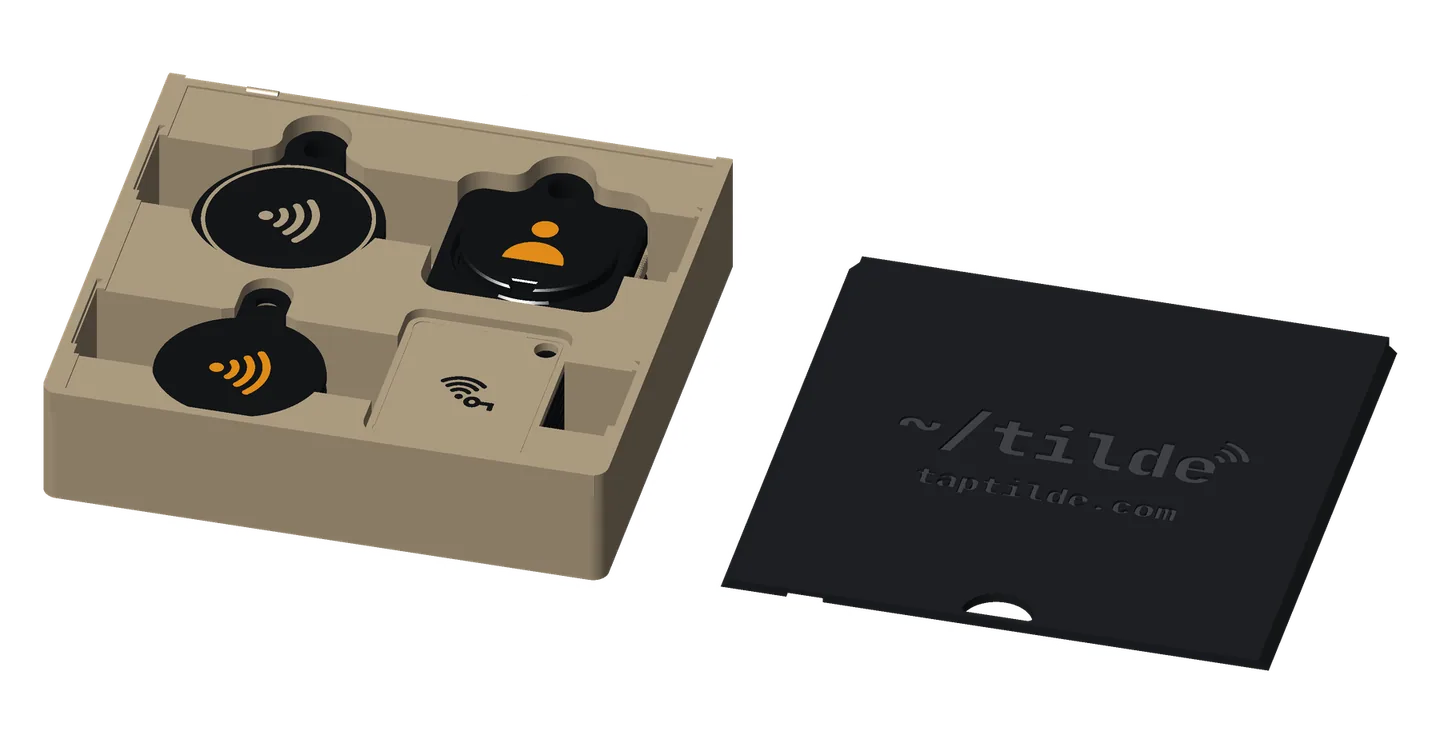
The Tilde booth has three color sets, each two colors, made with the model’s color options. In these three, the code takes the body’s color, with no patch of another color.
- Orange on black
- Khaki on black: the booth’s giveaway tags
- Black on khaki
In the model, a tag’s code sits on a light field unless you choose otherwise (QR Background).
Special: orange fobs, with black icons and the code black on white.
The model’s Theme menu has the cards’ themes (Dark, Light, Signal, USA, Brasil, Portugal and Retro), not these three sets. Or pick your own colors.
icons
Tell a set apart with an icon on the back, and a short label if you like, in a color you choose. Every icon is generic: no brand logos, so a chat bubble rather than any app’s logo.
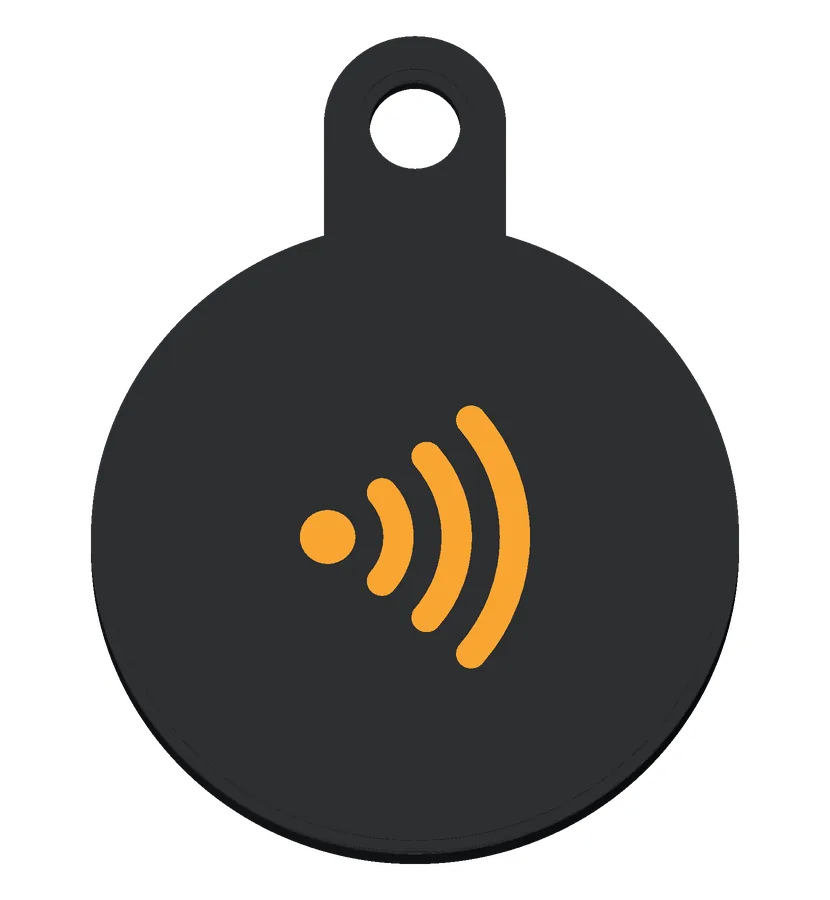 Tap wavesTap to share: your website, or whatever you write to the sticker
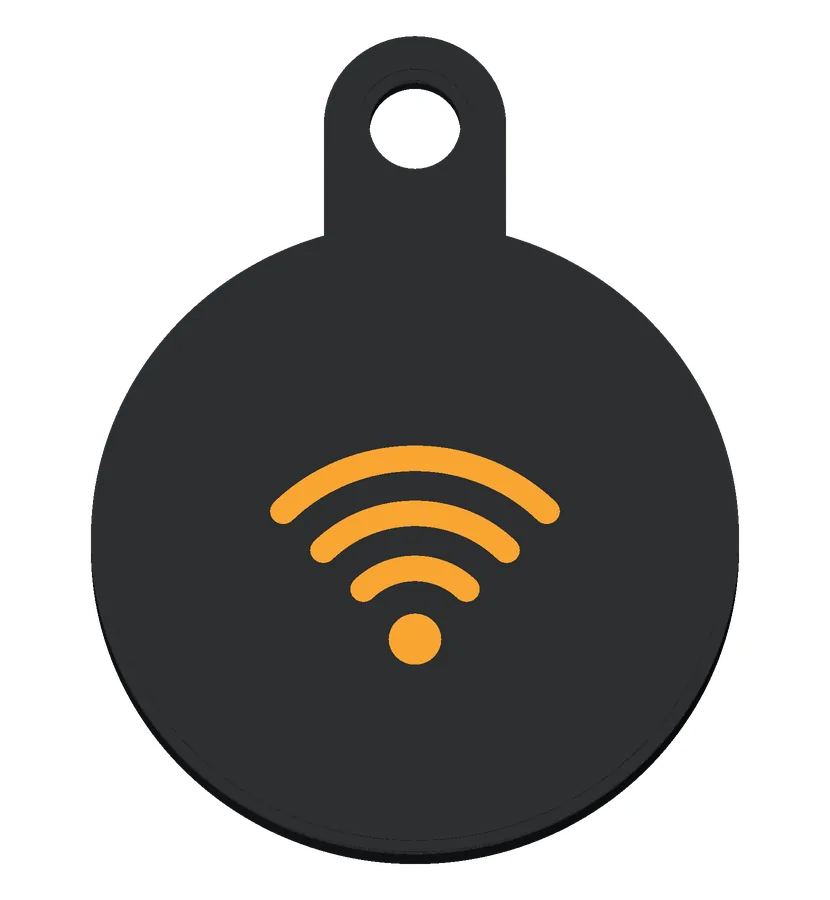 Wi-FiYour guest Wi-Fi
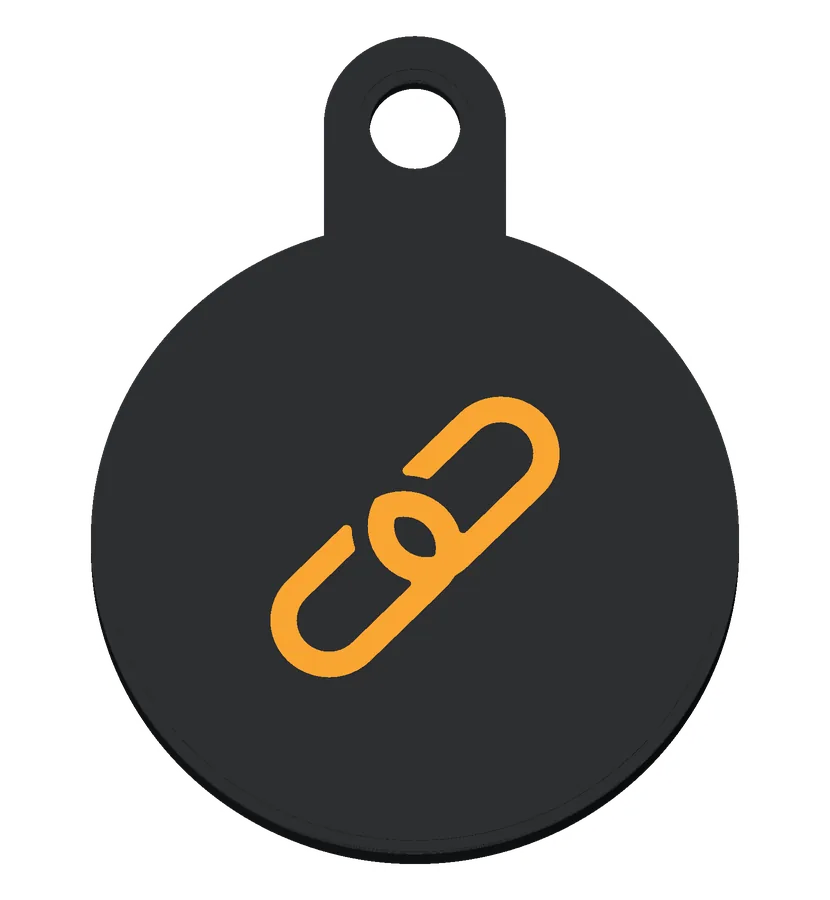 LinkYour website, or any page you open often
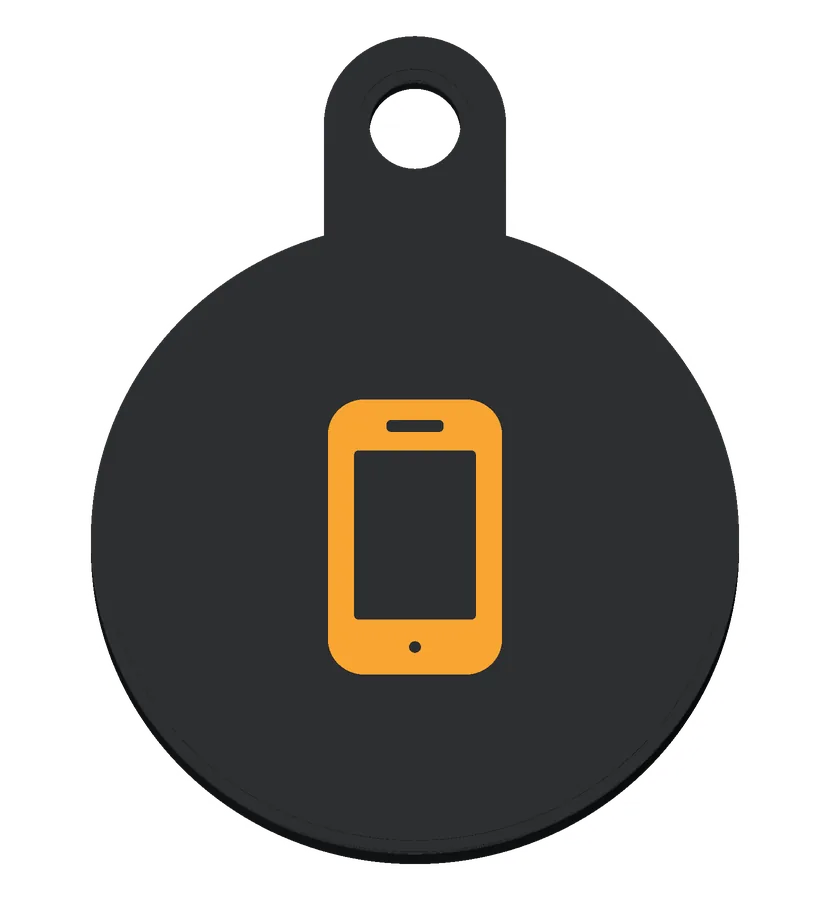 PhoneYour number, ready to call or text
 Phone with tap wavesTap your phone here: your number, or your contact card
 EnvelopeAn email to you, with the subject filled in
 PersonYour contact card, on your keys
 HomeCall my family: a parent's number on a child's backpack
 KeyWho to ask for the key, or the locker's app
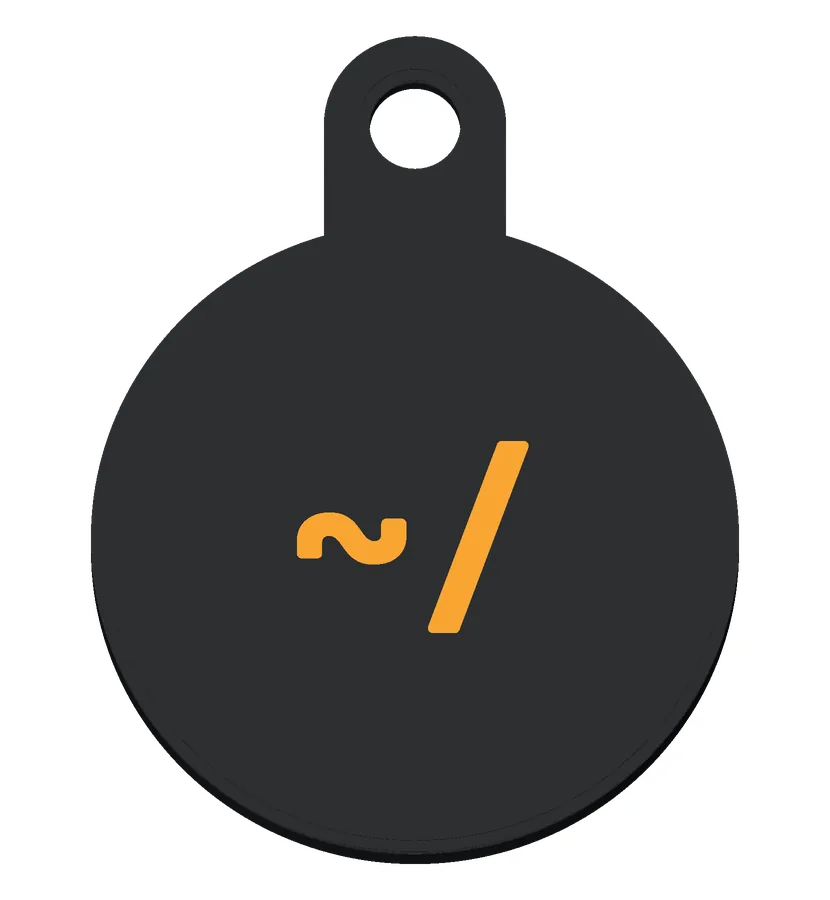 ~/Tilde's mark, for a fob that opens your Tilde page
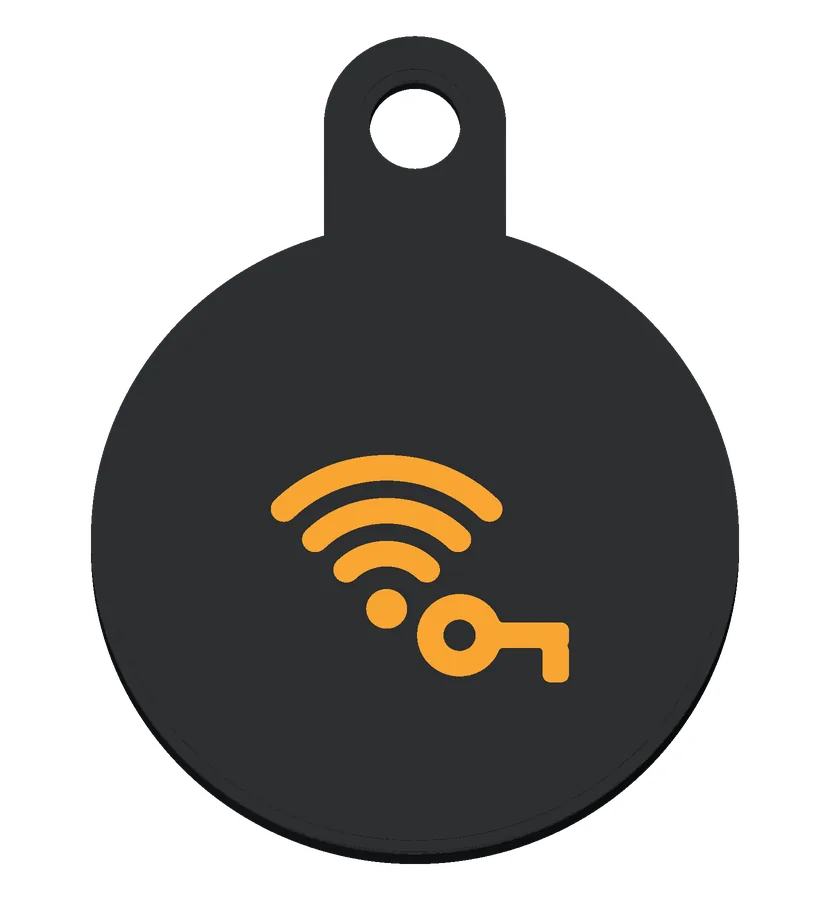 Wi-Fi passwordGuest Wi-Fi, with its password on the sticker
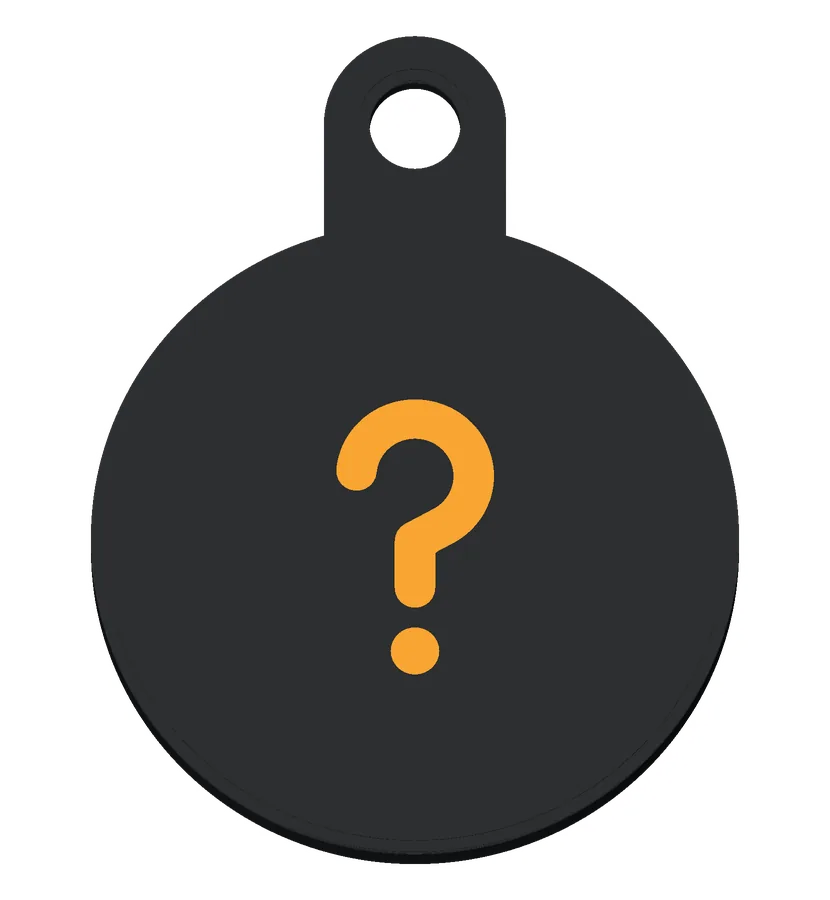 Found it?Found this? Call or text the owner
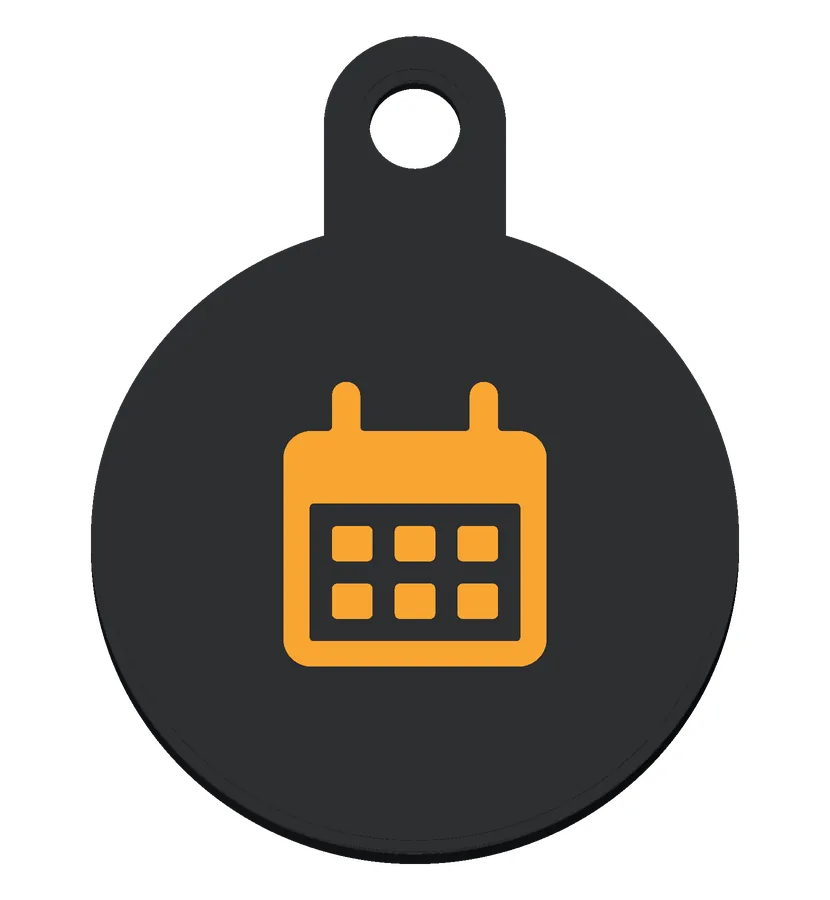 CalendarA shared calendar
 HotspotYour phone's hotspot
 HandsetA number to call
 PetA pet's page, with the owner's number
 FitnessThe gym's class schedule
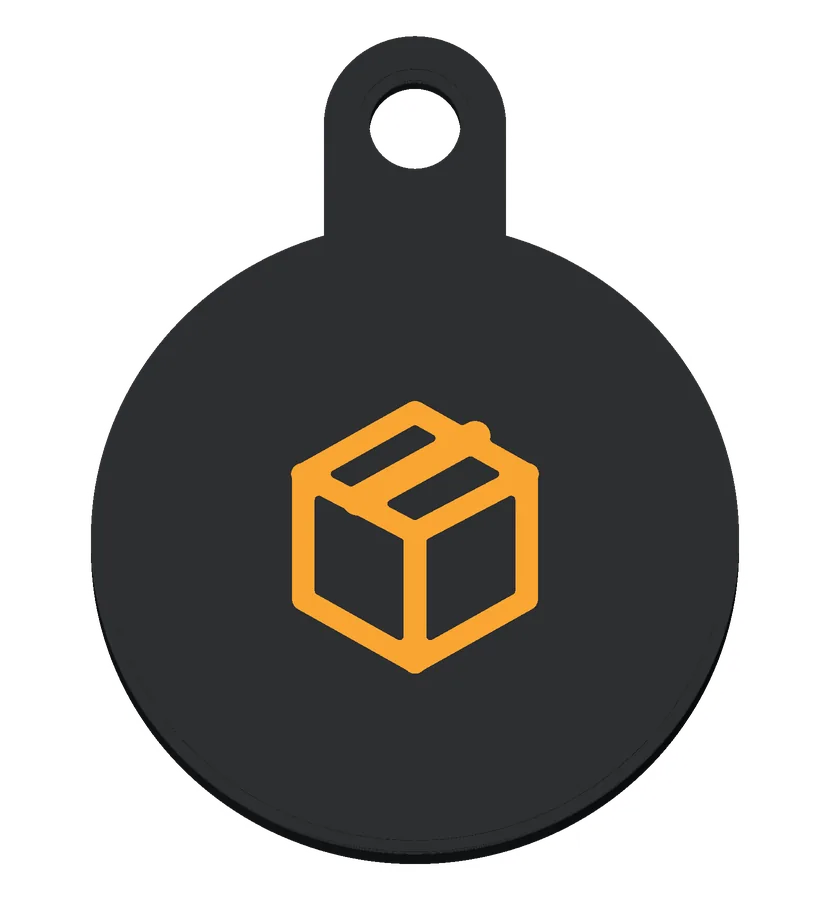 PackageA parcel's tracking page
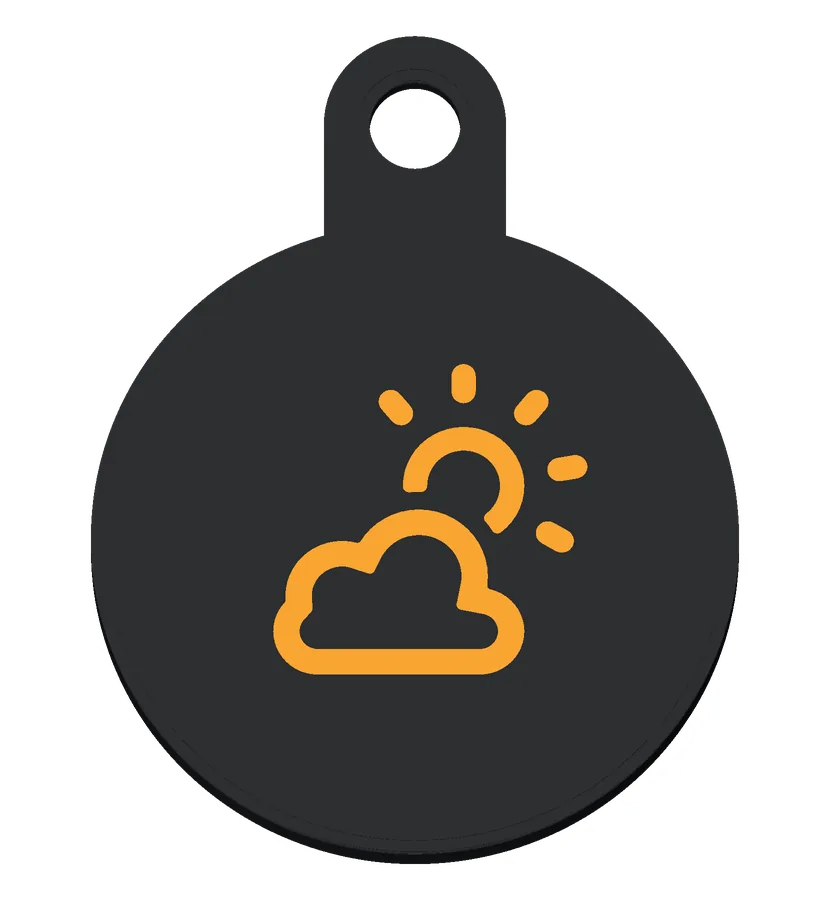 WeatherToday's forecast for your city
 LocationDirections to a place, from a maps link
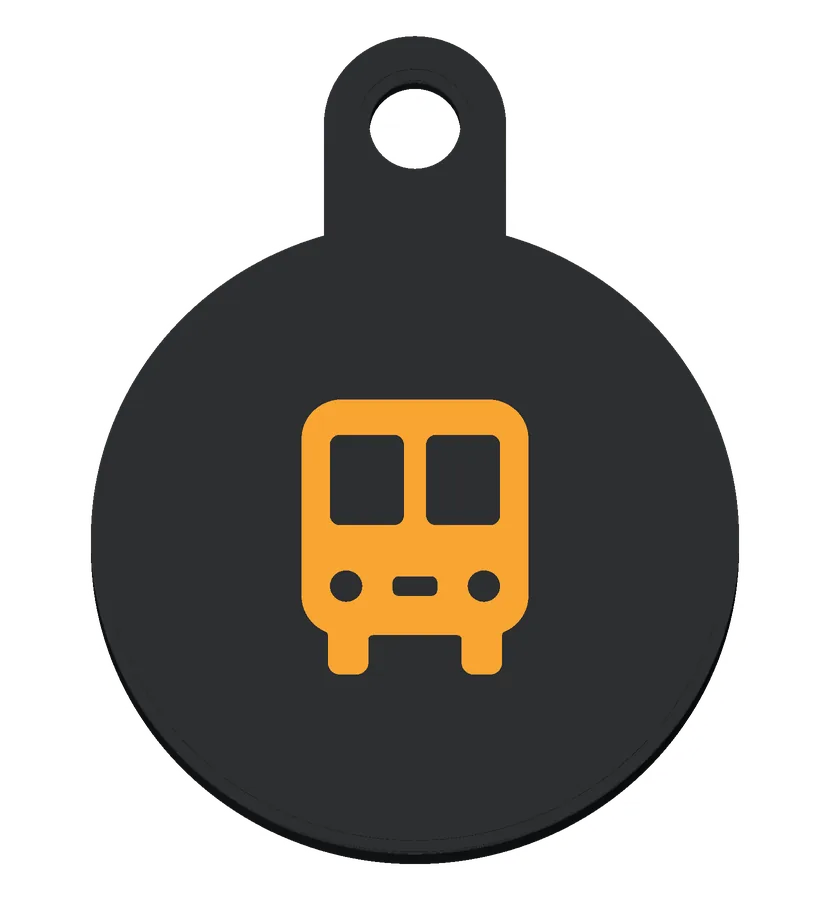 TransitLive bus departures
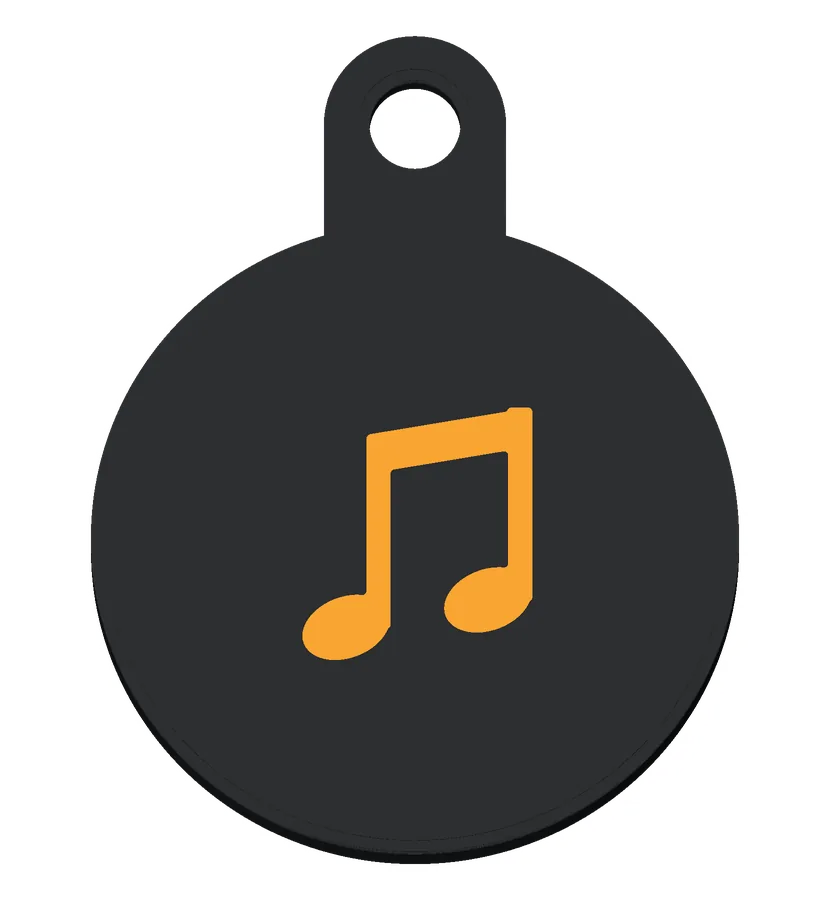 MusicA playlist
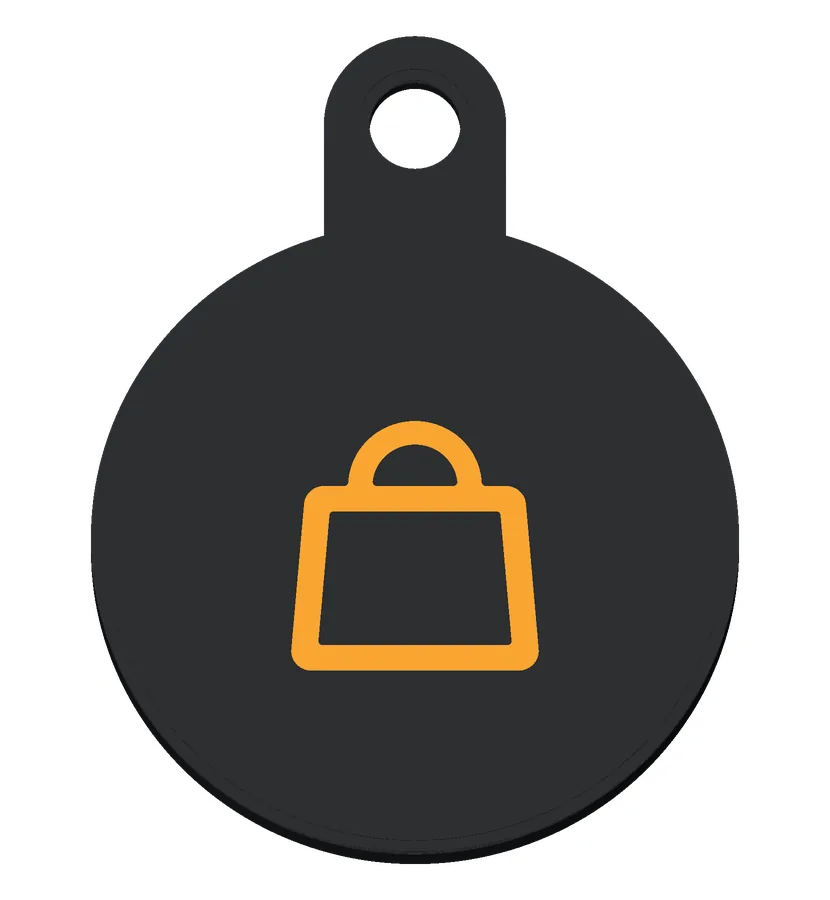 ShopYour shop, or a market stall's page
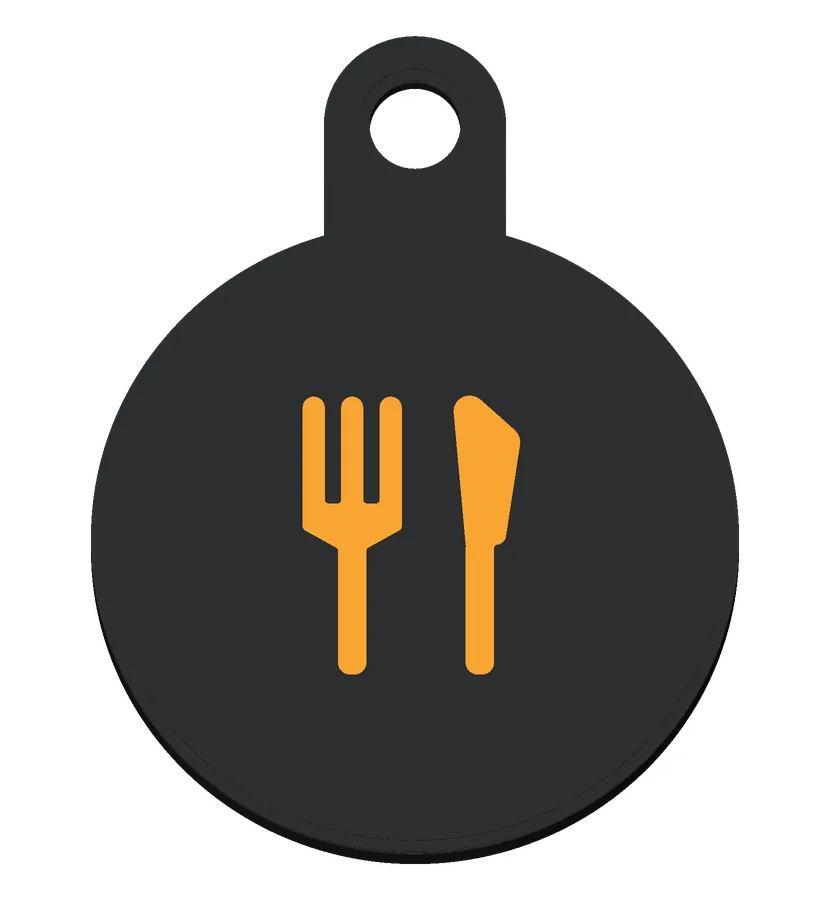 FoodA restaurant's menu
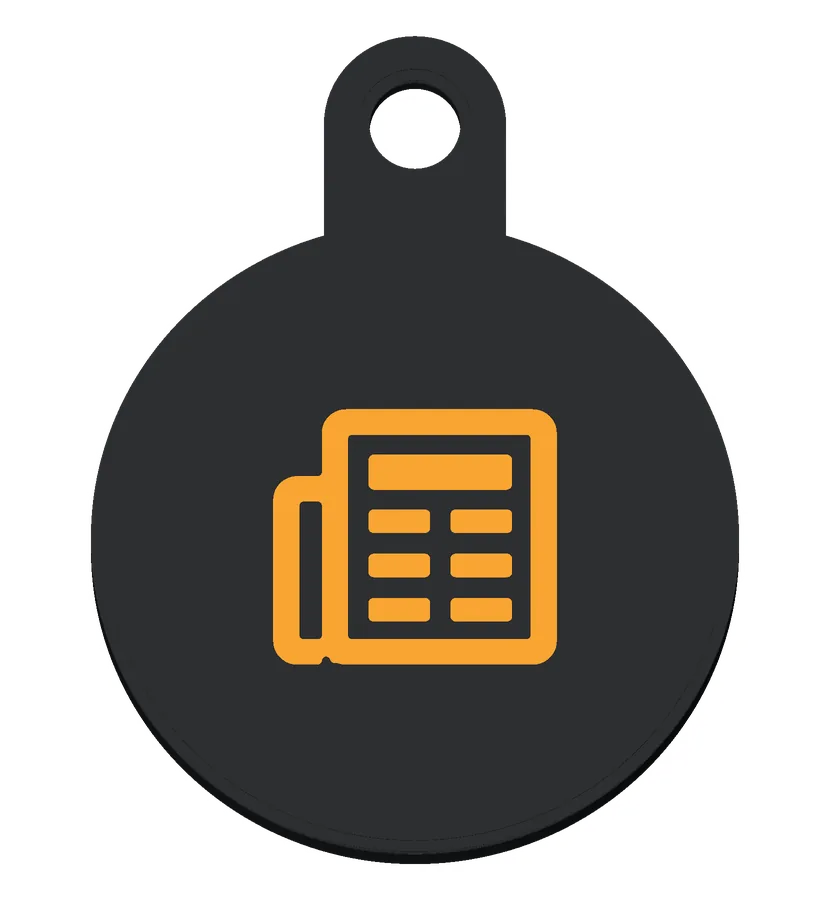 NewsA news front page
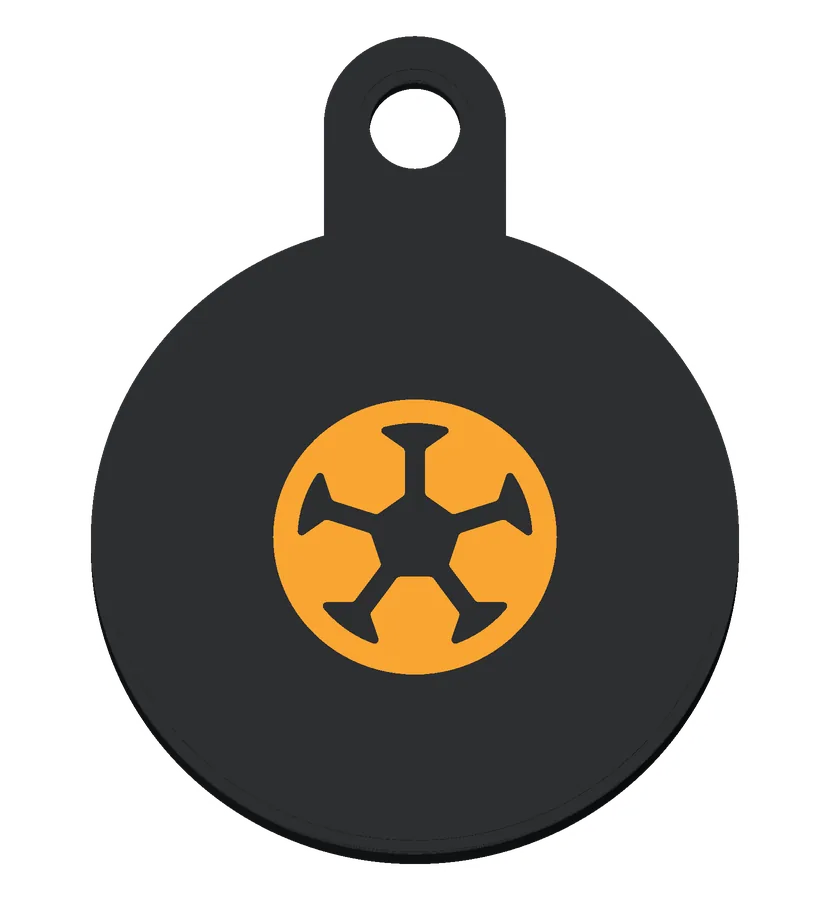 Soccer ballYour team's scores and fixtures
 SportsA league's table or a match schedule
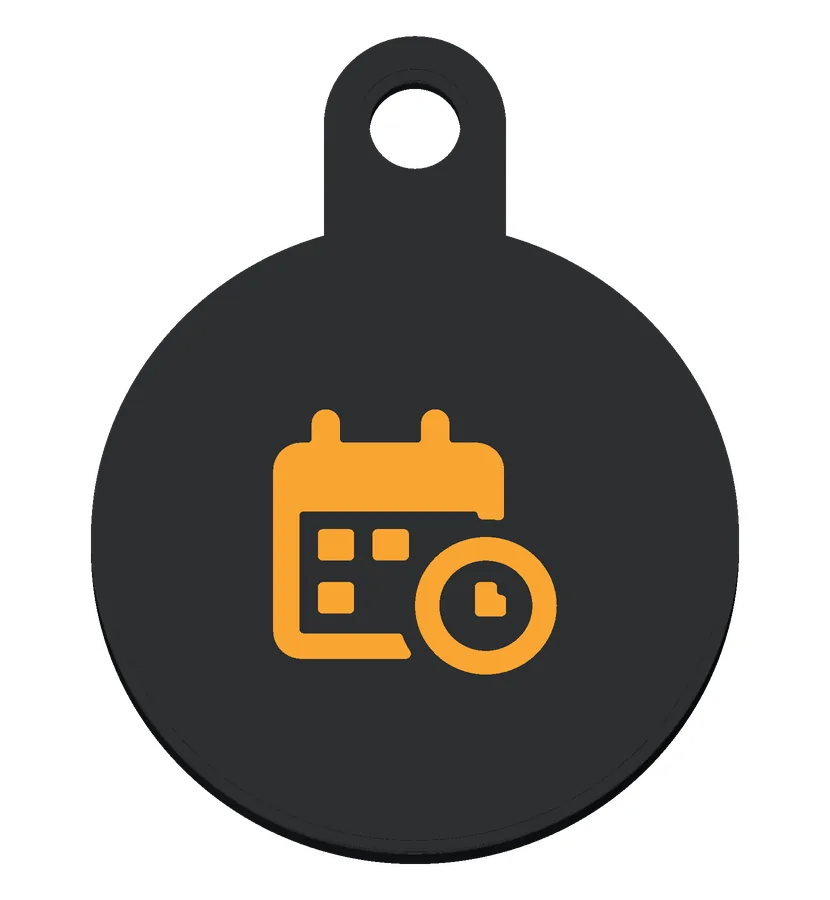 BookingYour booking page: tap to book time with me
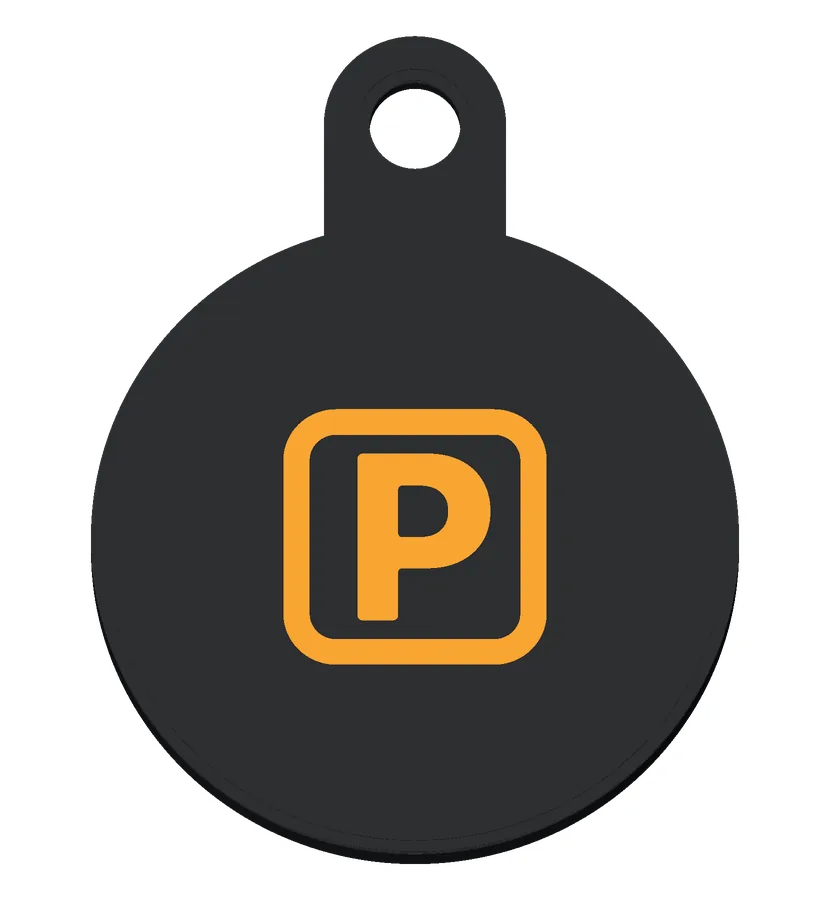 ParkingThe city's parking map, or garages nearby
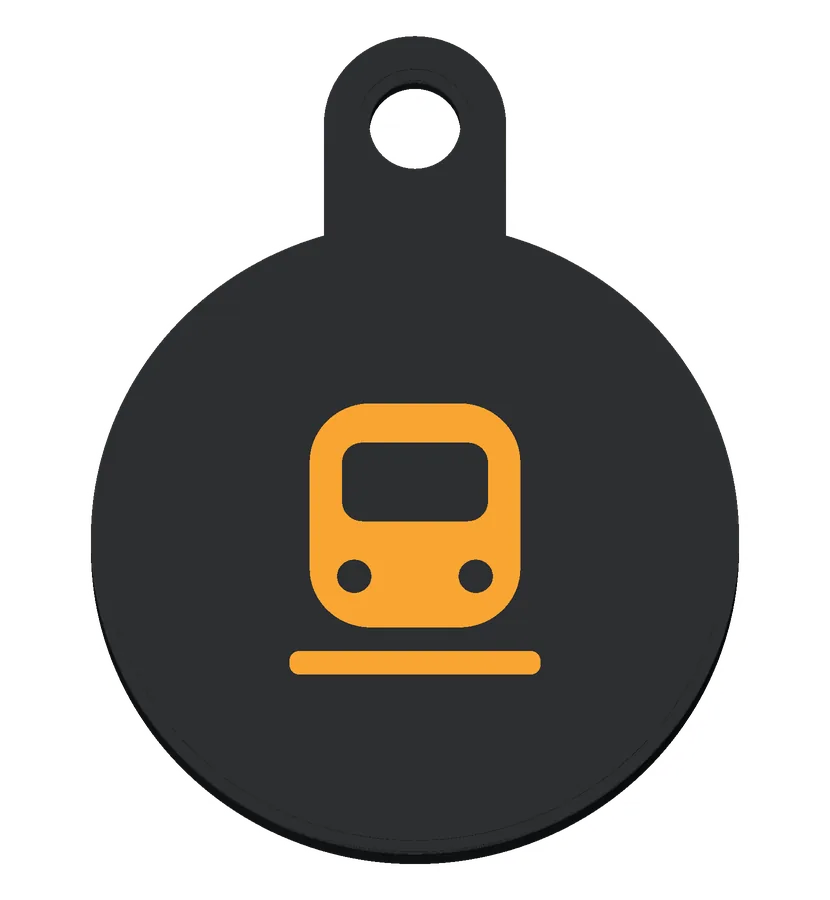 TrainMetro or train times
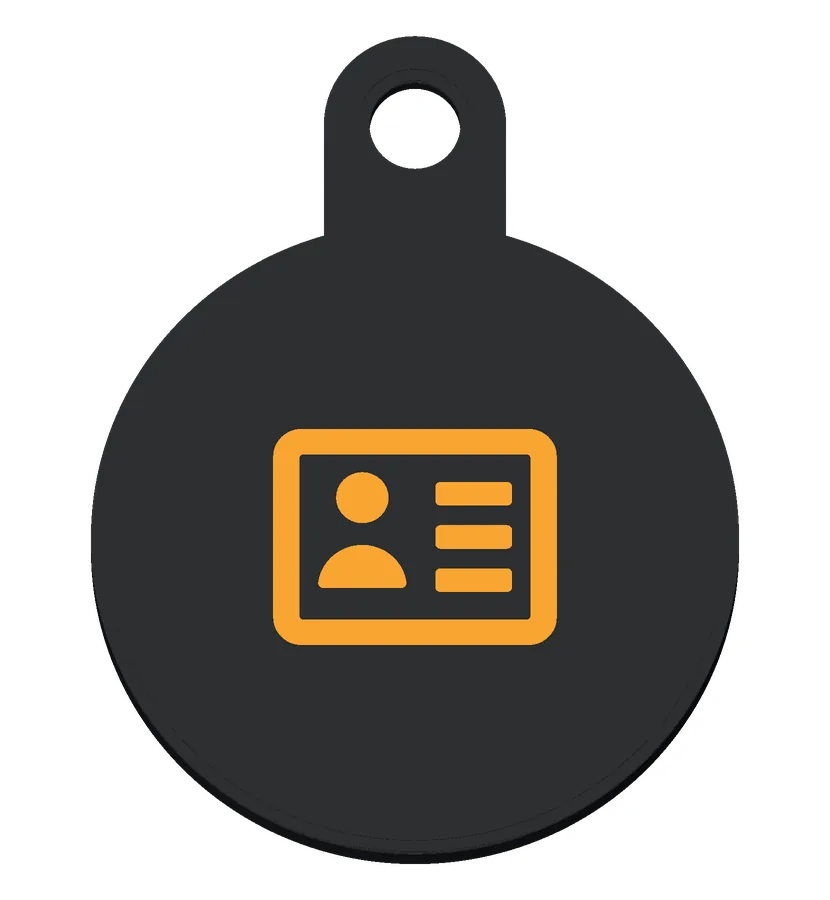 Contact cardYour contact card, ready to save
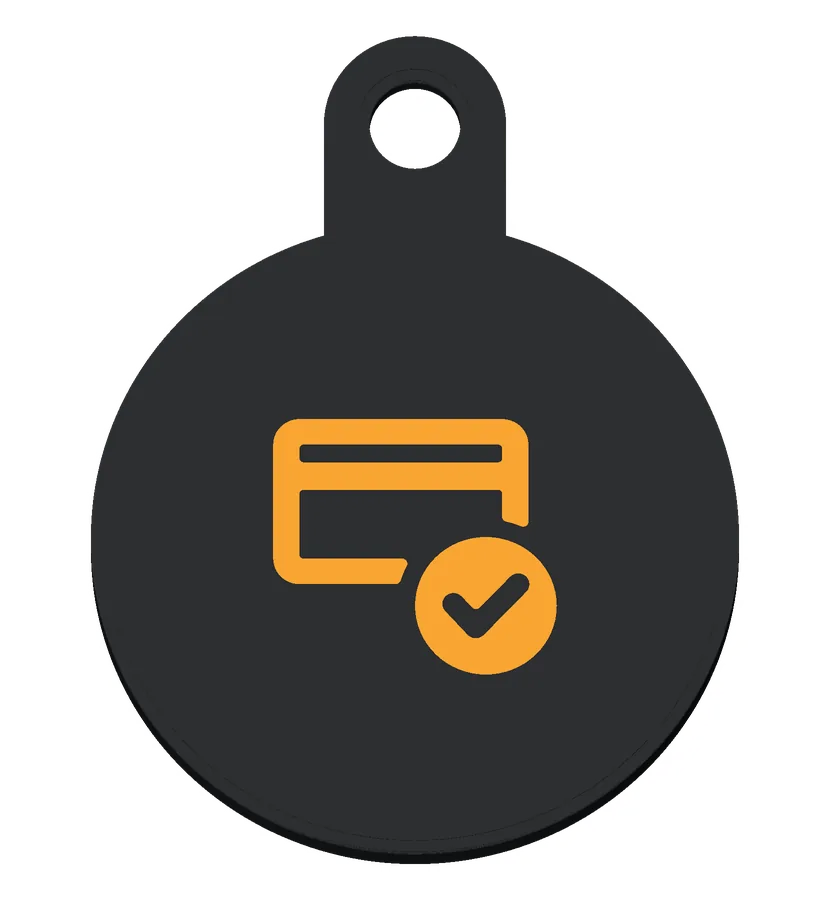 PaymentA page to pay or tip
 ChatA chat with you, a greeting ready to send
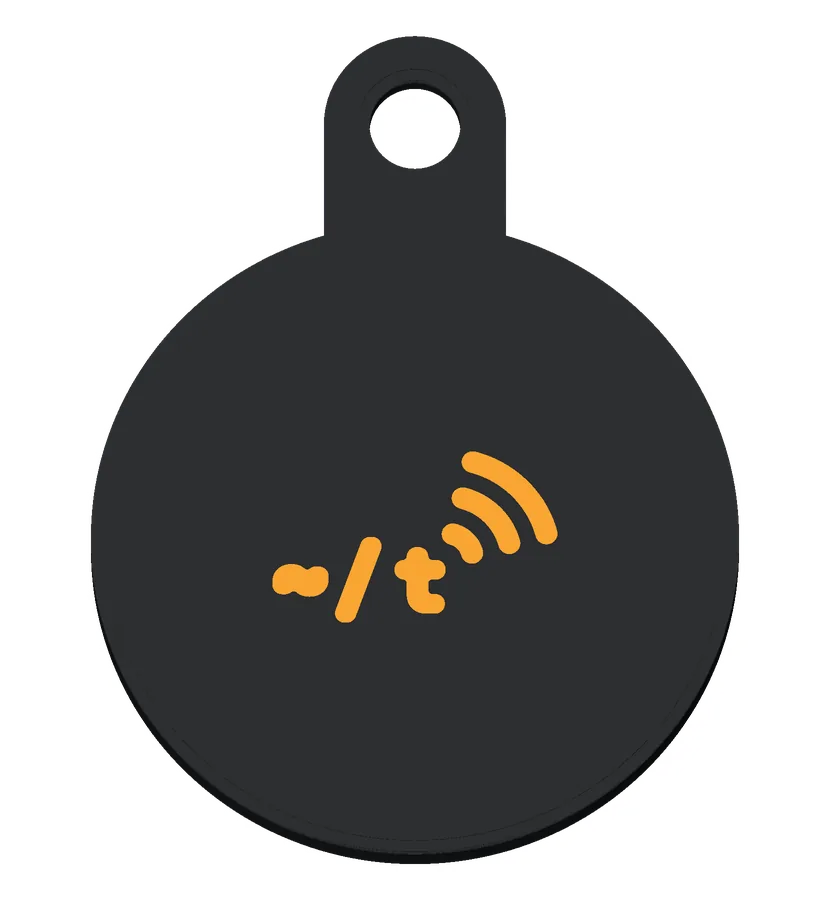 ~/t short markTilde's short mark, for the Tilde page
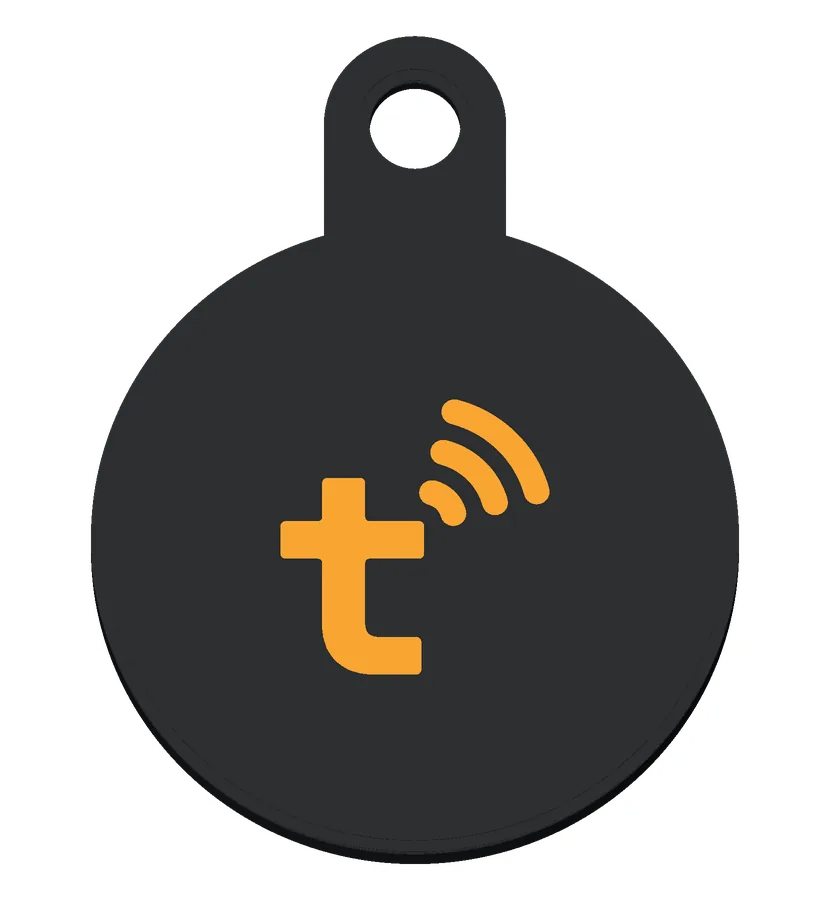 t short markTilde's short mark, for the Tilde page
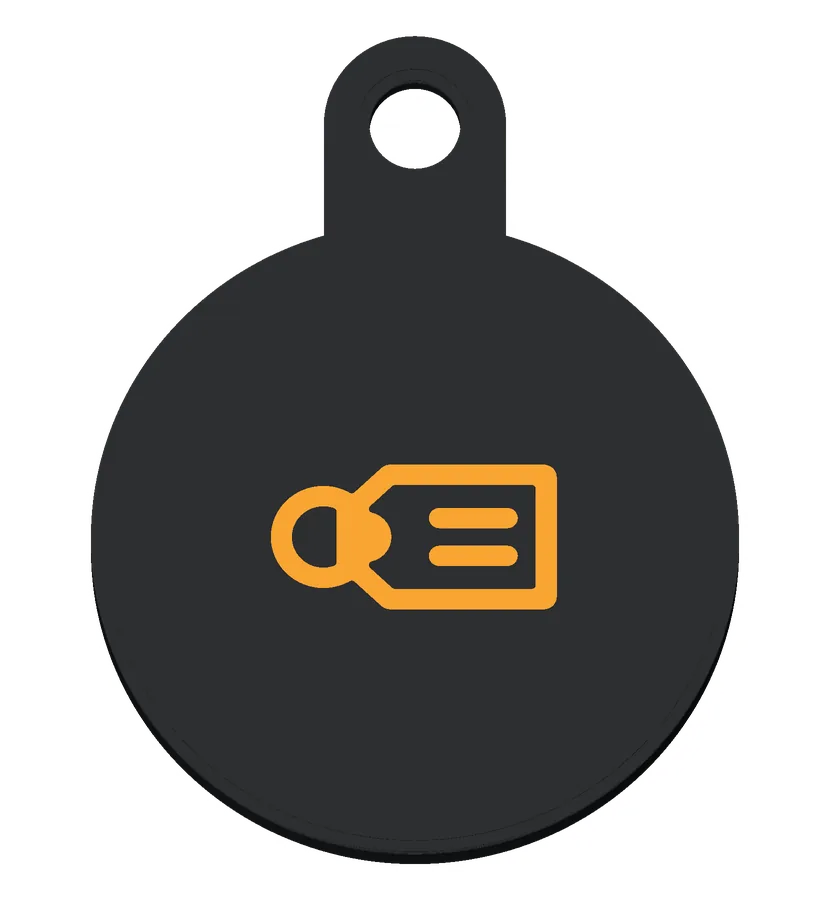 Luggage tagFound this bag? Reach the owner
how to get one
- Print your own from github.com/tbutman/tilde-card: choose a coin or a tag, Base or Premium, your colors and your icon in OpenSCAD’s Customizer, then export it.
- Add a round NFC sticker (an NTAG216 holds a full contact card; an NTAG215 is fine for a link. Search “NTAG216 25mm round NFC sticker””) and write it with Tilde (Android: Cards → Write a sticker) or the free NFC Tools app (iPhone and Android).
- Or pick one up at the Tilde booth at Web Summit. Take a tag from the giveaway boxes; it’s written for you there (see the Uses page).
see more
- Liked your fob? See what else a tag can do: Use cases
- The card that goes with it: Cards
- The app: Tilde for Android